Product Recognition | |
|---|
Certification Number | ZC12-21120328 |
|---|
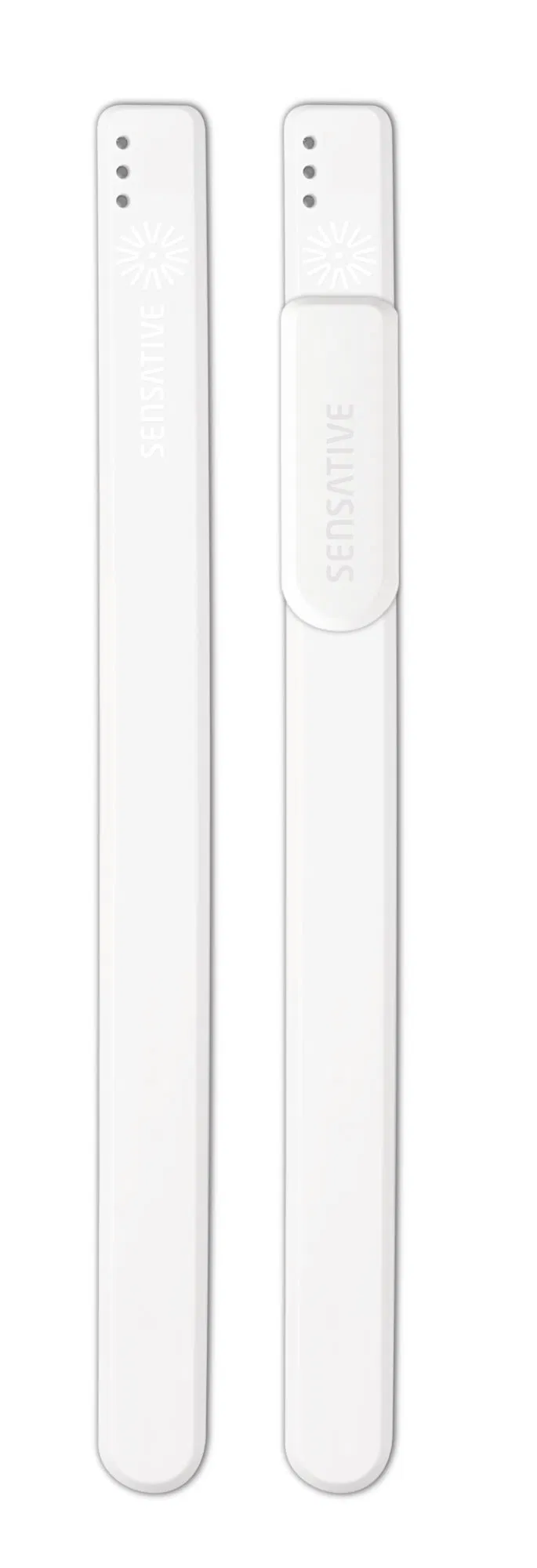
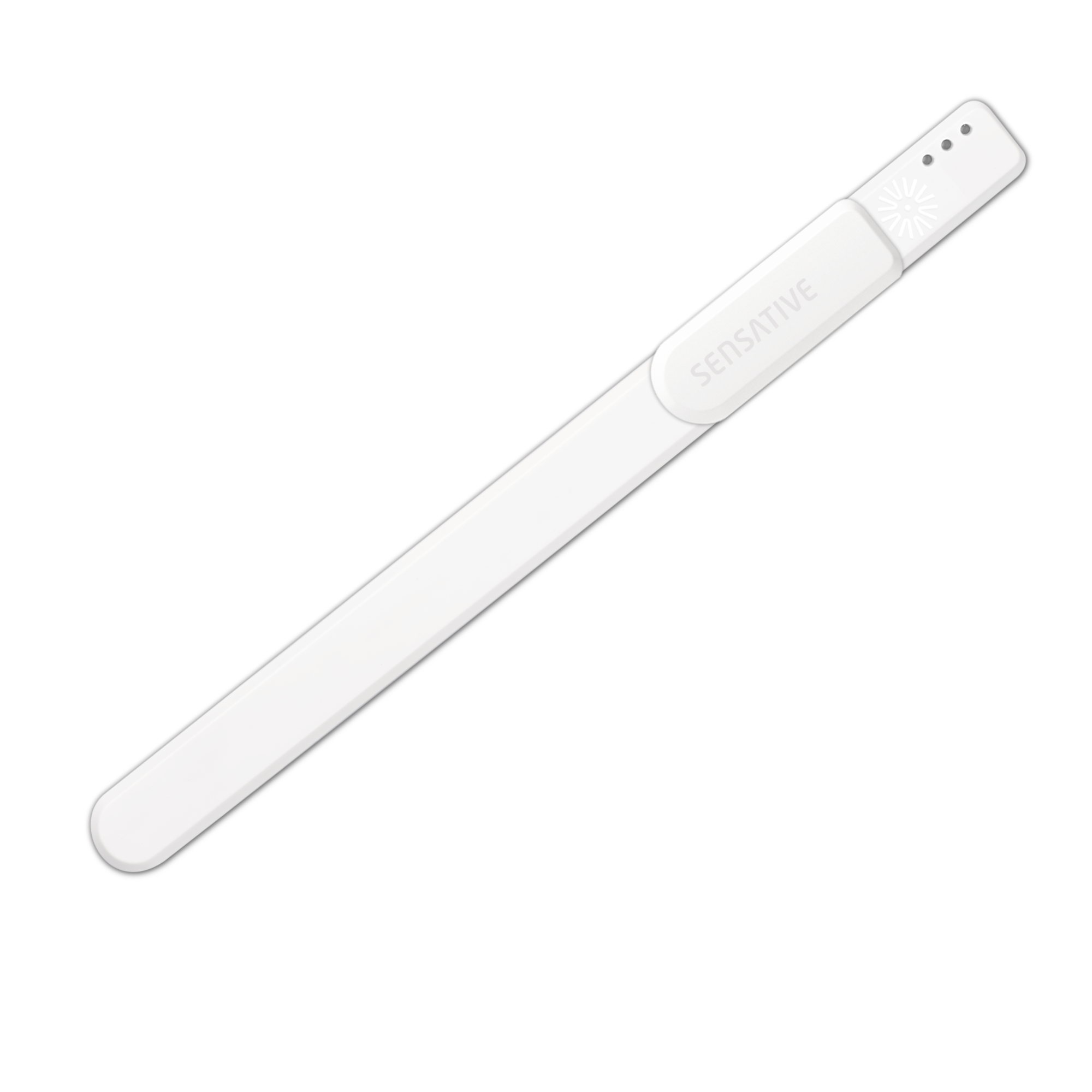
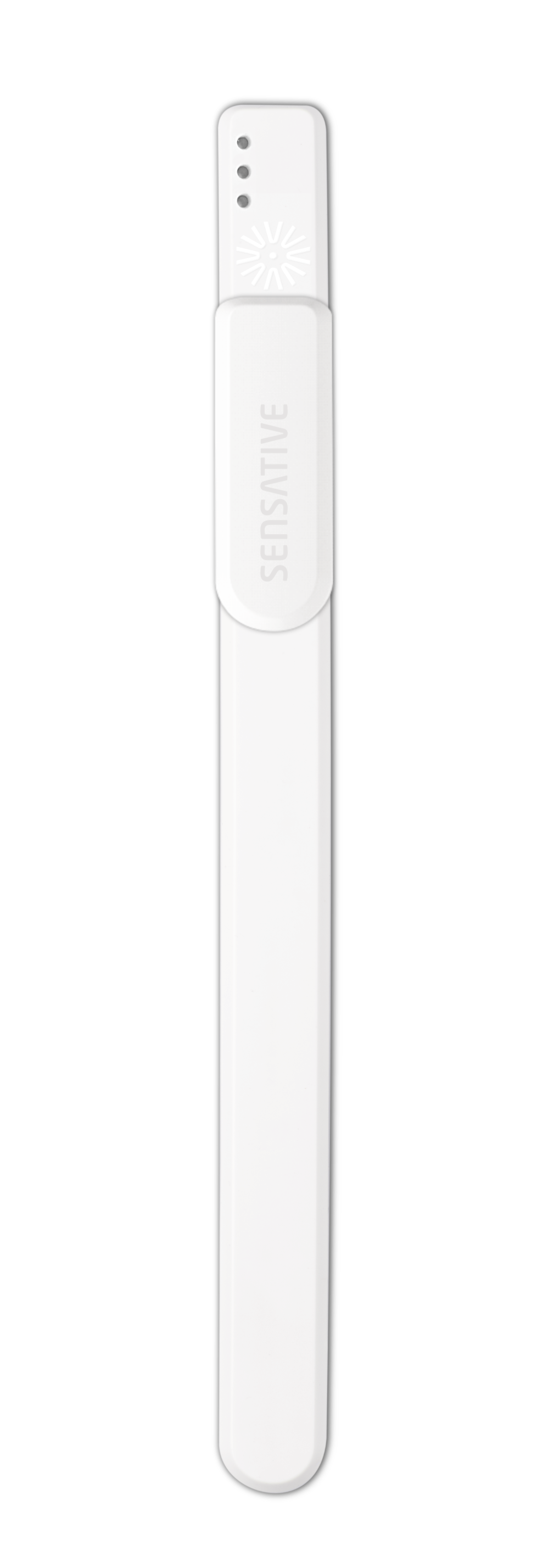
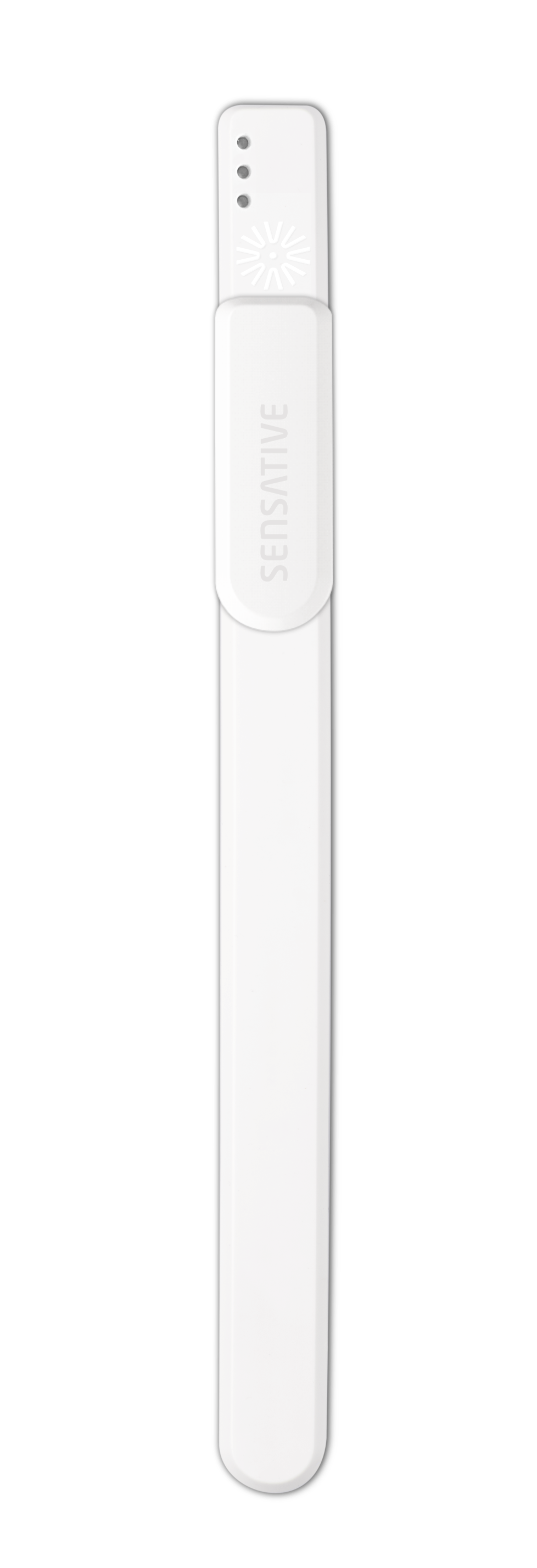
Name | Strips Comfort 700 |
|---|
Short Description | Strips Comfort 700 is a very discreet multi-function sensor and with a built-in temperature and humidity sensor, an ambient light sensor, 10 year battery life and our unique +Switch to trigger scenarios, it’s the perfect addition to any room. |
|---|
Long Description | Strips Comfort 700 is a very discreet multi-function sensor, with a built-in accurate temperature and humidity sensor, an ambient light sensor, 10 year battery life and our unique +Switch to trigger scenarios, it’s the perfect addition to any room.
Strip Comfort 700 can be configured to send temperature, humidity and ambient light reports periodically, or based upon changes from last report. It can also calculate and report the average temperature periodically. You can also set Strips Comfort 700 to send alert reports when a set temperature or light level has been reached.
Strips Comfort 700 comes with our +Switch slider that can be used to trigger scenarios or activate other devices such as lights or blinds.
Strips Comfort 700 supports associations to enable connectivity directly with other Z-Wave Plus™ devices without requiring a Z-Wave™ gateway.
Z-Wave Plus 700 series sensors bring a wealth of additional valued features such as longer range, low power consumption for an extended battery life and SmartStart technology for instant enrolling. With SmartStart, device inclusion can be initiated automatically by simply removing the included magnets. The Z-Wave gateway then performs the inclusion process in the background without the need for user interaction. 700 Series provides a direct range of 100 meters, an improvement of 60 meters over the 500 series and also includes the industry’s best S2 security, providing Strips with the ultimate combination of features for your smart home. |
|---|
Brand | Sensative |
|---|
Product Identifier | 11 02 022 |
|---|
Product Line | Strips |
|---|
OEM Version | HW: 1 FW: 5.08 |
|---|
Hardware Platform | ZGM130 |
|---|
Z-Wave Version | 7.13.7 |
|---|
Library Type | SLAVE_ENHANCED_232 |
|---|
Device Type | Notification Sensor |
|---|
Role Type | ROLE_TYPE_SLAVE_SLEEPING_REPORTING |
|---|
Manufacturer ID | 0x019A |
|---|
Product Type ID | 0x0004 |
|---|
Product ID | 0x000C |
|---|
User Icon | 0x0D01 |
|---|
Installer Icon | 0x0D01 |
|---|
Frequency Plans | US: 916.00MHz, 908.40MHz |
|---|
Categories | Sensors |
|---|
Countries / Regions | United States of America, Colombia |
|---|
Supported Command Classes | Identifier | Name | Key | Version |
|---|
COMMAND_CLASS_CONFIGURATION_V4 | Configuration V4 | 0x70 | 4 | COMMAND_CLASS_POWERLEVEL | Powerlevel | 0x73 | 1 | COMMAND_CLASS_ASSOCIATION_GRP_INFO_V3 | Association Group Information (AGI) V3 | 0x59 | 3 | COMMAND_CLASS_INDICATOR_V3 | Indicator V3 | 0x87 | 3 | COMMAND_CLASS_BATTERY | Battery | 0x80 | 1 | COMMAND_CLASS_APPLICATION_STATUS | Application Status | 0x22 | 1 | COMMAND_CLASS_FIRMWARE_UPDATE_MD_V5 | Firmware Update Meta Data V5 | 0x7A | 5 | COMMAND_CLASS_MULTI_CHANNEL_ASSOCIATION_V3 | Multi Channel Association V3 | 0x8E | 3 | COMMAND_CLASS_SECURITY_2 | Security 2 | 0x9F | 1 | COMMAND_CLASS_SENSOR_MULTILEVEL_V11 | Multilevel Sensor V11 | 0x31 | 11 | COMMAND_CLASS_TRANSPORT_SERVICE_V2 | Transport Service V2 | 0x55 | 2 | COMMAND_CLASS_WAKE_UP_V2 | Wake Up V2 | 0x84 | 2 | COMMAND_CLASS_DEVICE_RESET_LOCALLY | Device Reset Locally | 0x5A | 1 | COMMAND_CLASS_ZWAVEPLUS_INFO_V2 | Z-Wave Plus Info V2 | 0x5E | 2 | COMMAND_CLASS_ASSOCIATION_V2 | Association V2 | 0x85 | 2 | COMMAND_CLASS_NOTIFICATION_V8 | Notification V8 | 0x71 | 8 | COMMAND_CLASS_VERSION_V3 | Version V3 | 0x86 | 3 | COMMAND_CLASS_CENTRAL_SCENE_V3 | Central Scene V3 | 0x5B | 3 | COMMAND_CLASS_SUPERVISION | Supervision | 0x6C | 1 | COMMAND_CLASS_MANUFACTURER_SPECIFIC_V2 | Manufacturer Specific V2 | 0x72 | 2 |
|
|---|
S2 Classes | S2_UNAUTHENTICATED, S2_AUTHENTICATED |
|---|
Documents | Category | File | Description |
|---|
Image_Product_Supplemental_3 | | | Manual_Primary_Lang | | Product Manual |
|
|---|
Features | Feature | Values |
|---|
Battery Type | Value |
|---|
Built in 3.0V LiMnO2 |
| Color | | Firmware Updatable | Value |
|---|
Updatable by Consumer by RF |
| Z-Wave Scene Type | |
|
|---|
Association Groups | Group Number | Maximum Nodes Supported | End Point ID | Group Name | Profile | Description |
|---|
2 | 5 | 0 | Binary Switch | 0x2001 | OFF – 00 (0x00)
ON – 255 (0xFF)
This association shall work for both Binary Switch and Timed Switch functions set in configuration parameter 29 – Slider switch function | 3 | 5 | 0 | Basic Set for Binary Switch | 0x2001 | OFF – 00 (0x00)
ON – 255 (0xFF)
Values could be modified using the configuration parameters 33 & 34
This association shall work for both Binary Switch and Timed Switch functions set in configuration parameter 29 – Slider switch function | 4 | 5 | 0 | Thermostat Mode Set for Binary Switch | 0x2001 | Pre-requisite: configuration parameter no. 29 – Slider switch function set to 1 (Binary Switch)
OFF – 00 (0x00) or
The value set in the configuration parameter 35, Default is Heat Mode On – 01 (0x01) | 5 | 5 | 0 | Temperature Report for Temperature Alarms | 0x7104 | Temperature Value | 6 | 5 | 0 | Basic Set for Temperature Alarms | 0x7104 | High temperature alarm = OFF – 00 (0x00)
Low temperature alarm = ON – 255 (0xFF)
Values could be modified using the configuration parameters 36 & 37 | 7 | 5 | 0 | Basic Set for Ambient Light Report Levels | 0x3103 | High ambient light (LUX) level trigger = ON – 255 (0xFF)
Low ambient light (LUX) level trigger = OFF – 00 (0x00)
Values could be modified using the configuration parameters 38 & 39 | 1 | 1 | 0 | Lifeline | 0x0001 | The Lifeline Group, includes all commands that are sent automatically to keep a central controller notified of the status of Strips Comfort 700.
This includes the battery level, the temperature and humidity levels, high and low temperature notifications, ambient light level reports and central scene notifications. |
|
|---|
Configuration Parameters | Parameter Number | Name | Description | Format | Size | Min Value | Max Value | Default Value | Parameter Values | Flag Advanced |
|---|
2 | LED alarm event reporting | Turn On or Off LED for specific event indications (ex. alarms) | 3 | 1 | 0 | 2 | 1 |
Warning: Undefined variable $field_object in /nas/content/live/zwaprodcatalog/wp-content/themes/hello-elementor-child/single-z-wave-product.php on line 98
From | To | Description |
|---|
0 | 0 | Off | 1 | 0 | On, but no LED indication for associated nodes (1/5 blinks) | 2 | 0 | On with LED indications based on success/fail for BOTH the gateway and the associated nodes |
| | 4 | Temperature & Humidity reporting | Select temperature and humidity sensor reporting | 3 | 1 | 0 | 3 | 1 | From | To | Description |
|---|
0 | 0 | Off | 1 | 0 | On. Sends temperature/humidity based on difference from last reported value (set in config parameters 26 and 28) | 2 | 0 | On. Timed reporting of the actual temperature and the actual humidity value (set time in config parameter 25) | 3 | 0 | On. Timed reporting of the average temperature value between reports. Will also send the actual humidity value (set time in config parameter 25) |
| | 5 | Temperature unit | Select the temperature unit
Default:
0 (Except US frequency) or
1 (US frequency)
| 3 | 1 | 0 | 1 | 1 | From | To | Description |
|---|
0 | 0 | Celcius | 1 | 0 | Fahrenheit |
| | 6 | Temperature alarms | Turn On or Off temperature alarm (The
alarms are not affected by
parameters 4, 25 or 26) | 3 | 1 | 0 | 1 | 0 | From | To | Description |
|---|
0 | 0 | Off | 1 | 0 | On |
| | 7 | High temperature alarm level | Select high temperature alarm level
"-20 to +80 (degree C) or
-4 to +176 (degree F) (US frequency)"
Default:
"40 C
or
104 F (US frequency)" | 1 | 2 | -4 | 176 | 104 | From | To | Description |
|---|
-4 | 176 | (degree F) (US frequency) |
| | 8 | Low temperature alarm level | Select low temperature alarm level
"-20 to +60 (degree C) or
-4 to +140 (degree F) (US frequency)"
Default:
"5 C
or
41 F (US frequency)" | 1 | 2 | -4 | 140 | 41 | From | To | Description |
|---|
-4 | 140 | (degree F) (US frequency) |
| | 9 | Ambient light reporting | Ambient light report settings. Using a filter (low-pass) is
highly recommended to avoid large amounts of reports in
fluctuating lights. | 2 | 1 | 0 | 8 | 8 | From | To | Description |
|---|
0 | 0 | Off | 1 | 1 | Reporting visual changes without filter (This configuration will affect the sensor battery life if placed where light fluctuates significantly) | 2 | 8 | Filter length. 2 is the fastest filter allowing quick responses. 8 is a slower filter setting and will give the longest battery life |
| | 11 | Low ambient light (LUX) level trigger | The sensor will send a light report when the light goes below this level. Can be used in scenarios to trigger other devices. When enabling parameter 11, parameter 10 must also be set with a greater value, else the trigger stays off | 1 | 4 | 0 | 42000 | 0 | From | To | Description |
|---|
0 | 0 | Off | 10 | 42000 | LUX |
| | 31 | Use Multi-Command encapsulation | Send Temperature and Humidity sensor value reports and or Temperature Alarms related reports (Notification Report + Multi-Level Sensor Report + Central Scene Notification) in one message, this saves battery power. Make sure your gateway supports Multi-Command Command Class first. | 3 | 1 | 0 | 1 | 0 | From | To | Description |
|---|
0 | 0 | Off | 1 | 0 | On |
| Yes |
|
|---|
Texts | ID | Description | Value |
|---|
8 | Where to find S2 DSK on product | "Start by scanning the Z-Wave QR Code present on the back label of the Strip, or on the DSK leaflet present in the box." | 1 | Classic Inclusion | Place the controller into pairing mode and perform the "wake up" pattern as described below.
1. Take the magnet and move it to the rounded edge and wait for the blink, then move the magnet away.
2. Repeat this 3 times. A final short blink will confirm that the user-command was successful. | 2 | Classic Exclusion | Place the controller into remove mode and perform the "wake up" pattern as described below.
1. Take the magnet and move it to the rounded edge and wait for the blink, then move the magnet away.
2. Repeat this 3 times. A final short blink will confirm that the user-command was successful. | 4 | Wake-Up Procedure | 1. Take the magnet and move it to the rounded edge and wait for the blink, then move the magnet away.
2. Repeat this 3 times. A final short blink will confirm that the user-command was successful. | 5 | Factory Reset Procedure | You may need to reset Strips if your Z-Wave controller is missing or not responding. Follow the instructions for Wake Up above, but on the 3rd
repetition, keep the magnet at the rounded edge for 10 seconds. A long LED signal indicates success. |
|
|---|
Supported Notification Types | Notification Type | Event / State |
|---|
Heat Alarm | (Refer to parameters): State idle | Heat Alarm | Heat sensor status: Overheat detected | Heat Alarm | Heat sensor status: Under heat detected | Home Security | (Refer to parameters): State idle | Home Security | Magnetic interference status: Magnetic field interference detected |
|
|---|
Supported Multilevel Sensors | Multilevel Sensor Type |
|---|
Air temperature | Illuminance | Humidity |
|
|---|
Supports NWI | Yes |
|---|
Supports Explorer Frames | Yes |
|---|
Supports SmartStart | Yes |
|---|
Radio Range Z-Wave (m) | 40 |
|---|