Product Recognition | |
|---|
Certification Number | ZC10-16085168 |
|---|
Name | Strips-MaZw |
|---|
Short Description | Open/Close Magnet-sensor for doors & windows |
|---|
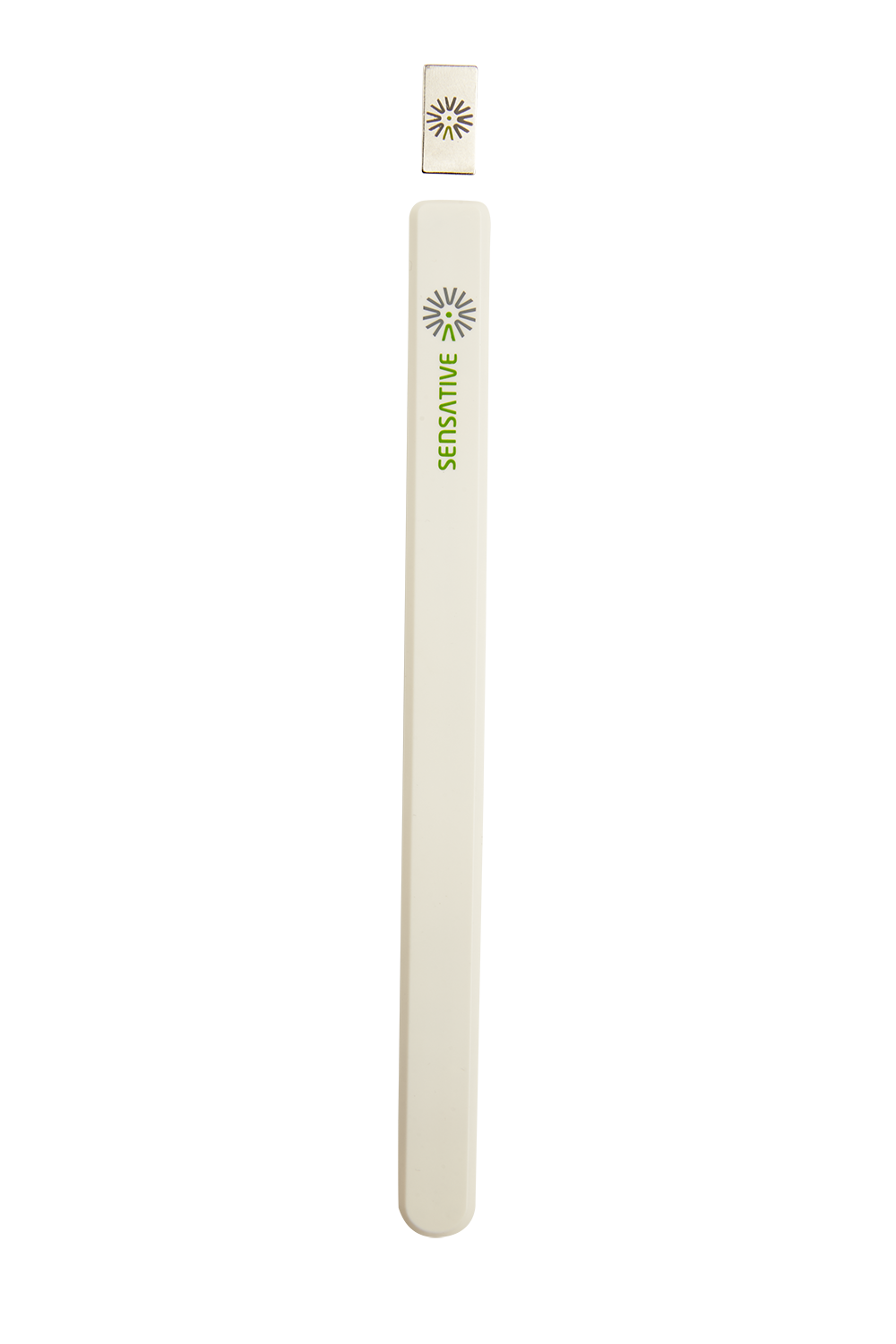
Long Description | Strips by Sensative is an ultra-thin magnetic sensor designed to monitor windows and doors for your safety. It´s so thin that it can be mounted invisibly in the tiny gap between the frame and the door or window.
It is as easy to mount as a sticker using Strips's adhesive tape.
Strips is Z-Wave plus compliant and can be used with any existing Z-Wave smarthome systems. |
|---|
Brand | Sensative |
|---|
Product Identifier | 11 01 011 |
|---|
OEM Version | HW: 2 FW: 0.06:00.07 |
|---|
Hardware Platform | ZM5101 |
|---|
Z-Wave Version | 6.51.06 |
|---|
Library Type | SLAVE_ROUTING |
|---|
Device Type | Notification Sensor |
|---|
Role Type | ROLE_TYPE_SLAVE_SLEEPING_REPORTING |
|---|
Manufacturer ID | 0x019A |
|---|
Product Type ID | 0x0003 |
|---|
Product ID | 0x0003 |
|---|
User Icon | 0C 07 |
|---|
Installer Icon | 0C 07 |
|---|
Frequency Plans | EU: 869.85MHz, 868.40MHz |
|---|
Categories | Sensors |
|---|
Countries / Regions | European Union |
|---|
Documents | Category | Description | File |
|---|
Manual_Primary_Lang | Product or Owner's Manual | |
|
|---|
Features | Feature | Values |
|---|
Battery Quantity | | Battery Type | Value |
|---|
Built in 3.0V LiMnO2 |
| Color | | Outdoor Use | | Sensors | Value |
|---|
Open/Closed (Binary) |
|
|
|---|
Association Groups | Group Number | Maximum Nodes Supported | End Point ID | Description |
|---|
1 | 1 | 0 | Z-Wave Plus Lifeline |
|
|---|
Configuration Parameters | Parameter Number | Name | Description | Format | Size | Min Value | Max Value | Default Value | Parameter Values |
|---|
1 | Notification type | User can use this configuration parameter to change the notification type compatible with their gatewaycontroller. | 0 | 1 | 0 | 0 | 1 | From | To | Description |
|---|
2 | 2 | Basic report | 0 | 0 | Binary Sensor report | 1 | 1 | Notification report |
| 2 | LED indication | LED On during specific event detected (ex. door opened) else if the parameter value is 0, LED will be turned OFF for the specific event detected. | 0 | 1 | 0 | 0 | 1 | From | To | Description |
|---|
1 | 1 | On | 0 | 0 | Specific event indication (ex. door opened) Off |
|
|
|---|
Texts | ID | Description | Value |
|---|
6 | Additional Special Features | Failure message: 5 LED blinks | 2 | Exclusion | 1. Set the controller in remove mode (See your controller’s manual).
2. Place the round magnet at the rounded edge of Strips.
When the LED blinks, move the magnet away. Repeat 3 times in total within 10 seconds.
3. A long LED blink indicates that the remove process was successful. | 4 | Device Wake-Up | Wake up Strips manually for Z-Wave communication:
1. Place the round magnet at the rounded edge of Strips.
2. When the LED blinks, move the magnet away.
3. Repeat 3 times in total within 10 seconds. | 1 | Inclusion | Strips is delivered in ""auto-add"" mode.
Follow the process below to add Strips in a Z-Wave network.
1. Start the add mode on the Z-Wave controller.
See the controller’s manual.
2. Remove both magnets from Strips. Strips blinks twice to confirm the command and successful addition.
3. A long LED blink indicates that the add process was successful
4. The Z-Wave controller application should now allow you to monitor your Strips sensor status.
5. Move the squared magnet as shown in the picture . Check that the Z-Wave system indicates the status correctly.
6. If the Z-Wave system does not respond, it may be needed to change Strips’ notification type.
Manual add:
1. Set the controller to add mode (See your controller’s manual).
2. Place the round magnet at the rounded edge of Strips.
When the LED blinks, move the magnet away. Repeat 3 times in total within 10 seconds.
3. A long LED blink indicates that the add process was successful. | 5 | Factory Reset | In order to reset Strips (only possible when the connection to the controller is lost):
1. Place the round magnet at the rounded edge of Strips.
2. When the LED blinks, move the magnet away. Repeat 3 times in total within 10 seconds.
3. On the 3rd repetition, leave the magnet at the rounded edge for 10s.
4. A long LED signal indicates success. |
|
|---|
Supported Multilevel Sensors | Multilevel Sensor Type |
|---|
General purpose |
|
|---|
Supports NWI | Yes |
|---|
Supports Explorer Frames | Yes |
|---|
Radio Range Z-Wave (m) | 40 |
|---|