

Product Recognition | |
|---|---|
Certification Number | ZC10-15105003 |
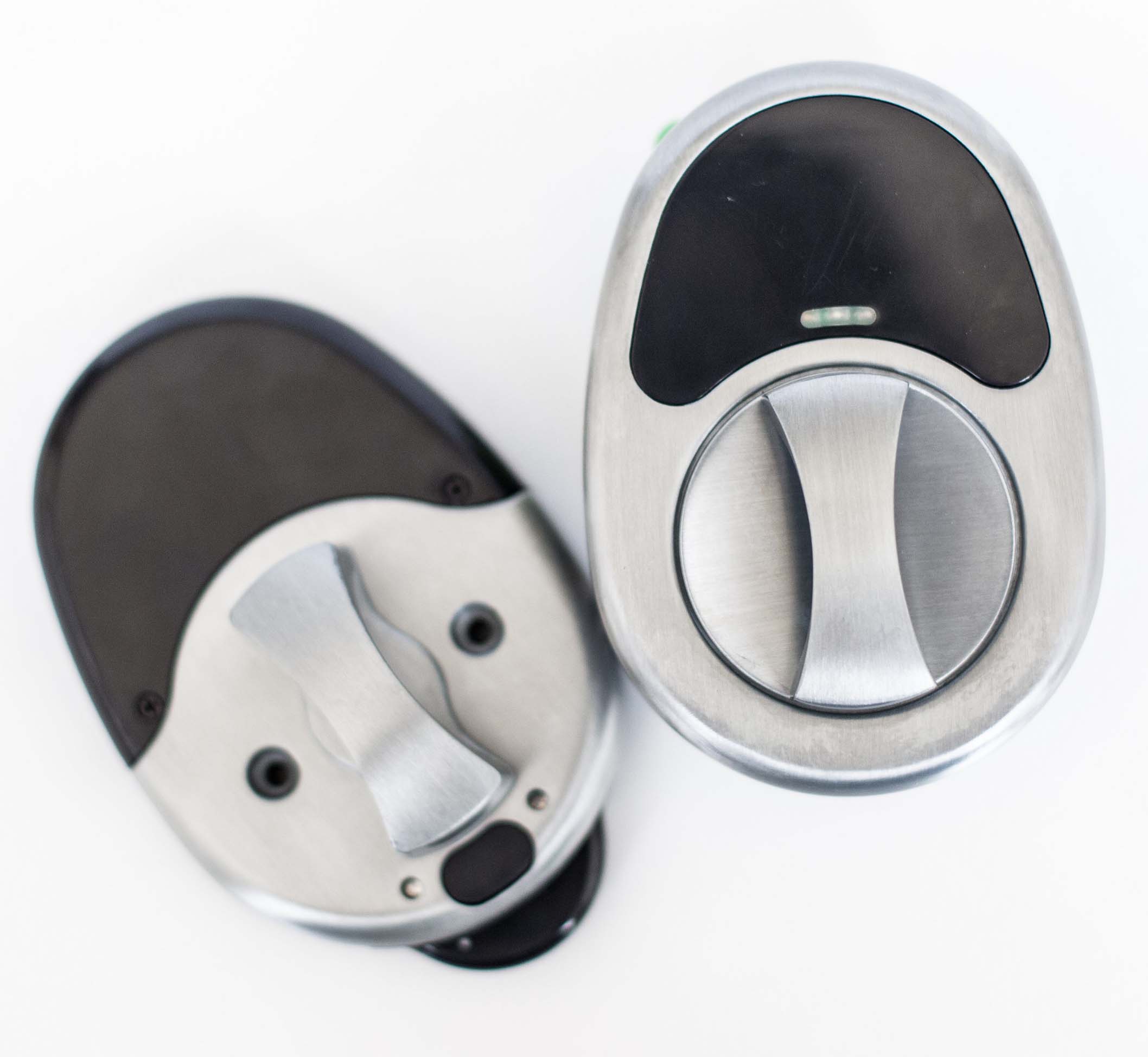
Name | The Doorlock |
Short Description | The Doorlock is a lock for any door that opens with Bluetooth, RFID, and Z-Wave. Finally, a personal security solution for your home or office! |
Long Description | The Doorlock is a replacement lock for any door that allows you to enter and exit using an RFID chip in various forms (ring, card, wristband, etc.), your mobile device through Bluetooth, and your home security system through Z-Wave. The lock tracks who goes in and out and allows you to monitor its events through an easy-to access history log. It is easily installed with two screws and a snap connector, and includes a latch that can be adjusted to fit almost any door. It's persistent lock feature ensures you never forget to lock your door, and can be toggled on or off depending on the use case. Finally, a reliable security solution for your home or office! |
Brand | Safetech Products |
Product Identifier | QLDLZW |
OEM Version | 1.0.0 |
Hardware Platform | ZM5202 |
Z-Wave Version | 6.51.06 |
Library Type | SLAVE_ENHANCED_232 |
Device Type | Door Lock Keypad |
Manufacturer ID | 0x023C |
Product Type ID | 0x0001 |
Product ID | 0x0002 |
Frequency Plans | US: 916.00MHz, 908.40MHz |
Categories | Locks |
Countries / Regions | United States of America |
Documents | |
Association Groups | |
Texts | |
Supports NWI | Yes |
Supports Explorer Frames | Yes |
Is Flirs | Yes |
Radio Range Z-Wave (m) | 40 |