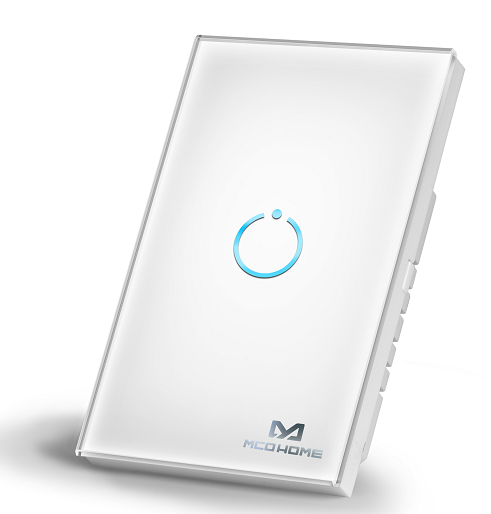
Product Recognition | |
|---|
Certification Number | ZC10-19106776 |
|---|
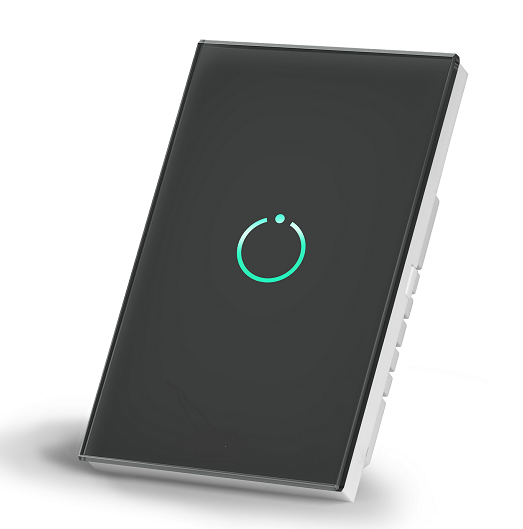
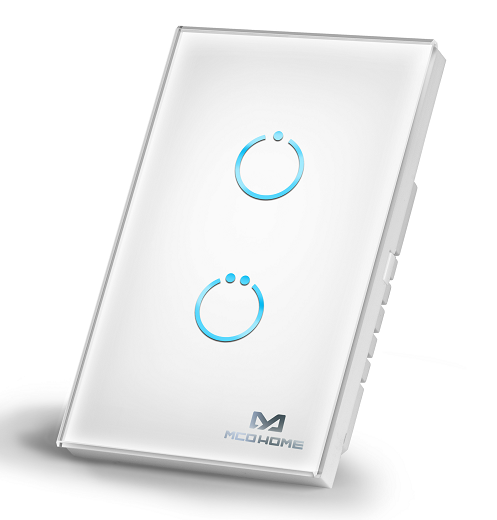
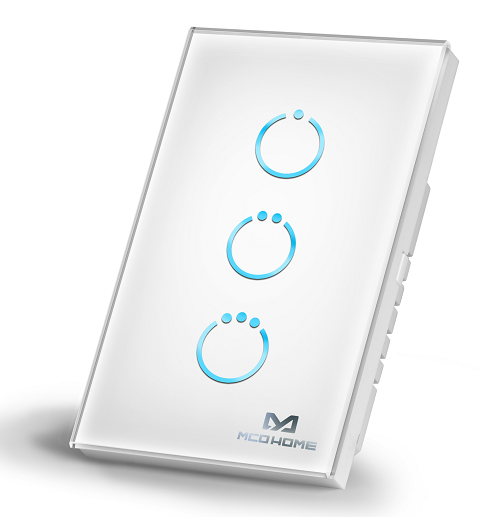
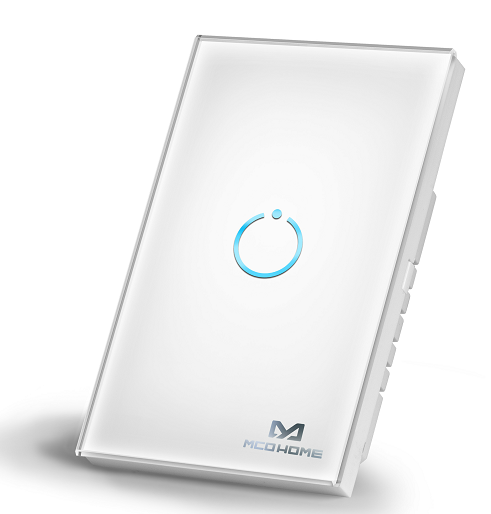
Name | Touch Panel Switch |
|---|
Short Description | Touch Panel Switch is a wall panel built-in with Z-Wave Plus module for on/off switching. |
|---|
Long Description | Touch Panel Switch is a wall panel built-in with Z-Wave Plus module. With its stylish design and stable performance, the panel can be used to control house-hold electrical appliances like lamp, motor, coffee machine, TV set etc. This product can be included and operated in any Z-Wave network with other Z-Wave certified devices from any other manufacturers. |
|---|
Brand | MCO Home |
|---|
Product Identifier | MH-S510 series |
|---|
Product Line | Z-wave Switch |
|---|
OEM Version | HW: 255 FW: 6.00 |
|---|
Hardware Platform | ZM5202 |
|---|
Z-Wave Version | 6.71.03 |
|---|
Library Type | SLAVE_ENHANCED_232 |
|---|
Device Type | On/Off Power Switch |
|---|
Role Type | ROLE_TYPE_SLAVE_ALWAYS_ON |
|---|
Manufacturer ID | 0x015F |
|---|
Product Type ID | 0x5131 |
|---|
Product ID | 0x5101 |
|---|
User Icon | 0x0700 |
|---|
Installer Icon | 0x0700 |
|---|
Frequency Plans | US: 916.00MHz, 908.40MHz |
|---|
Categories | All Lighting Devices, On/Off Switches/Devices |
|---|
Countries / Regions | United States of America |
|---|
Supported Command Classes | Identifier | Name | Key | Version |
|---|
COMMAND_CLASS_FIRMWARE_UPDATE_MD_V4 | Firmware Update Meta-Data V4 | 0x7A | 4 | COMMAND_CLASS_SCENE_ACTUATOR_CONF | Scene Actuator Conf | 0x2C | 1 | COMMAND_CLASS_POWERLEVEL | Powerlevel | 0x73 | 1 | COMMAND_CLASS_MULTI_CHANNEL_ASSOCIATION_V3 | Multi-Channel Association V3 | 0x8E | 3 | COMMAND_CLASS_SWITCH_BINARY | Switch Binary | 0x25 | 1 | COMMAND_CLASS_CONFIGURATION | Configuration | 0x70 | 1 | COMMAND_CLASS_TRANSPORT_SERVICE_V2 | Transport Service V2 | 0x55 | 2 | COMMAND_CLASS_VERSION_V2 | Version V2 | 0x86 | 2 | COMMAND_CLASS_DEVICE_RESET_LOCALLY | Device Reset Locally | 0x5A | 1 | COMMAND_CLASS_ZWAVEPLUS_INFO_V2 | Z-Wave Plus Info V2 | 0x5E | 2 | COMMAND_CLASS_ASSOCIATION_V2 | Association V2 | 0x85 | 2 | COMMAND_CLASS_ASSOCIATION_GRP_INFO | Association Group Info | 0x59 | 1 | COMMAND_CLASS_MULTI_CHANNEL_V4 | Multi-Channel V4 | 0x60 | 4 | COMMAND_CLASS_BASIC_V2 | Basic V2 | 0x20 | 2 | COMMAND_CLASS_SECURITY_2 | Security S2 | 0x9F | 1 | COMMAND_CLASS_CENTRAL_SCENE_V3 | Central Scene V3 | 0x5B | 3 | COMMAND_CLASS_SUPERVISION | Supervision | 0x6C | 1 | COMMAND_CLASS_SCENE_ACTIVATION | Scene Activation | 0x2B | 1 | COMMAND_CLASS_MANUFACTURER_SPECIFIC_V2 | Manufacturer Specific V2 | 0x72 | 2 |
|
|---|
S2 Classes | S2_UNAUTHENTICATED |
|---|
Documents | Category | File | Description |
|---|
Image_Product_Supplemental_3 | | | Image_Product_Supplemental_4 | | | Image_Product_Supplemental_5 | | | Manual_Primary_Lang | | Product Manual |
|
|---|
Features | Feature | Values |
|---|
Neutral Wire Required | | Switch Load Capacity Current | | Z-Wave Scene Type | |
|
|---|
Association Groups | Group Number | Maximum Nodes Supported | End Point ID | Group Name | Profile | Description |
|---|
1 | 1 | 0 | Lifeline | 0x0001 | send status of all endpoints to gateway by COMMAND_CLASS_BASIC, BASIC_REPORT |
|
|---|
Configuration Parameters | Parameter Number | Name | Description | Format | Size | Min Value | Max Value | Default Value | Parameter Values |
|---|
5 | Parameter 3 | 0x00 single click to switch on/off status 0x01 Key default as off state. When it is turned on, then it will be turned off automatically after a time period , which can be set in item 0x06 0x02 Key default as on state. When it is turned off, then it will be turned on automatically after a time period , which can be set in item 0x06 | 1 | 1 | 0 | 2 | 0 | From | To | Description |
|---|
0 | 2 | Key Mode |
| 4 | Parameter 2 | 0x00 LED disabled 0x01~0x0A Min level-Max level | 1 | 1 | 0 | 10 | 10 | From | To | Description |
|---|
0 | 10 | LED Backlit brightness level |
| 2 | Parameter 1 | 0x00 not saved, switch will be off when powered again 0x01 saved, switch will keep the same state when powered again | 1 | 1 | 0 | 1 | 1 | From | To | Description |
|---|
0 | 1 | Switch state saved or not when power failure |
| 6 | Parameter 4 | 0x00 infinite 1~32767 unit "sec" | 1 | 2 | 0 | 32767 | 0 | From | To | Description |
|---|
0 | 32767 | Key On duration |
| 7 | Parameter 5 | 0x00 Button(Momentary button) 0x01 Toggle(2-state switches) | 1 | 1 | 0 | 1 | 0 | From | To | Description |
|---|
0 | 1 | External aux-switch type |
|
|
|---|
Texts | ID | Description | Value |
|---|
5 | Factory Reset Procedure | Press 20 times of any button (the interval time of touching is less than 500 milliseconds and the relay will keep same state after continually touching more than five times) or exclude the device from Z-Wave network, the factory setting will be restored.
Please use this procedure only when the network primary controller is missing or otherwise inoperable. | 1 | Classic Inclusion | 1. Set controller into ADD mode. Follow instructions provided by controller manufacturer.
2. Press and hold any key on the panel for 8 seconds or 3 clicks in quick succession.
Note: If the ADD is successful, all INDICATION LEDs on the panel will flash 4 times. | 2 | Classic Exclusion | 1. Set controller into REMOVE mode. Follow instructions provided by controller manufacturer.
2. Press and hold any key on the panel for 8 seconds or 3 clicks in quick succession.
Note: If the REMOVE is successful, all INDICATION LEDs on the panel will flash 4 times. The REMOVE will delete all association data. |
|
|---|
Supports NWI | Yes |
|---|
Supports Explorer Frames | Yes |
|---|
Radio Range Z-Wave (m) | 40 |
|---|