
| Product Recognition | |
|---|
| Certification Number | ZC10-17055586 |
|---|
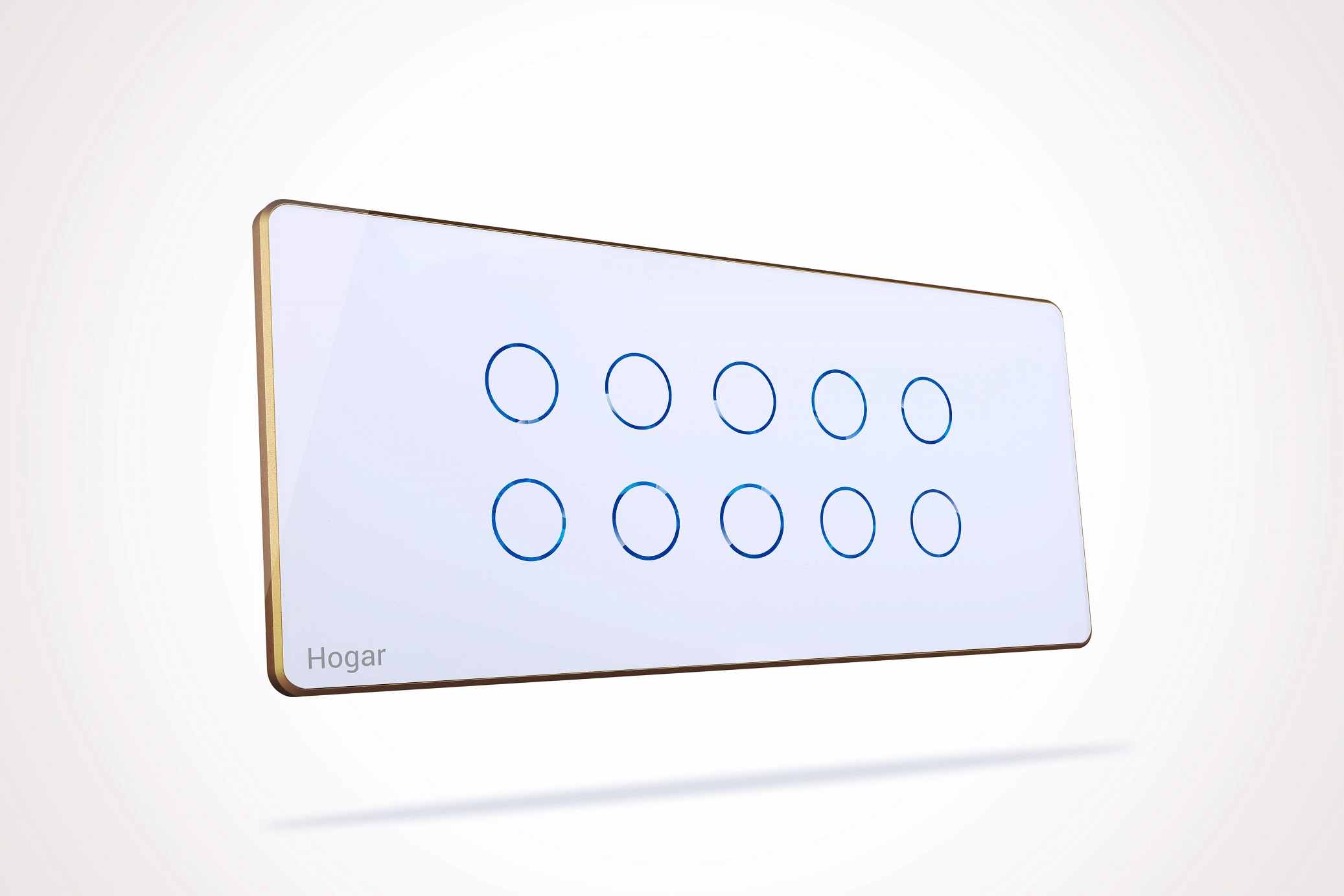
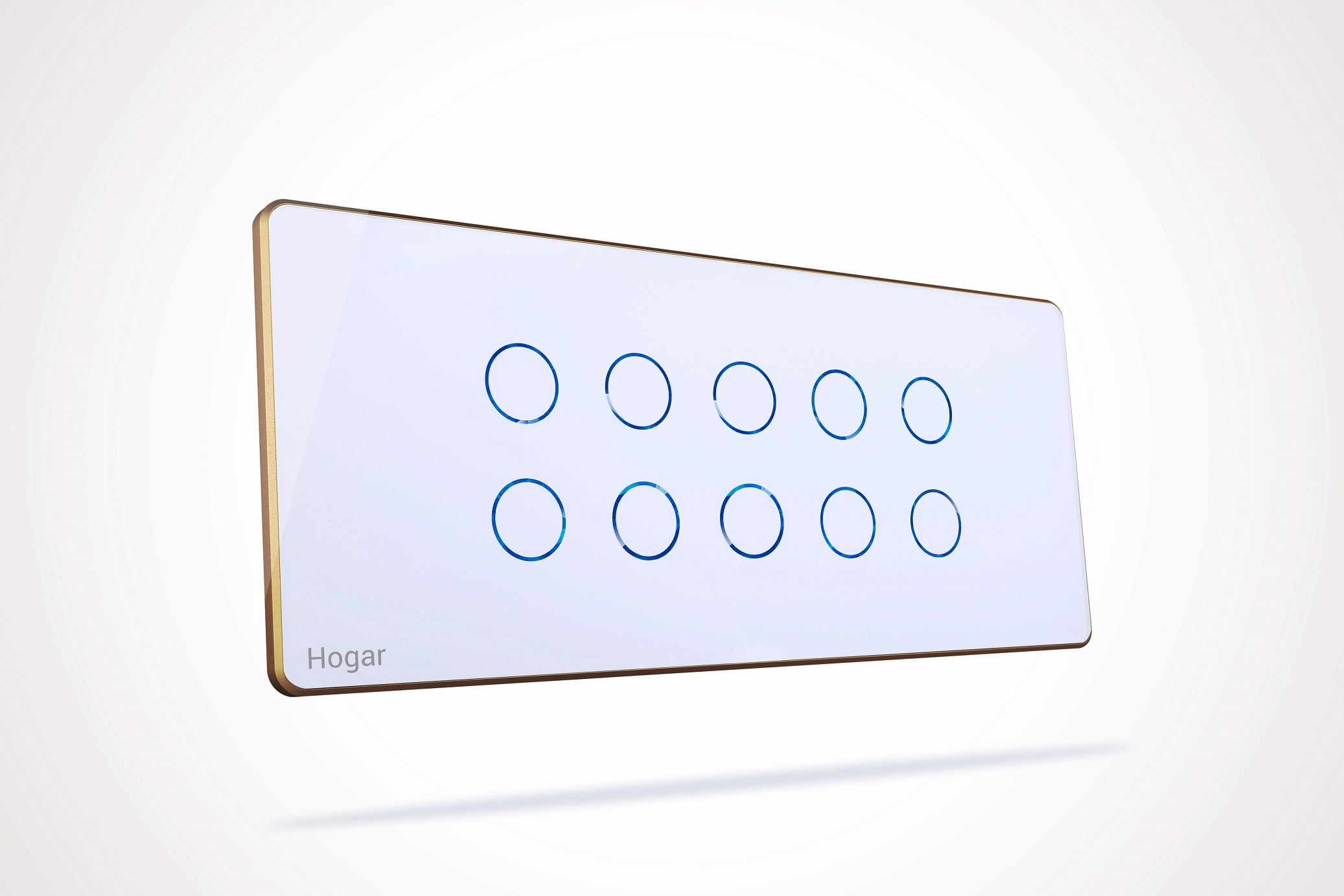
| Name | Touch Panel Switch |
|---|
| Short Description | The HOGAR Touch Panel Smart Switches feature a stunning glass face with advanced capacitive touch sensor, engineered with Z-Wave Plus smart home wireless standard. |
|---|
| Long Description | Your smart home deserves better than an ordinary light switch.
Hogar touch panels are one-of-a-kind collection of switches that will transform walls from boring to an absolutely breath-taking.
Fits in existing electrical boxes and does not require new wires. Innovative assembly and snap-in system make it fast and simple to install.
Hogar touch panels are the modern creation of switch range that sets the tone in every room. The series makes a convincing impression with its clear structure and its choice of customized color variants. The colored glass frames come in Black, White, Moroccan Blue, Nature Green, Wooden Brown, Elegant Grey, while the metal frames are colored in Black, White, Grey and Rose Gold.
Some highlights of the smart features
- A touch can do more - Programmable touch buttons to act as a Toggle or Mono stable mode. Mono stable mode can give additional advantage of running scenes when used with Z-wave Home controller.
- Uniform dual back light LED with 2-way feedback
- Optional custom label or logo design for each button
- 2 minutes installation with no additional wiring
- Heat, Humidity and Shock proof design, No worries in wet or hot areas
- A perfect match for LED loads with protective inrush current |
|---|
| Brand | Hogar Controls |
|---|
| Product Identifier | HG-TS10 |
|---|
| OEM Version | HW: 36 FW: 2.03 |
|---|
| Hardware Platform | ZM5202 |
|---|
| Z-Wave Version | 6.61.00 |
|---|
| Library Type | SLAVE_ENHANCED_232 |
|---|
| Device Type | On/Off Power Switch |
|---|
| Role Type | ROLE_TYPE_SLAVE_ALWAYS_ON |
|---|
| Manufacturer ID | 0x0293 |
|---|
| Product Type ID | 0x0003 |
|---|
| Product ID | 0x001A |
|---|
| User Icon | 0x0700 |
|---|
| Installer Icon | 0x0700 |
|---|
| Frequency Plans | EU: 869.85MHz, 868.40MHz |
|---|
| Categories | All Lighting Devices, Dimming Lighting Devices, On/Off Switches/Devices, Lighting Accessories, Motor Control, Fan Control |
|---|
| Countries / Regions | European Union |
|---|
| Supported Command Classes | | Identifier | Name | Key | Version |
|---|
| COMMAND_CLASS_POWERLEVEL | Powerlevel | 0x73 | 1 | | COMMAND_CLASS_MULTI_CHANNEL_ASSOCIATION_V3 | Multi-Channel Association V3 | 0x8E | 3 | | COMMAND_CLASS_SWITCH_BINARY | Switch Binary | 0x25 | 1 | | COMMAND_CLASS_BASIC | Basic | 0x20 | 1 | | COMMAND_CLASS_VERSION_V2 | Version V2 | 0x86 | 2 | | COMMAND_CLASS_DEVICE_RESET_LOCALLY | Device Reset Locally | 0x5A | 1 | | COMMAND_CLASS_ZWAVEPLUS_INFO_V2 | Z-Wave Plus Info V2 | 0x5E | 2 | | COMMAND_CLASS_ASSOCIATION_V2 | Association V2 | 0x85 | 2 | | COMMAND_CLASS_ASSOCIATION_GRP_INFO | Association Group Info | 0x59 | 1 | | COMMAND_CLASS_MULTI_CHANNEL_V4 | Multi-Channel V4 | 0x60 | 4 | | COMMAND_CLASS_FIRMWARE_UPDATE_MD_V2 | Firmware Update Meta-Data V2 | 0x7A | 2 | | COMMAND_CLASS_MANUFACTURER_SPECIFIC_V2 | Manufacturer Specific V2 | 0x72 | 2 |
|
|---|
| Controlled Command Classes | | Identifier | Name | Key | Version |
|---|
| COMMAND_CLASS_SWITCH_BINARY | Switch Binary | 0x25 | 1 | | COMMAND_CLASS_BASIC | Basic | 0x20 | 1 |
|
|---|
| Documents | |
|---|
| Features | | Feature | Values |
|---|
| Switch Load Capacity Watts | | | Communications Protocol | | | Loads Controlled | | | Neutral Wire Required | | | Switch Type | | | Switch Load Capacity Current | | | Firmware Updatable | | Value |
|---|
| Updatable by Professional/Technician |
| | Electric Load Type | | Value |
|---|
| Incandescent | | Fluorescent | | ELV (Electronic) | | LED |
|
|
|---|
| Association Groups | | Group Number | Maximum Nodes Supported | End Point ID | Description |
|---|
| 1 | 1 | 0 | Z-Wave Plus Lifeline | | 2 | 5 | 0 | Profile: Control key01
Commands: Basic Set
Group name: HGT-01 | | 3 | 5 | 0 | Profile: Control key01
Commands: Switch Binay Set
Group name: HGT-01 | | 4 | 5 | 0 | Profile: Control key02
Commands: Basic
Group name: HGT-02 | | 5 | 5 | 0 | Profile: Control key02
Commands: Switch Binay Set
Group name: HGT-02 | | 6 | 5 | 0 | Profile: Control key03
Commands: Basic
Group name: HGT-03 | | 7 | 5 | 0 | Profile: Control key03
Commands: Switch Binay Set
Group name: HGT-03 | | 8 | 5 | 0 | Profile: Control key04
Commands: Basic
Group name: HGT-04 | | 9 | 5 | 0 | Profile: Control key04
Commands: Switch Binay Set
Group name: HGT-04 |
|
|---|
| Texts | | ID | Description | Value |
|---|
| 1 | Inclusion | To include, Touch and hold any button for more than 5 seconds. LED light blinks to indicate inclusion mode. | | 2 | Exclusion | To exclude, Touch and hold any button for more than 5 seconds. LED light blinks to indicate exclusion mode. | | 5 | Factory Reset | To reset , press and hold first button(left top) for more than 15 seconds. LED lights turn OFF and ON to indicate rest.
Note : Please use this procedure only when the network primary controller is missing or otherwise inoperable. |
|
|---|
| Supports NWI | Yes |
|---|
| Supports Explorer Frames | Yes |
|---|