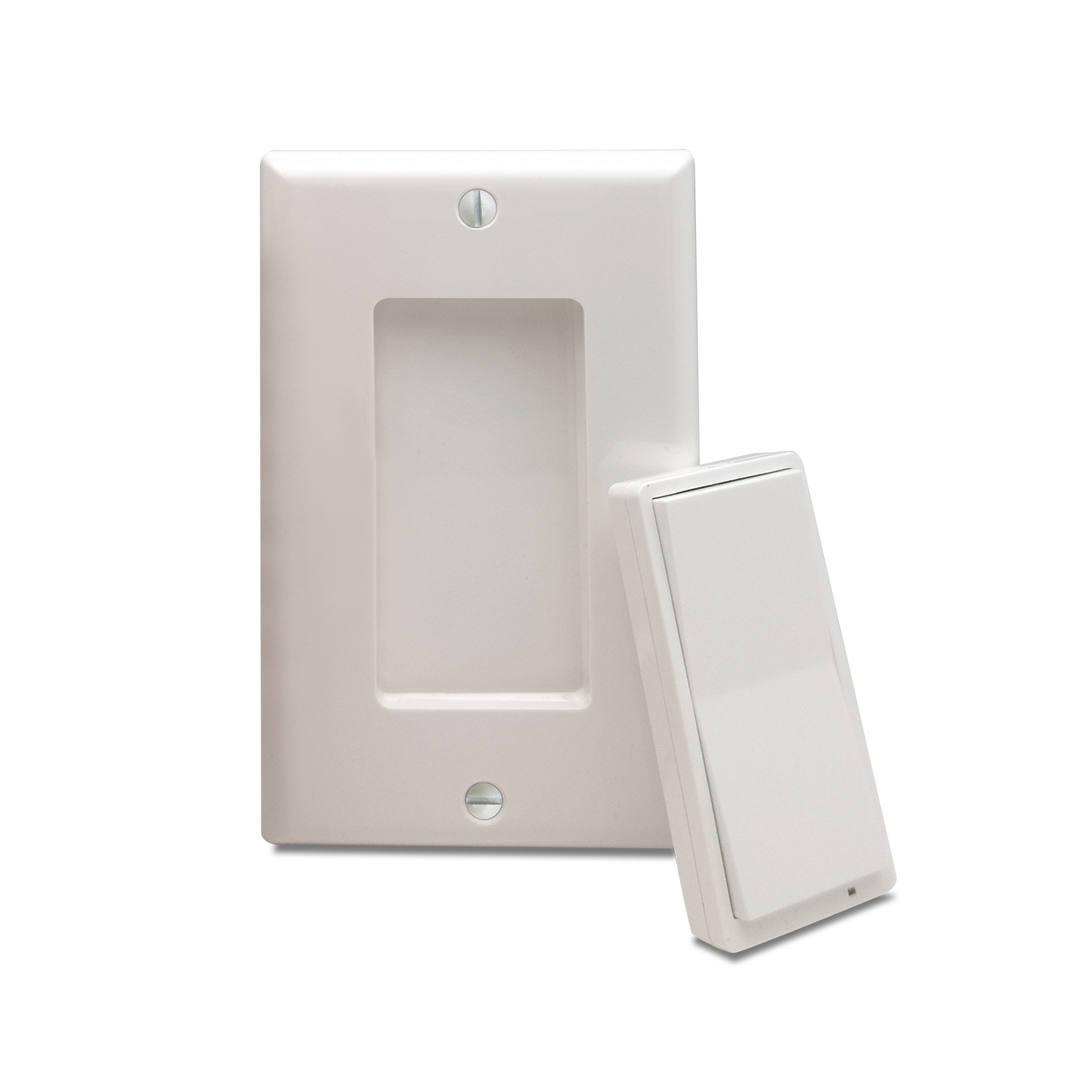
Product Recognition | |
|---|
Certification Number | ZC14-24080470 |
|---|
Name | wall remote |
|---|
Short Description | Control your connected devices and activate scenes from this handy Z-Wave Wall Remote. |
|---|
Long Description | Control your connected devices and activate scenes from this handy Z-Wave Wall Remote. |
|---|
Brand | Minoston |
|---|
Product Identifier | ZW922 |
|---|
Product Line | Line A |
|---|
OEM Version | HW: 02 FW: 02.00 |
|---|
Hardware Platform | EFR32ZG23A |
|---|
Z-Wave Version | 7.19.3 |
|---|
Library Type | END_NODE_ENHANCED_232 |
|---|
Device Type | Central Scene DT |
|---|
Role Type | ROLE_TYPE_END_NODE_SLEEPING_REPORTING |
|---|
Manufacturer ID | 0x0312 |
|---|
Product Type ID | 0x7000 |
|---|
Product ID | 0xF001 |
|---|
User Icon | 0x0A00 |
|---|
Installer Icon | 0x0A00 |
|---|
Frequency Plans | US: 916.00MHz, 908.40MHz, US_LR: 912.00MHz, 920.00MHz |
|---|
Categories | Handheld Controller, All Controllers |
|---|
Countries / Regions | Canada, Mexico, United States of America |
|---|
Supported Command Classes | Identifier | Name | Key | Version |
|---|
COMMAND_CLASS_CENTRAL_SCENE_V3 | Central Scene V3 | 0x5B | 3 | COMMAND_CLASS_CONFIGURATION_V4 | Configuration V4 | 0x70 | 4 | COMMAND_CLASS_ASSOCIATION_V2 | Association V2 | 0x85 | 2 | COMMAND_CLASS_ASSOCIATION_GRP_INFO_V3 | Association Group Information (AGI) V3 | 0x59 | 3 | COMMAND_CLASS_BATTERY | Battery | 0x80 | 1 | COMMAND_CLASS_DEVICE_RESET_LOCALLY | Device Reset Locally | 0x5A | 1 | COMMAND_CLASS_FIRMWARE_UPDATE_MD_V5 | Firmware Update Meta Data V5 | 0x7A | 5 | COMMAND_CLASS_INDICATOR_V3 | Indicator V3 | 0x87 | 3 | COMMAND_CLASS_MANUFACTURER_SPECIFIC_V2 | Manufacturer Specific V2 | 0x72 | 2 | COMMAND_CLASS_MULTI_CHANNEL_ASSOCIATION_V3 | Multi Channel Association V3 | 0x8E | 3 | COMMAND_CLASS_VERSION_V3 | Version V3 | 0x86 | 3 | COMMAND_CLASS_WAKE_UP_V2 | Wake Up V2 | 0x84 | 2 | COMMAND_CLASS_ZWAVEPLUS_INFO_V2 | Z-Wave Plus Info V2 | 0x5E | 2 | COMMAND_CLASS_SECURITY_2 | Security 2 | 0x9F | 1 | COMMAND_CLASS_SUPERVISION | Supervision | 0x6C | 1 | COMMAND_CLASS_TRANSPORT_SERVICE_V2 | Transport Service V2 | 0x55 | 2 | COMMAND_CLASS_POWERLEVEL | Powerlevel | 0x73 | 1 |
|
|---|
S2 Classes | S2_AUTHENTICATED, S2_UNAUTHENTICATED |
|---|
Documents | Category | File |
|---|
Manual_English | |
|
|---|
Association Groups | Group Number | Maximum Nodes Supported | End Point ID | Group Name | Profile |
|---|
1 | 10 | 0 | Lifeline | 0x0001 | 2 | 10 | 0 | BASIC SET Group | 0x2001 | 3 | 10 | 0 | SWITCH_MULTILEVEL CHANGE | 0x2001 |
|
|---|
Configuration Parameters | Parameter Number | Name | Description | Format | Size | Min Value | Max Value | Default Value |
|---|
1 | Led Indicator Mode | Set indicator behavior. | 1 | 1 | 0 | 0 | 0x01 | 2 | Button Upper Color | Color of button upper when pressed | 1 | 1 | 0 | 0 | 0x01 | 3 | Button Lower Color | Color of button lower when pressed | 1 | 1 | 0 | 0 | 0x00 | 4 | Wake up time | Set to keep wake up 30s | 1 | 1 | 0 | 0 | 0x00 | 5 | Rate for multilevel start | Rate for multilevel set association group | 1 | 1 | 0 | 0 | 0x00 |
|
|---|
Texts | ID | Description | Value |
|---|
8 | Where to find S2 DSK on product | The device is compatible with SmartStart.
SmartStart enabled products can be added into a Z-Wave® network by scanning the Z-Wave QR Code found on the top of the outlet or the back of the box with a controller providing SmartStart inclusion. No further
action is required and the SmartStart product will be added automatically within 10 minutes of being switched on and in the network vicinity. | 1 | Classic Inclusion | The device is compatible with SmartStart.
SmartStart enabled products can be added into a Z-Wave® network by scanning the Z-Wave QR Code found on the top of the outlet or the back of the box with a controller providing SmartStart inclusion. No further
action is required and the SmartStart product will be added automatically within 10 minutes of being switched on and in the network vicinity. | 2 | Classic Exclusion | Remove/Exclude the device to network:
Press the BUTTON 2 6 times, device will blinks PURPLE during inclusion if not connected to Z-Wave hub.
Device will stays on GREEN for 2 seconds if excluded successfully, stays on RED for 2 seconds if failed. | 4 | Wake-Up Procedure | Press the BUTTON 1 7 times, device will stay solid BLUE when awake and will turn off when device goes back to sleep. | 5 | Factory Reset Procedure | Press the BUTTON 1 7 times, device will stay solid BLUE when awake and will turn off when device goes back to sleep. |
|
|---|
Supports NWI | Yes |
|---|
Supports Explorer Frames | Yes |
|---|
Supports SmartStart | Yes |
|---|
Radio Range Z-Wave (m) | 40 |
|---|
Radio Range Z-Wave LR (m) | 400 |
|---|