Product Recognition | |
|---|
Certification Number | ZC14-24040422 |
|---|
Name | Water Leak Sensor |
|---|
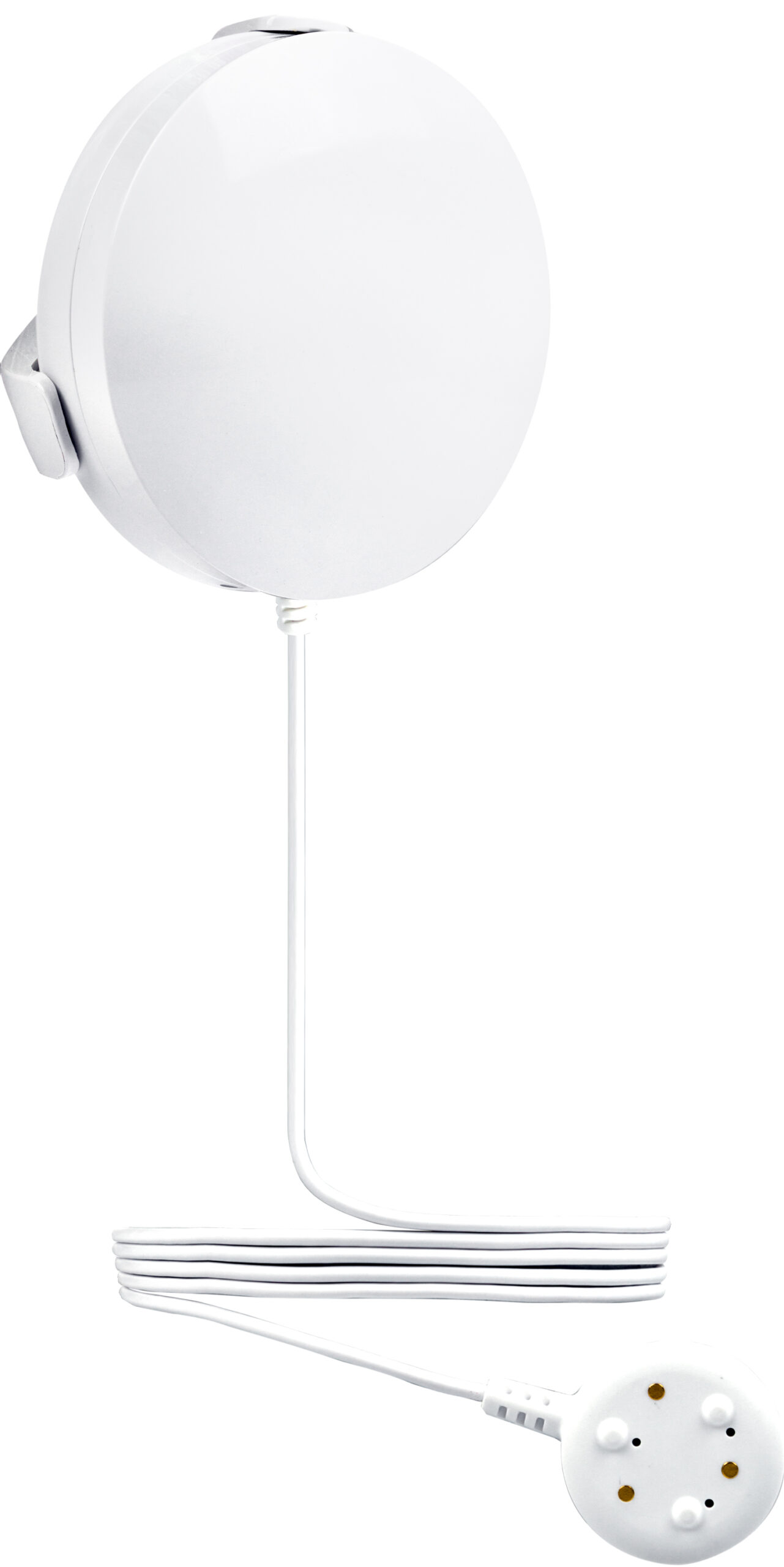
Short Description | This 800 Series Z-Wave Plus® Water Leak Sensor is designed to detect and report leaks to your Z-Wave® hub quickly and reliably to prevent potential water damage. |
|---|
Long Description | This 800 Series Z-Wave Plus® Water Leak Sensor is designed to detect and report leaks to your Z-Wave® hub quickly and reliably to prevent potential water damage.
PRODUCT HIGHLIGHTS:
- Quick and reliable water leak alerts sent to your Z-Wave® hub
- NEW 800 series chip communicates faster and lasts longer on battery life than ever
- Supports Long Range: up to 1300ft. line of sight to your Z-Wave® hub
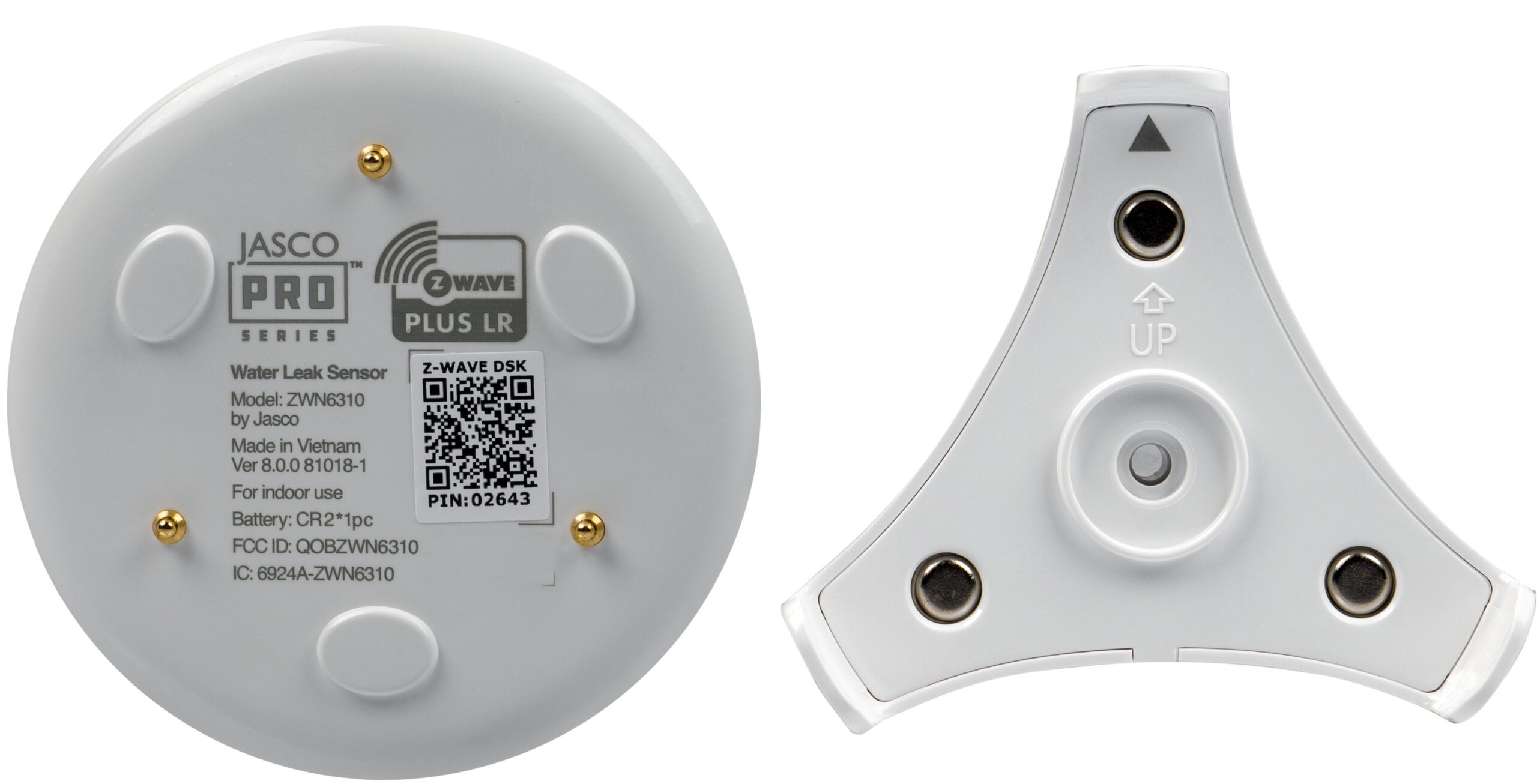
- Dual detection: contacts at base of sensor and detachable cable with probe
- Equipped with audible water alarm and low battery chirp
- Customize to your liking with 8 configuration parameters
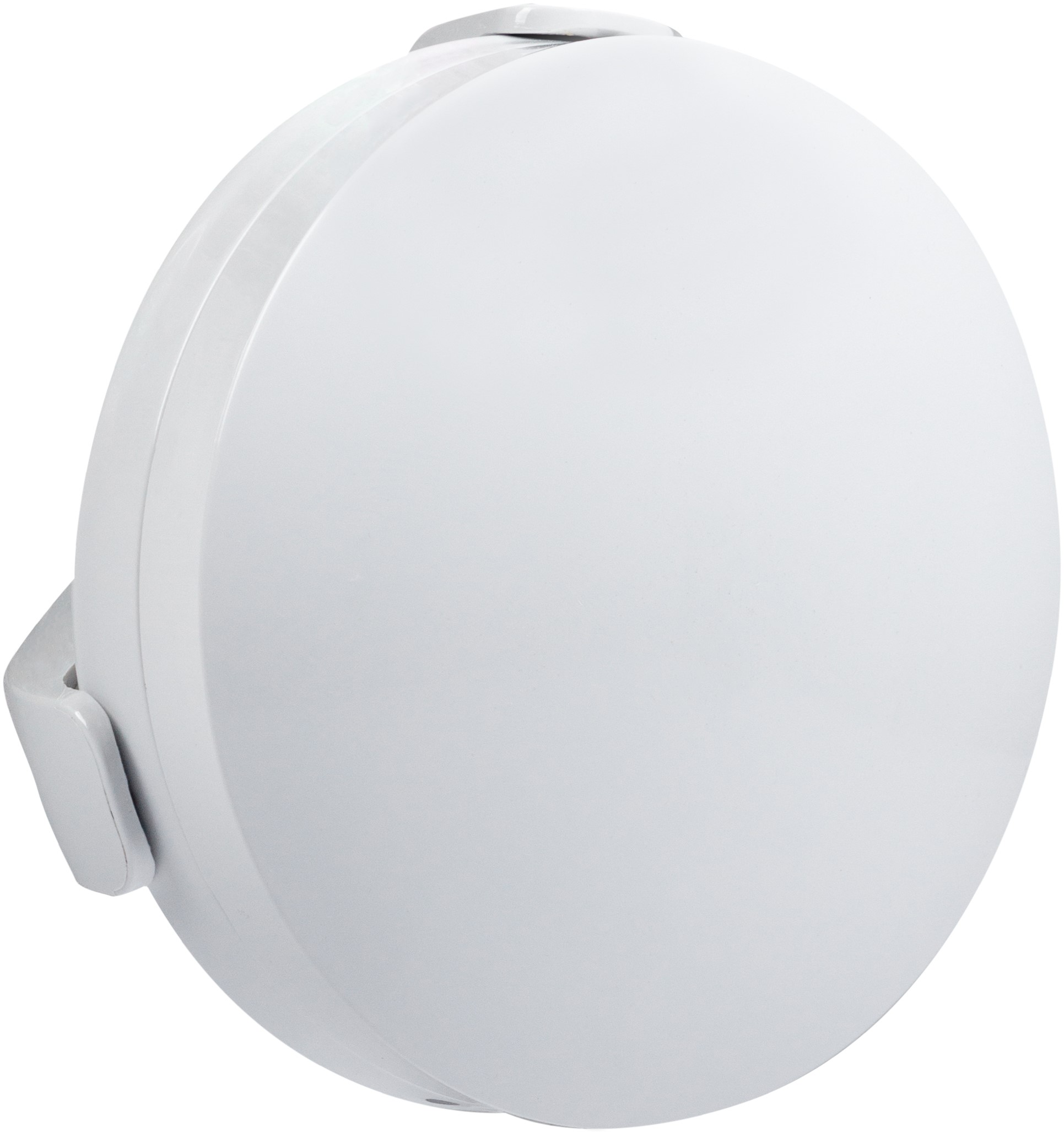
- Small form factor design and included wall mount make for easy installation anywhere
- Powered by long-lasting CR2 battery
- The latest S2 security and SmartStart for a fast and secure setup
- Supports OTA firmware updates |
|---|
Brand | JascoPro Series |
|---|
Product Identifier | ZWN6310 |
|---|
Product Line | Smart Sensors |
|---|
OEM Version | HW: 01 FW: 01.01 |
|---|
Hardware Platform | EFR32ZG23A |
|---|
Z-Wave Version | 7.19.3 |
|---|
Library Type | END_NODE_ENHANCED_232 |
|---|
Device Type | Notification Sensor DT |
|---|
Role Type | ROLE_TYPE_END_NODE_SLEEPING_REPORTING |
|---|
Manufacturer ID | 0x0063 |
|---|
Product Type ID | 0x4953 |
|---|
Product ID | 0x3433 |
|---|
User Icon | 0x0C05 |
|---|
Installer Icon | 0x0C05 |
|---|
Frequency Plans | US: 916.00MHz, 908.40MHz, US_LR: 912.00MHz, 920.00MHz |
|---|
Categories | Sensors |
|---|
Countries / Regions | Canada, Mexico, United States of America |
|---|
Supported Command Classes | Identifier | Name | Key | Version |
|---|
COMMAND_CLASS_CONFIGURATION_V4 | Configuration V4 | 0x70 | 4 | COMMAND_CLASS_NOTIFICATION_V8 | Notification V8 | 0x71 | 8 | COMMAND_CLASS_ASSOCIATION_V2 | Association V2 | 0x85 | 2 | COMMAND_CLASS_ASSOCIATION_GRP_INFO_V3 | Association Group Information (AGI) V3 | 0x59 | 3 | COMMAND_CLASS_BATTERY | Battery | 0x80 | 1 | COMMAND_CLASS_DEVICE_RESET_LOCALLY | Device Reset Locally | 0x5A | 1 | COMMAND_CLASS_FIRMWARE_UPDATE_MD_V5 | Firmware Update Meta Data V5 | 0x7A | 5 | COMMAND_CLASS_INDICATOR_V3 | Indicator V3 | 0x87 | 3 | COMMAND_CLASS_MANUFACTURER_SPECIFIC_V2 | Manufacturer Specific V2 | 0x72 | 2 | COMMAND_CLASS_MULTI_CHANNEL_ASSOCIATION_V3 | Multi Channel Association V3 | 0x8E | 3 | COMMAND_CLASS_VERSION_V3 | Version V3 | 0x86 | 3 | COMMAND_CLASS_WAKE_UP_V2 | Wake Up V2 | 0x84 | 2 | COMMAND_CLASS_ZWAVEPLUS_INFO_V2 | Z-Wave Plus Info V2 | 0x5E | 2 | COMMAND_CLASS_SECURITY_2 | Security 2 | 0x9F | 1 | COMMAND_CLASS_SUPERVISION | Supervision | 0x6C | 1 | COMMAND_CLASS_TRANSPORT_SERVICE_V2 | Transport Service V2 | 0x55 | 2 | COMMAND_CLASS_POWERLEVEL | Powerlevel | 0x73 | 1 |
|
|---|
S2 Classes | S2_AUTHENTICATED, S2_UNAUTHENTICATED |
|---|
Documents | Category | File |
|---|
Manual_English | |
|
|---|
Features | Feature | Values |
|---|
Battery Quantity | | Battery Type | | Firmware Updatable | Value |
|---|
Updatable by Consumer by RF |
|
|
|---|
Association Groups | Group Number | Maximum Nodes Supported | End Point ID | Group Name | Profile |
|---|
1 | 5 | 0 | Lifeline | 0x0001 | 2 | 5 | 0 | Basic Set | 0x7107 |
|
|---|
Configuration Parameters | Parameter Number | Name | Description | Format | Size | Min Value | Max Value | Default Value |
|---|
3 | LED Light Mode | Set the LED Light Mode. | 1 | 1 | 0 | 0 | 0x01 | 41 | LED brightness | Set the LED brightness. | 1 | 1 | 0 | 0 | 0x00 | 84 | Reset Factory Default | Reset sensor to factory defaults. | 1 | 1 | 0 | 0 | 0x00 | 85 | Alarm sound | Set alarm sound. | 1 | 1 | 0 | 0 | 0x01 | 86 | Low Battery Report | Set threshold for Low Battery Report. | 1 | 1 | 0 | 0 | 0x0A | 87 | Low Battery Chirp | Low battery chirp enabled/disabled. | 1 | 1 | 0 | 0 | 0x01 | 88 | Low Battery Chirp interval | Change Number of minutes between low battery chirp sound. | 1 | 1 | 0 | 0 | 0x01 | 89 | Status Reporting | Choose when status reports are sent. | 1 | 1 | 0 | 0 | 0x00 |
|
|---|
Texts | ID | Description | Value |
|---|
8 | Where to find S2 DSK on product | If you’re using an S2 hub, it will ask you to enter the DSK PIN or scan the QR code printed on the inside of the sensor’s battery cover to complete SmartStart inclusion. | 1 | Classic Inclusion | Add/Included into network or Remove/Exclusion from network: Quickly press 1x button | 2 | Classic Exclusion | Add/Included into network or Remove/Exclusion from network: Quickly press 1x button | 4 | Wake-Up Procedure | N/A | 5 | Factory Reset Procedure | 1. Remove the battery. Press and hold the manual button.
2. Reinsert the battery and continue holding the manual button for 3 seconds until the red LED activates.
NOTE: This should only be used if your network’s primary controller is missing or otherwise inoperable. |
|
|---|
Supported Notification Types | Notification Type | Event / State |
|---|
Water Alarm | Sensor status: Water leak detected |
|
|---|
Supports NWI | Yes |
|---|
Supports Explorer Frames | Yes |
|---|
Supports SmartStart | Yes |
|---|
Radio Range Z-Wave (m) | 40 |
|---|
Radio Range Z-Wave LR (m) | 400 |
|---|