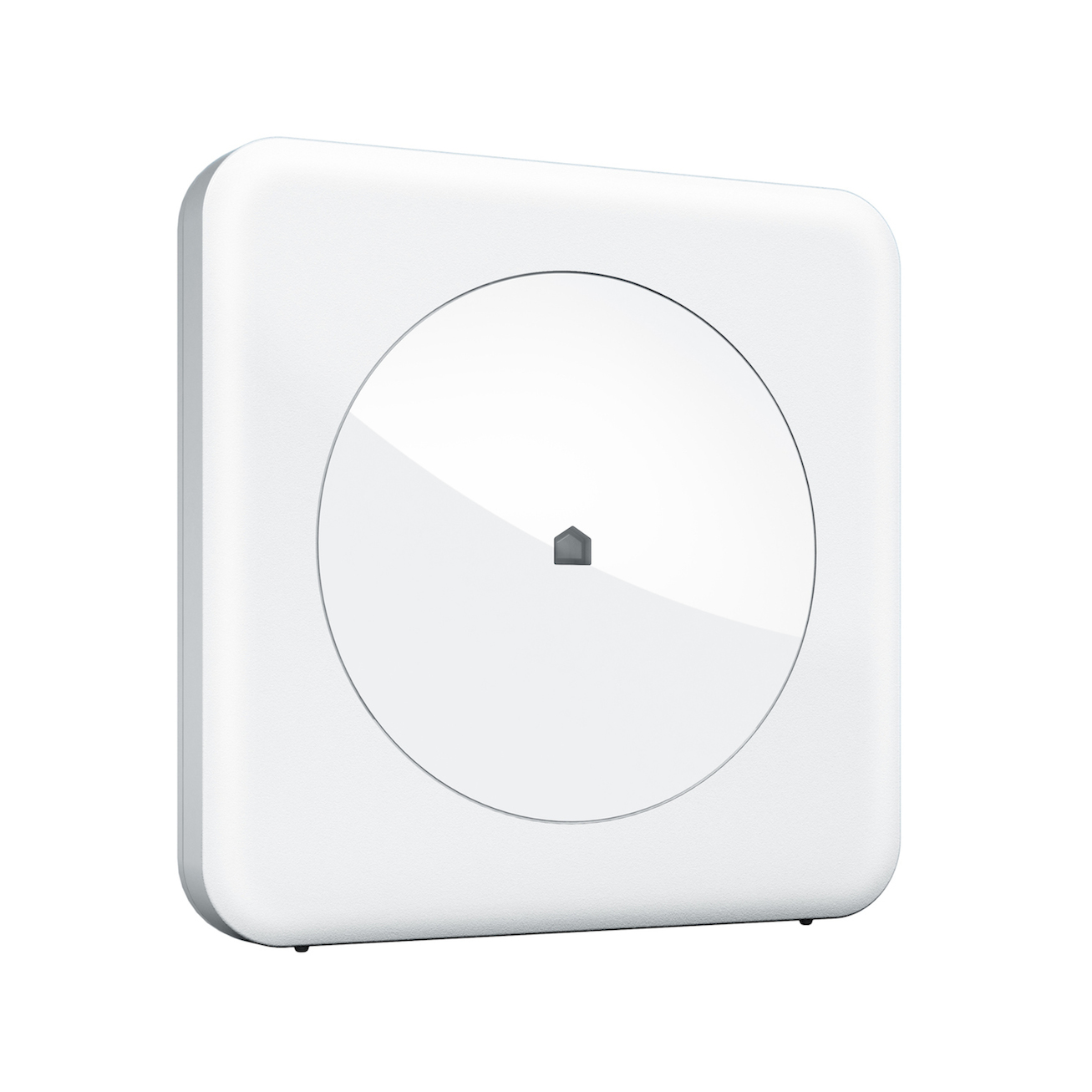
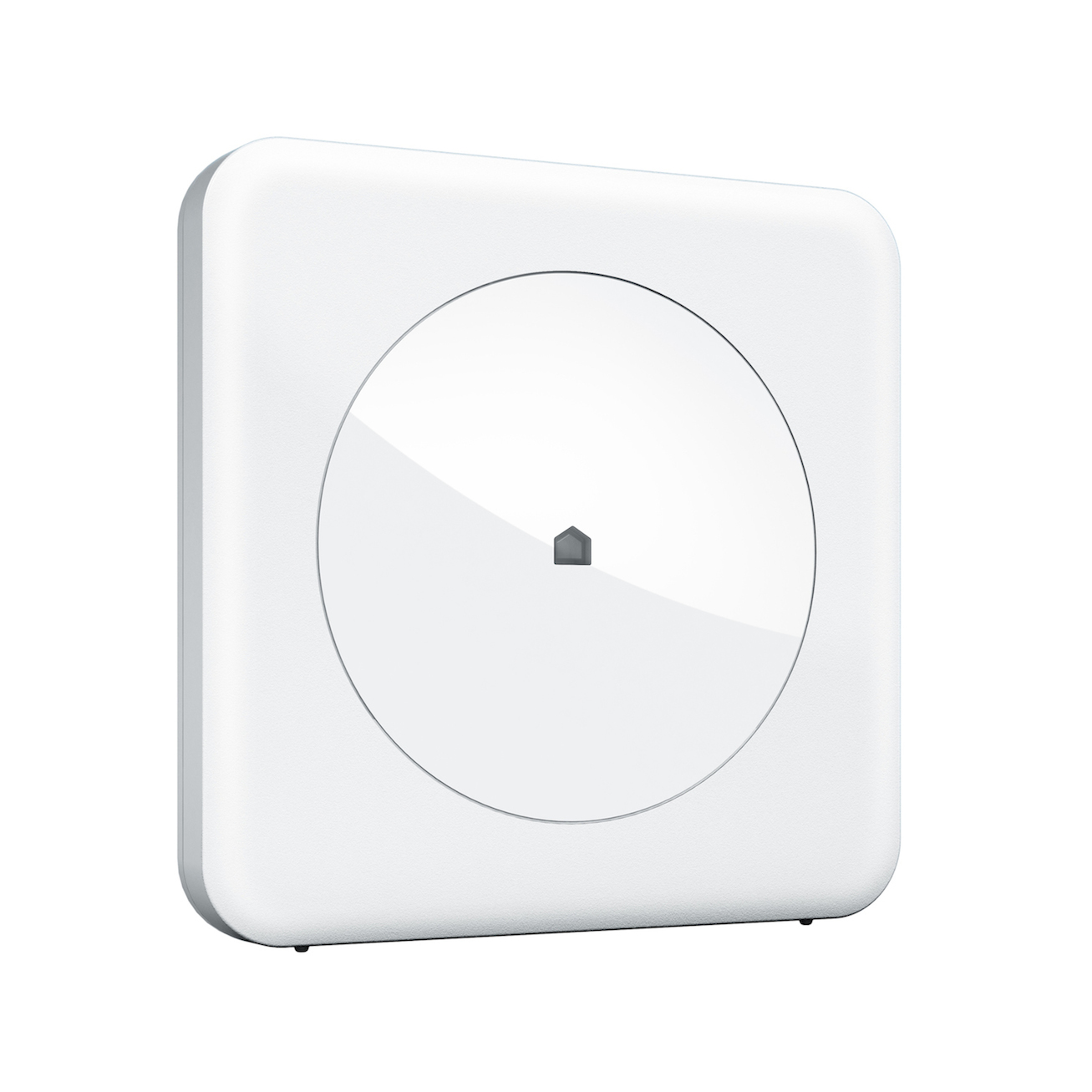
Product Recognition | |
|---|
Certification Number | ZC10-17035494 |
|---|
Name | Wink Hub |
|---|
Short Description | The Wink Hub allows your diverse collection of smart products to speak the same wireless language, so that you can easily control them—and customize their interactions—from the Wink app. |
|---|
Long Description | Wink is the quick and simple way to connect you and the products you rely on every day in your home. You can manage products from multiple brands in a single intuitive app, allowing you to select the products that are right for your life. Stay connected to your home no matter where you are with the Wink app, available for free on the App Store or Google Play. Connect your Wink Hub in a matter of minutes, then start adding products like lights, blinds, locks, and more. |
|---|
Brand | Wink |
|---|
Product Identifier | PWHUB-WH01 |
|---|
OEM Version | HW: 1 FW: 1.02:03.05 |
|---|
Hardware Platform | ZM5202 |
|---|
Z-Wave Version | 6.51.00 |
|---|
Library Type | CONTROLLER_STATIC |
|---|
Device Type | Gateway |
|---|
Role Type | ROLE_TYPE_CONTROLLER_CENTRAL_STATIC |
|---|
Manufacturer ID | 0x017F |
|---|
Product Type ID | 0x0001 |
|---|
Product ID | 0x0001 |
|---|
User Icon | 0x0500 |
|---|
Installer Icon | 0x0500 |
|---|
Frequency Plans | US: 916.00MHz, 908.40MHz |
|---|
Categories | All Controllers, Gateway Controller |
|---|
Countries / Regions | United States of America |
|---|
Supported Command Classes | Identifier | Name | Key | Version |
|---|
COMMAND_CLASS_POWERLEVEL | Powerlevel | 0x73 | 1 | COMMAND_CLASS_APPLICATION_STATUS | Application Status | 0x22 | 1 | COMMAND_CLASS_CRC_16_ENCAP | CRC16 Encapsulation | 0x56 | 1 | COMMAND_CLASS_SECURITY | Security S0 | 0x98 | 1 | COMMAND_CLASS_VERSION_V2 | Version V2 | 0x86 | 2 | COMMAND_CLASS_DEVICE_RESET_LOCALLY | Device Reset Locally | 0x5A | 1 | COMMAND_CLASS_ZWAVEPLUS_INFO_V2 | Z-Wave Plus Info V2 | 0x5E | 2 | COMMAND_CLASS_ASSOCIATION_V2 | Association V2 | 0x85 | 2 | COMMAND_CLASS_ASSOCIATION_GRP_INFO | Association Group Info | 0x59 | 1 | COMMAND_CLASS_MANUFACTURER_SPECIFIC_V2 | Manufacturer Specific V2 | 0x72 | 2 |
|
|---|
Controlled Command Classes | Identifier | Name | Key | Version |
|---|
COMMAND_CLASS_SWITCH_MULTILEVEL | Switch Multilevel | 0x26 | 1 | COMMAND_CLASS_SENSOR_MULTILEVEL_V8 | Sensor Multilevel V8 | 0x31 | 8 | COMMAND_CLASS_DOOR_LOCK | Door Lock | 0x62 | 1 | COMMAND_CLASS_THERMOSTAT_FAN_MODE_V4 | Thermostat Fan Mode V4 | 0x44 | 4 | COMMAND_CLASS_MULTI_CHANNEL_ASSOCIATION_V3 | Multi-Channel Association V3 | 0x8E | 3 | COMMAND_CLASS_BATTERY | Battery | 0x80 | 1 | COMMAND_CLASS_THERMOSTAT_OPERATING_STATE | Thermostat Operating State | 0x42 | 1 | COMMAND_CLASS_THERMOSTAT_MODE | Thermostat Mode | 0x40 | 1 | COMMAND_CLASS_SWITCH_BINARY | Switch Binary | 0x25 | 1 | COMMAND_CLASS_BASIC | Basic | 0x20 | 1 | COMMAND_CLASS_CONFIGURATION | Configuration | 0x70 | 1 | COMMAND_CLASS_CRC_16_ENCAP | CRC16 Encapsulation | 0x56 | 1 | COMMAND_CLASS_SECURITY | Security S0 | 0x98 | 1 | COMMAND_CLASS_THERMOSTAT_FAN_STATE_V2 | Thermostat Fan State V2 | 0x45 | 2 | COMMAND_CLASS_VERSION_V2 | Version V2 | 0x86 | 2 | COMMAND_CLASS_WAKE_UP_V2 | Wake Up V2 | 0x84 | 2 | COMMAND_CLASS_DEVICE_RESET_LOCALLY | Device Reset Locally | 0x5A | 1 | COMMAND_CLASS_BARRIER_OPERATOR | Barrier Operator | 0x66 | 1 | COMMAND_CLASS_ASSOCIATION_V2 | Association V2 | 0x85 | 2 | COMMAND_CLASS_MULTI_CHANNEL_V4 | Multi-Channel V4 | 0x60 | 4 | COMMAND_CLASS_THERMOSTAT_SETPOINT | Thermostat Setpoint | 0x43 | 1 | COMMAND_CLASS_MANUFACTURER_SPECIFIC_V2 | Manufacturer Specific V2 | 0x72 | 2 |
|
|---|
Documents | Category | Description | File |
|---|
Manual_Primary_Lang | Product or Owner's Manual | |
|
|---|
Features | Feature | Values |
|---|
Communications Protocol | Value |
|---|
Manufacturer Proprietary Protocol |
| Firmware Updatable | Value |
|---|
Updatable by Manufacturer |
| Color | | Gateway Has Preferred Partners | | Supported Notification Types | |
|
|---|
Association Groups | |
|---|
Texts | ID | Description | Value |
|---|
5 | Factory Reset | The Hub does not have a master factory reset function that will reset all radios. However, it does support a reset for Z-Wave products. The Hubs Z-Wave controller is reset using the Z-Wave Controls interface located under the Hub's settings menu. Within the Z-Wave Controls interface is a ""Reset Z-Wave"" button which will remove all nodes and reset the Z-Wave radio. | 23 | Controller Inclusion | Including a product into the Wink Hub is done using the Wink mobile app (iOS or Android). After installing the app and creating an account, the app allows you to select from a list of Wink compatible products. Among these products User's can find Wink specific and generic Z-Wave devices. After selecting a device the Wink app will provide step by step instructions explaining how to include the device. At the appropriate point in the sequence, the app will also place the Hub into inclusion mode.
An alternate option is to use the Z-Wave Controls interface located under the Hub's settings menu. Within the Z-Wave Controls interface is a ""Inclusion Mode"" button which will manually place the Hub into inclusion mode. | 3 | Learn Mode (adding another controller) | The Hub is placed into learn mode using the Z-Wave Controls interface located under the Hub's settings menu. Within the Z-Wave Controls interface is a ""Learning Mode"" button which will manually place the Hub into learn mode. | 24 | Controller Exclusion | Excluding a product from the Wink Hub is done using the Wink mobile app (iOS or Android). After including a device it will show up in the controllable products list. Navigating to the device settings will expose a ""Remove"" button that is used to begin the exclusion sequence. Depending on the device the remove button may launch step by step instructions explaining how to exclude the device. At the appropriate point in the sequence, the app will also place the HUB into exclusion mode.
An alternate option is to use the Z-Wave Controls interface located under the HUB's settings menu. Within the Z-Wave Controls interface is a ""Exclusion Mode"" button which will manually place the HUB into exclusion mode. |
|
|---|
Supports NWI | Yes |
|---|
Supports Explorer Frames | Yes |
|---|
Radio Range Z-Wave (m) | 40 |
|---|