
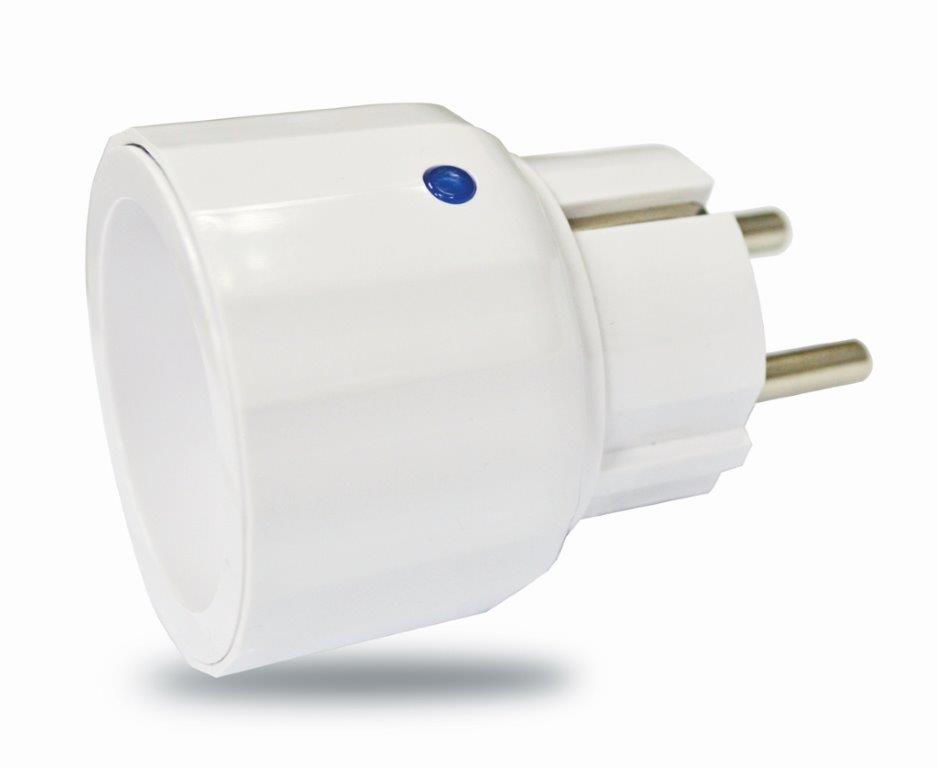
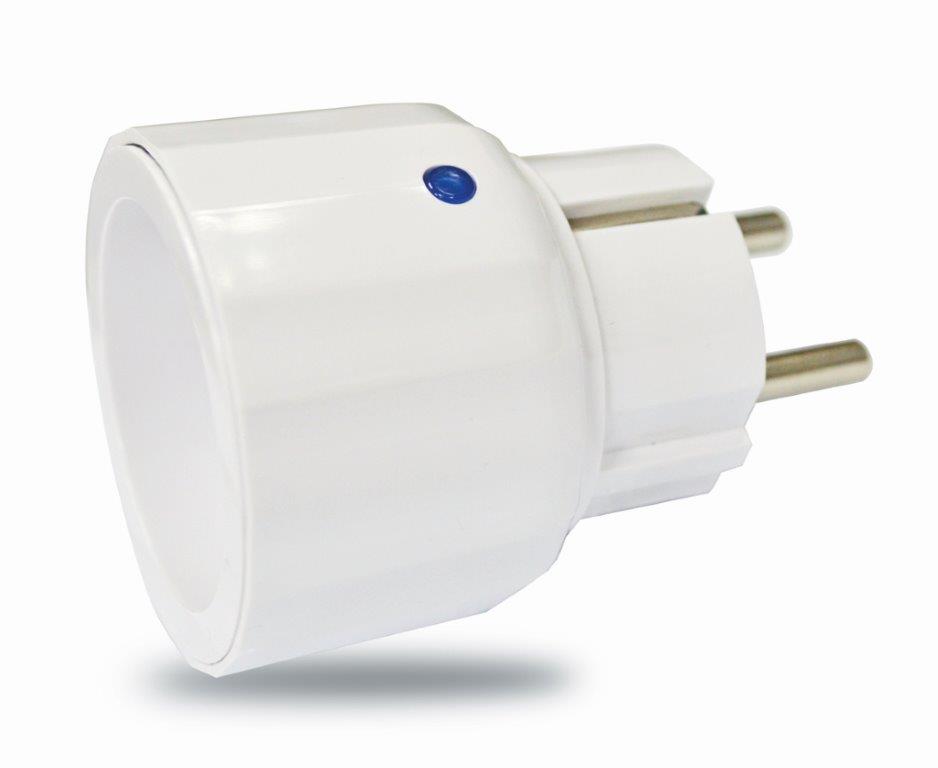
| Product Recognition | |
|---|
| Certification Number | ZC10-15100008 |
|---|
| Name | wireless dimmer plug |
|---|
| Short Description | The mini Dimmer Plug is designed to control the on/off status of lighting and appliance load in your house. |
|---|
| Long Description | The mini Dimmer Plug is designed to control the on/off status of lighting and appliance load in your house. The unit also provides dimmer function which is only applicable to light bulbs. At 220-240V voltage, this Dimmer Plug can support connected load of 6W - 250W. |
|---|
| Brand | Everspring |
|---|
| Product Identifier | AD147-2 |
|---|
| OEM Version | 02 |
|---|
| Hardware Platform | SD3502 |
|---|
| Z-Wave Version | 6.51.02 |
|---|
| Library Type | SLAVE_ENHANCED_232 |
|---|
| Device Type | Light Dimmer Switch |
|---|
| Role Type | ROLE_TYPE_SLAVE_ALWAYS_ON |
|---|
| Manufacturer ID | 0x0060 |
|---|
| Product Type ID | 0x0003 |
|---|
| Product ID | 0x0003 |
|---|
| Frequency Plans | EU: 869.85MHz, 868.40MHz |
|---|
| Categories | All Lighting Devices, Dimming Lighting Devices |
|---|
| Countries / Regions | European Union |
|---|
| Controlled Command Classes | | Identifier | Name | Key | Version |
|---|
| COMMAND_CLASS_BASIC | Basic | 0x20 | 1 |
|
|---|
| Documents | |
|---|
| Association Groups | | Group Number | Maximum Nodes Supported | End Point ID | Description |
|---|
| 1 | 4 | 0 | General:NA
Z-Wave Plus Lifeline
| | 2 | 4 | 0 | Control:Key1
On/Off control (Button1) |
|
|---|
| Texts | | ID | Description | Value |
|---|
| 5 | Factory Reset | 1. Press the link key three times within 1.5 seconds to put the unit into exclusion mode.
2. Within 1 second of step 1, press link key again and hold it until LED is off (about 5 seconds).
3. Node ID is excluded. The device reverts to factory default state and will be in auto-inclusion mode for 4 minutes.
4. Use this procedure only in the event that the network primary controller is missing, or otherwise inoperable | | 1 | Inclusion | 1. Put the Z-Wave Controller into inclusion mode.
2. Press the link key three times within 1.5 seconds to put the unit into inclusion mode. | | 2 | Exclusion | 1. Put the Z-Wave Controller into exclusion mode.
2. Press the link key three times within 1.5 seconds to put the unit into exclusion mode. |
|
|---|
| Supports NWI | Yes |
|---|
| Supports Explorer Frames | Yes |
|---|