Product Recognition | |
|---|
Certification Number | ZC10-17085745 |
|---|
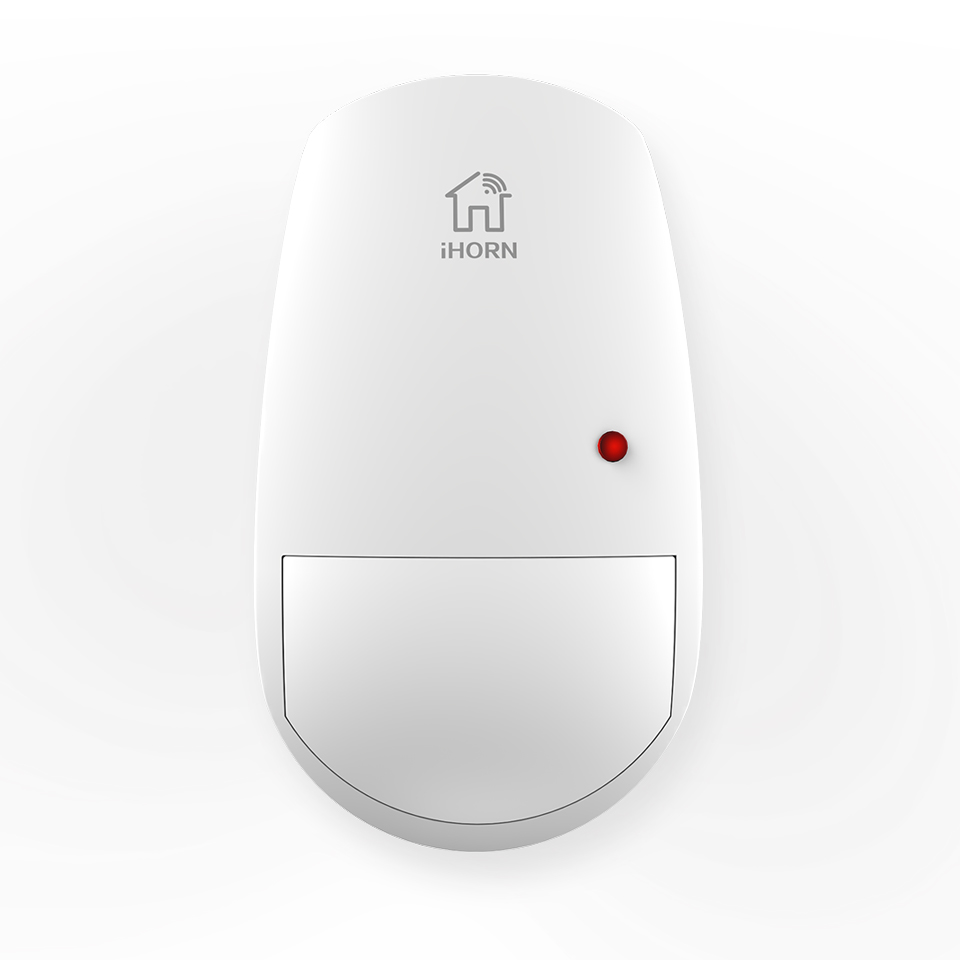
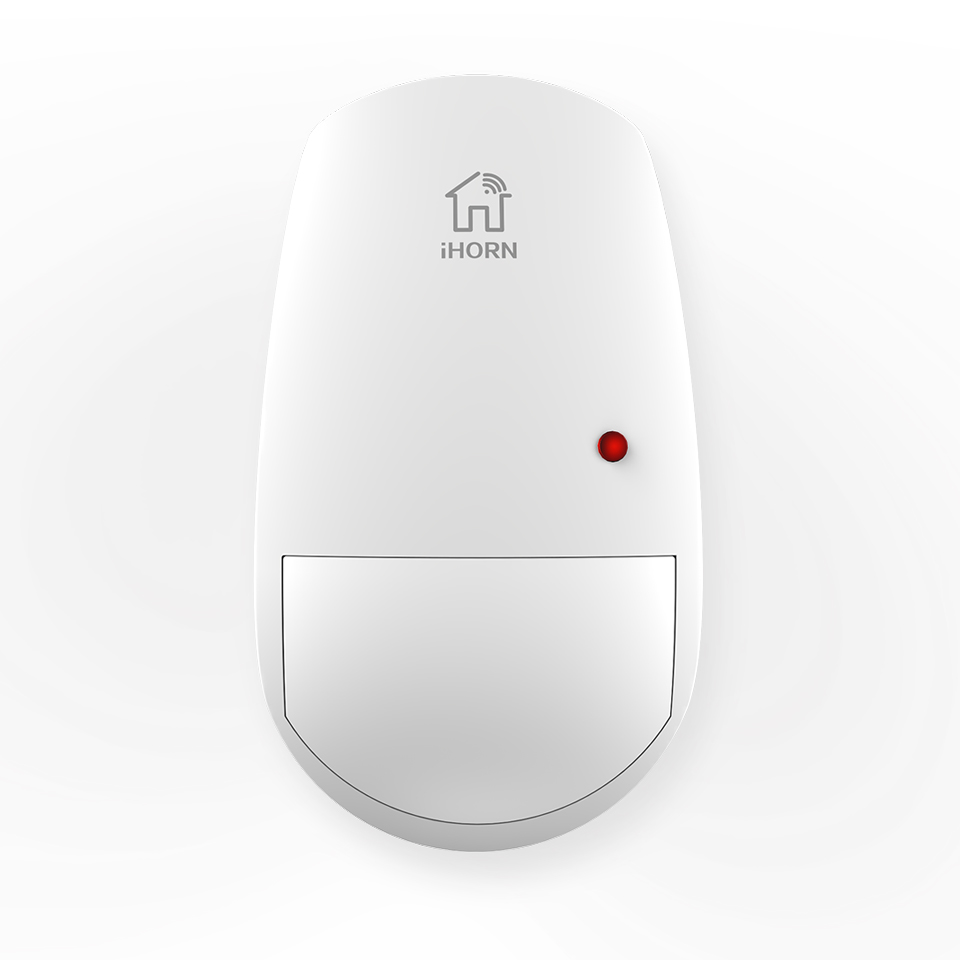
Name | Wireless Passive Infrared Detector |
|---|
Short Description | The Z-Wave passive infrared detector will send alarm signal to the control panel when the intruder across the detection area |
|---|
Long Description | The Z-Wave passive infrared detector will send alarm signal to the control panel when the intruder across the detection area.It uses 16-Bit low power consumption microprocessor,supports low voltage reminder,Otherwise,the deterctor has an anti-tamper switch on the back of the product.When the detector is removed illegally,it will send alarm signal to the control panel. |
|---|
Brand | IHORN |
|---|
Product Identifier | LH-990ZW |
|---|
OEM Version | HW: 19 FW: 17.08 |
|---|
Hardware Platform | ZM5202 |
|---|
Z-Wave Version | 6.51.09 |
|---|
Library Type | SLAVE_ROUTING |
|---|
Device Type | Notification Sensor |
|---|
Role Type | ROLE_TYPE_SLAVE_SLEEPING_REPORTING |
|---|
Manufacturer ID | 0x0320 |
|---|
Product Type ID | 0x0002 |
|---|
Product ID | 0x0001 |
|---|
User Icon | 0x0C06 |
|---|
Installer Icon | 0x0C06 |
|---|
Frequency Plans | US: 916.00MHz, 908.40MHz |
|---|
Categories | Sensors, Security Add-Ons |
|---|
Countries / Regions | United States of America |
|---|
Supported Command Classes | Identifier | Name | Key | Version |
|---|
COMMAND_CLASS_POWERLEVEL | Powerlevel | 0x73 | 1 | COMMAND_CLASS_BATTERY | Battery | 0x80 | 1 | COMMAND_CLASS_VERSION_V2 | Version V2 | 0x86 | 2 | COMMAND_CLASS_WAKE_UP_V2 | Wake Up V2 | 0x84 | 2 | COMMAND_CLASS_DEVICE_RESET_LOCALLY | Device Reset Locally | 0x5A | 1 | COMMAND_CLASS_ZWAVEPLUS_INFO_V2 | Z-Wave Plus Info V2 | 0x5E | 2 | COMMAND_CLASS_ASSOCIATION_V2 | Association V2 | 0x85 | 2 | COMMAND_CLASS_ASSOCIATION_GRP_INFO | Association Group Info | 0x59 | 1 | COMMAND_CLASS_MANUFACTURER_SPECIFIC_V2 | Manufacturer Specific V2 | 0x72 | 2 | COMMAND_CLASS_NOTIFICATION_V4 | Notification V4 | 0x71 | 4 |
|
|---|
Documents | Category | Description | File |
|---|
Manual_Primary_Lang | Product or Owner's Manual | |
|
|---|
Features | Feature | Values |
|---|
Color | | Battery Type | | Sensors | Value |
|---|
Motion/No Motion (Binary) |
| Supported Notification Types | |
|
|---|
Association Groups | Group Number | Maximum Nodes Supported | End Point ID | Description |
|---|
1 | 5 | 0 | Z-Wave Plus Lifeline |
|
|---|
Texts | ID | Description | Value |
|---|
4 | Device Wake-Up | Press the test key one time to wakeup the product. | 2 | Exclusion | Put the Z-Wave interface controller into “Exclusion” mode and following its instruction to exclude PIR from your Z-Wave controller:
1、 Pressing the test key three times the enter exclusion mode.
2、 Red LED will blink three times while the network exclusion successful. | 1 | Inclusion | Put the Z-Wave Interface Controller into “Inclusion” mode, and following its instruction to include LH-990ZW to your controller. This PIR needs to be included before installation.
1、 Pull out the insulating strip, making the device power on.
2、 Pressing the test key three times.
3、 Red LED will blink three times while the network inclusion successful
4、 If inclusion failed, the sensor will go into sleep mode. To wake up the sensor again, you need to press the key to trigger an inclusion process, and then repeat steps from 3 to 4. | 5 | Factory Reset | Press the test key five times while installing battery.
Note: Use this procedure only in the event that primary controller is lost. |
|
|---|
Supported Notification Types | Notification Type | Event / State |
|---|
Home Security | (Refer to parameters): State idle |
|
|---|
Supported Multilevel Sensors | Multilevel Sensor Type |
|---|
General purpose |
|
|---|
Supports NWI | Yes |
|---|
Supports Explorer Frames | Yes |
|---|