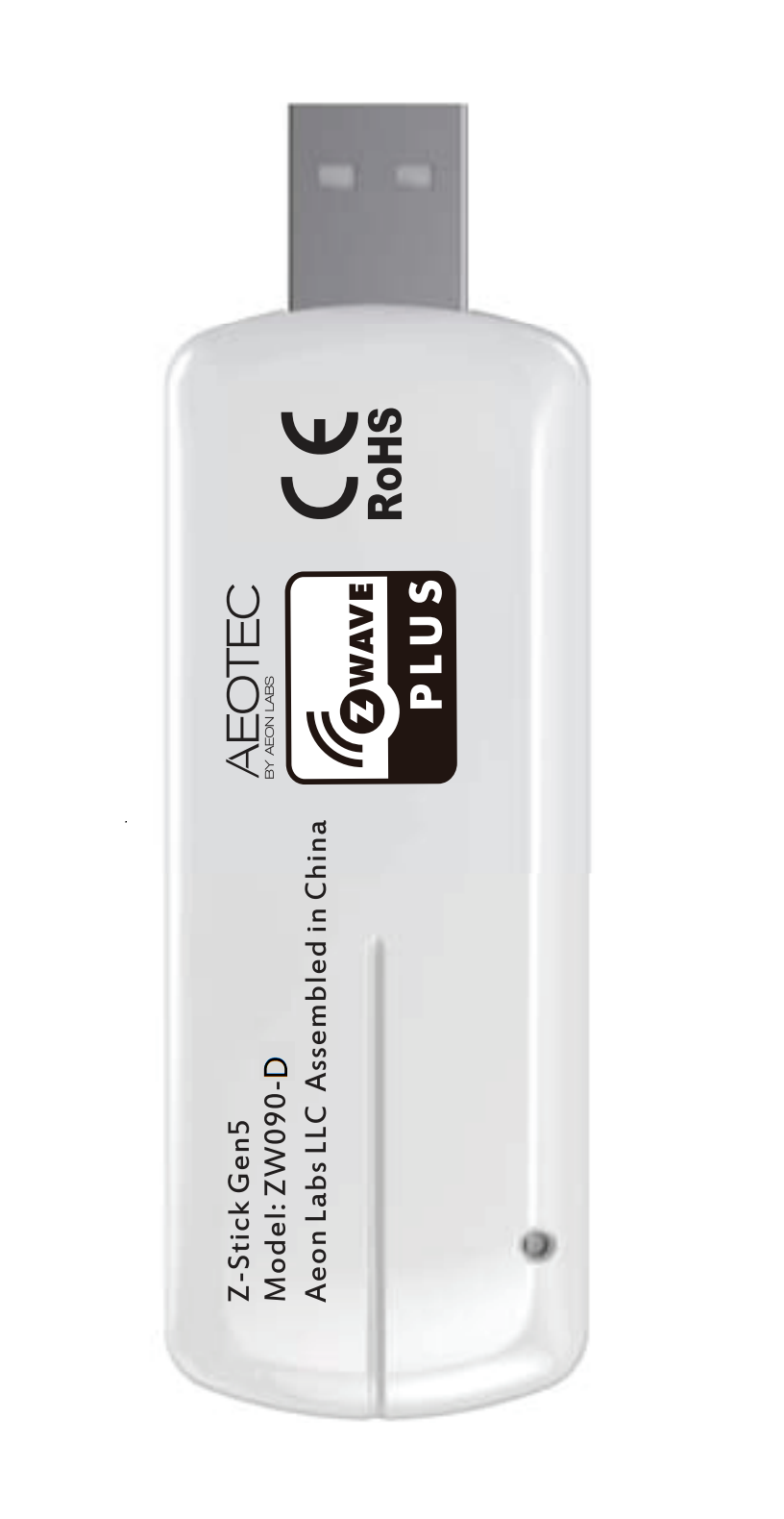
Product Recognition | |
|---|
Certification Number | ZC10-18106274 |
|---|
Name | Z-Stick Gen5 |
|---|
Short Description | Aeotec Z-Stick Gen5 is a USB controller. |
|---|
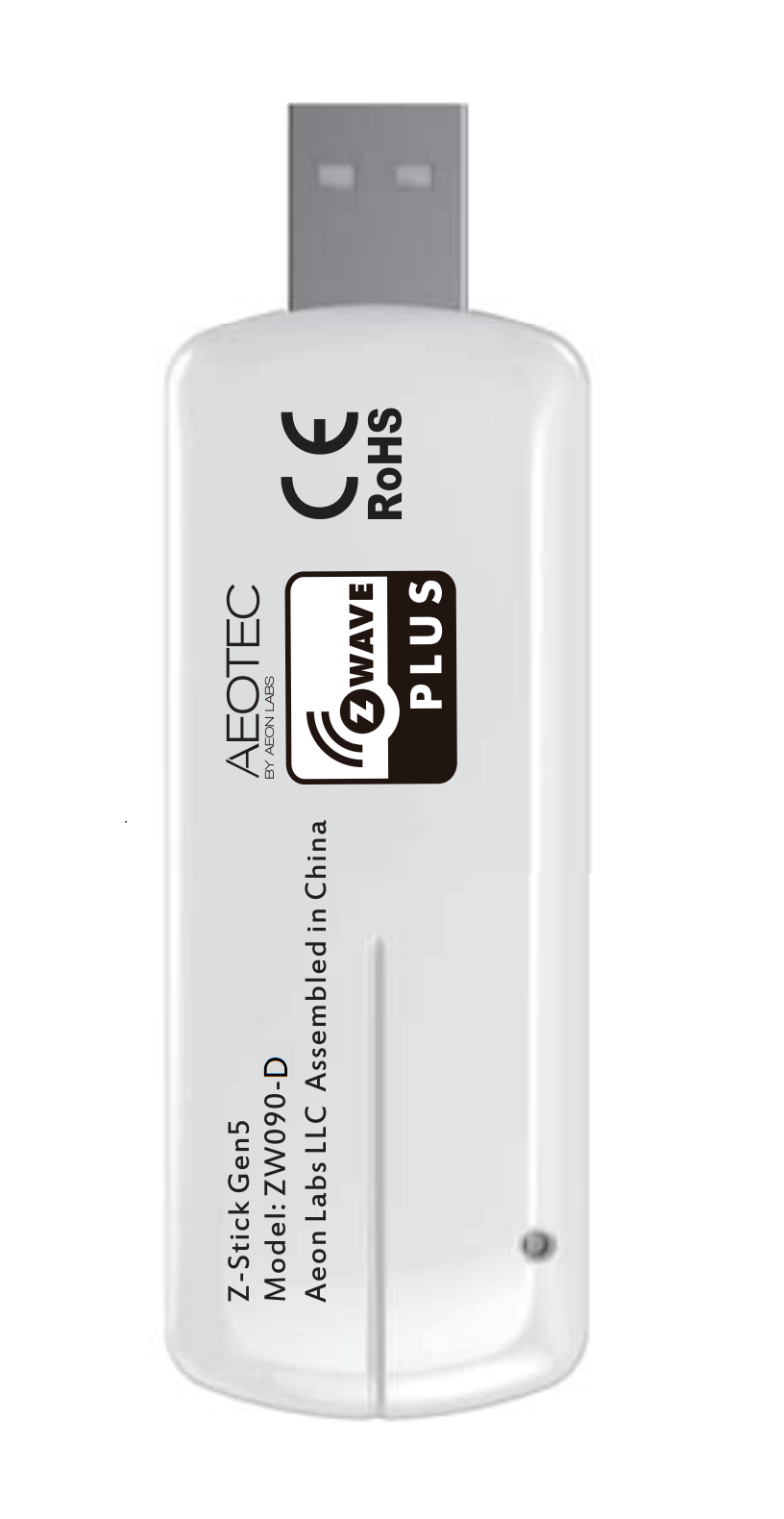
Long Description | Aeotec Z-Stick Gen5 is a USB controller. When connected to a host controller via USB, it enables the host controller to take part in the Z-Wave network.
Products that are Z-Wave certified can be used and communicate with other Z-Wave certified devices. |
|---|
Brand | Aeotec |
|---|
Product Identifier | ZW090-D |
|---|
OEM Version | HW: 90 FW: ERROR |
|---|
Hardware Platform | ZM5101 |
|---|
Z-Wave Version | 6.51.10 |
|---|
Library Type | CONTROLLER_STATIC_NOREP |
|---|
Device Type | Hardware Device |
|---|
Role Type | ROLE_TYPE_NONE_HARDWARE_DEVICE |
|---|
Frequency Plans | HK: 919.80MHz, 919.80MHz |
|---|
Categories | All Controllers, Computer Controller Interfaces |
|---|
Countries / Regions | Hong Kong |
|---|
Supported Command Classes | Identifier | Name | Key | Version |
|---|
COMMAND_CLASS_DEVICE_RESET_LOCALLY | Device Reset Locally | 0x5A | 1 |
|
|---|
Documents | Category | Description | File |
|---|
Manual_Primary_Lang | Product or Owner's Manual | |
|
|---|
Association Groups | Group Number | Maximum Nodes Supported | End Point ID | Description |
|---|
1 | 5 | 0 | Z-Wave Plus Lifeline |
|
|---|
Texts | ID | Description | Value |
|---|
5 | Factory Reset | Use this procedure only in the event that the primary controller is missing or otherwise inoperable.
Press and hold the Action Button on Z-Stick for 20 seconds and then release. | 6 | Additional Special Features | Support Over The Air for firmware Upgrade. | 24 | Controller Exclusion | Plug the Z-Stick into USB port of your host Controller and then click the “Exclusion” button on your PC/host Controller application. | 3 | Learn Mode (adding another controller) | Plug the Z-Stick into USB port of your host Controller and then click the “Learn” button on your PC/host Controller application. | 23 | Controller Inclusion | Plug the Z-Stick into USB port of your host Controller and then click the “Inclusion” button on your PC/host Controller application. |
|
|---|
Supports NWI | Yes |
|---|
Supports Explorer Frames | Yes |
|---|
Radio Range Z-Wave (m) | 40 |
|---|