
Product Recognition | |
|---|---|
Certification Number | ZC10-16055063 |
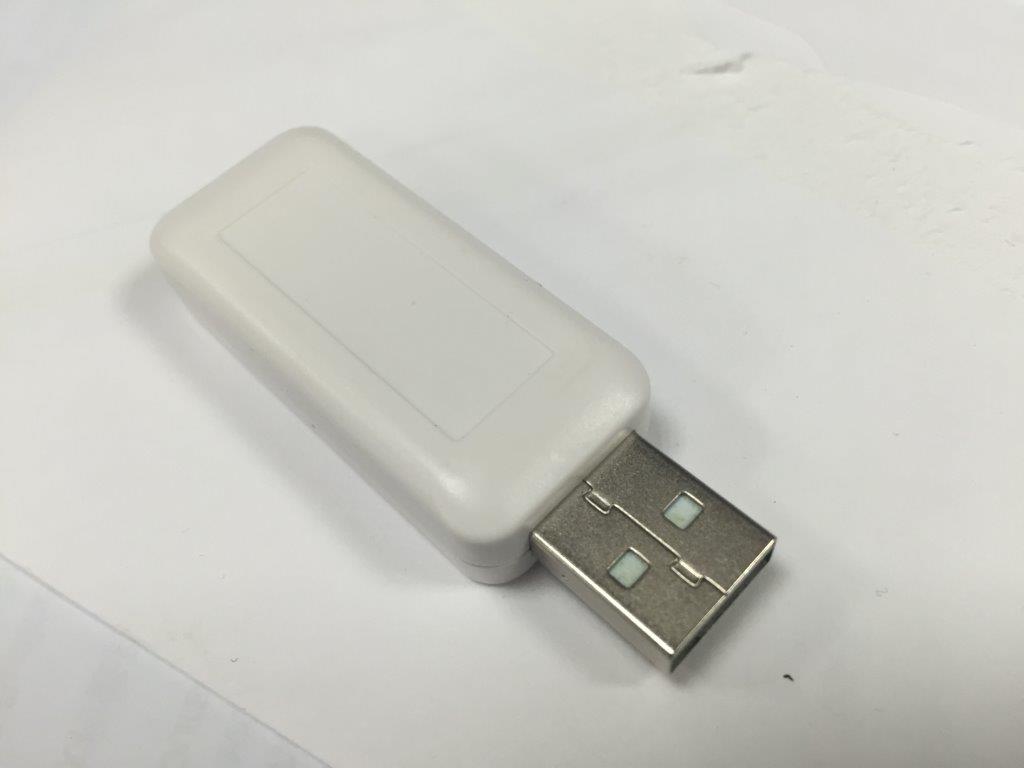
Name | Z-Wave 500 USB dongle |
Short Description | This SA413 Z-Wave 500 USB is a Z-Wave enabled device and is fully compatible with any Z-Wave enabled network. |
Long Description | This SA413 Z-Wave 500 USB is a Z-Wave enabled device and is fully compatible with any Z-Wave enabled network. Z-Wave enabled devices displaying the Z-Wave logo can also be used regardless of manufacturer. A Sigma driver “ZW050x_USB_VCP_PC_Driver” and Sigma PC control software “ZWavePCController” are required to operate this device. A PC / notebook running Z-Wave software can control Z-Wave network through this USB. |
Brand | Everspring |
Product Identifier | SA413-1 |
Hardware Platform | ZM5304 |
Z-Wave Version | 6.51.07 |
Library Type | CONTROLLER_STATIC |
Device Type | Central Controller |
Role Type | ROLE_TYPE_CONTROLLER_CENTRAL_STATIC |
Frequency Plans | EU: 869.85MHz, 868.40MHz |
Categories | All Controllers, Computer Controller Interfaces |
Countries / Regions | European Union |
Documents | |
Texts | |
Supports NWI | Yes |
Supports Explorer Frames | Yes |
Radio Range Z-Wave (m) | 40 |