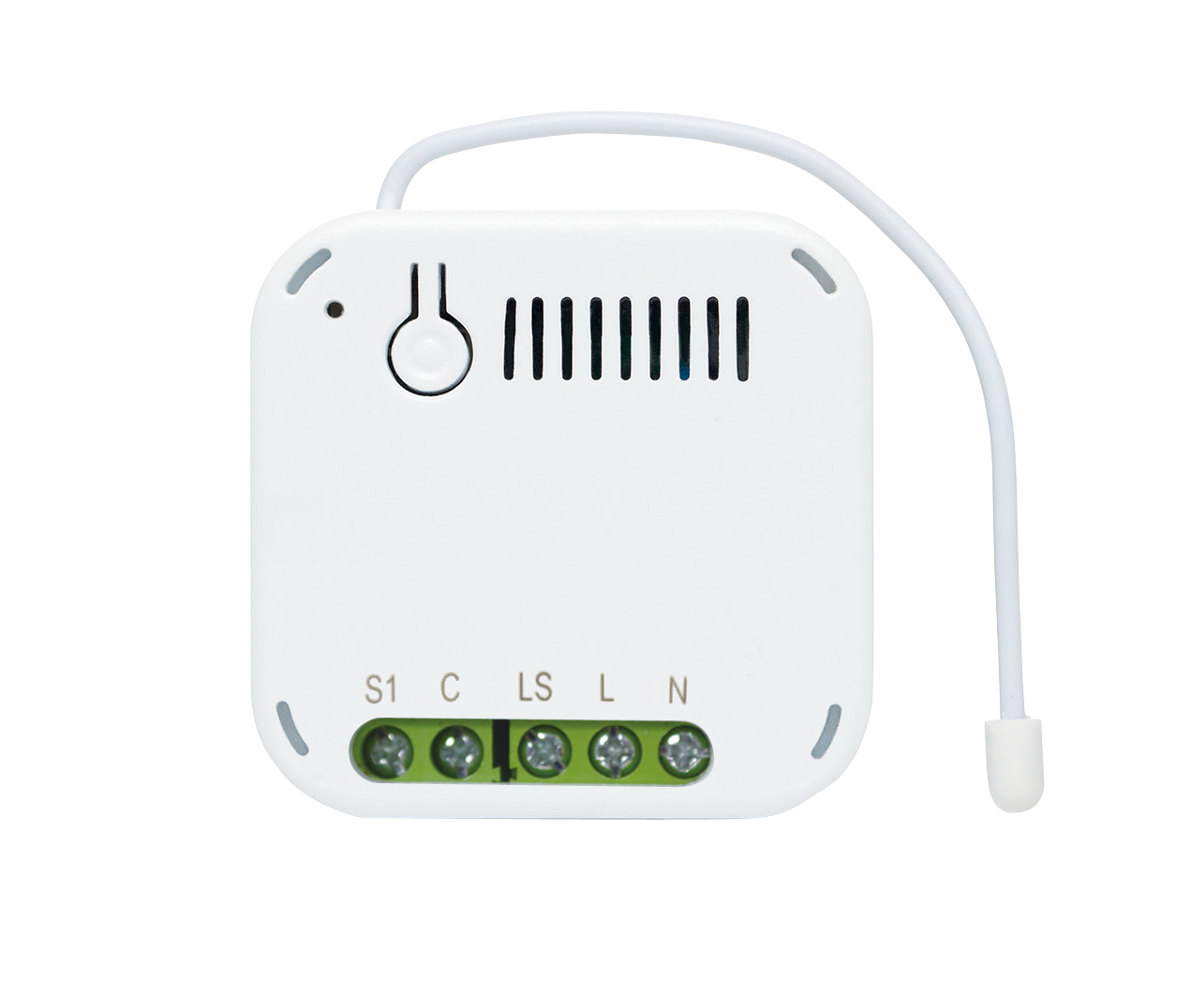
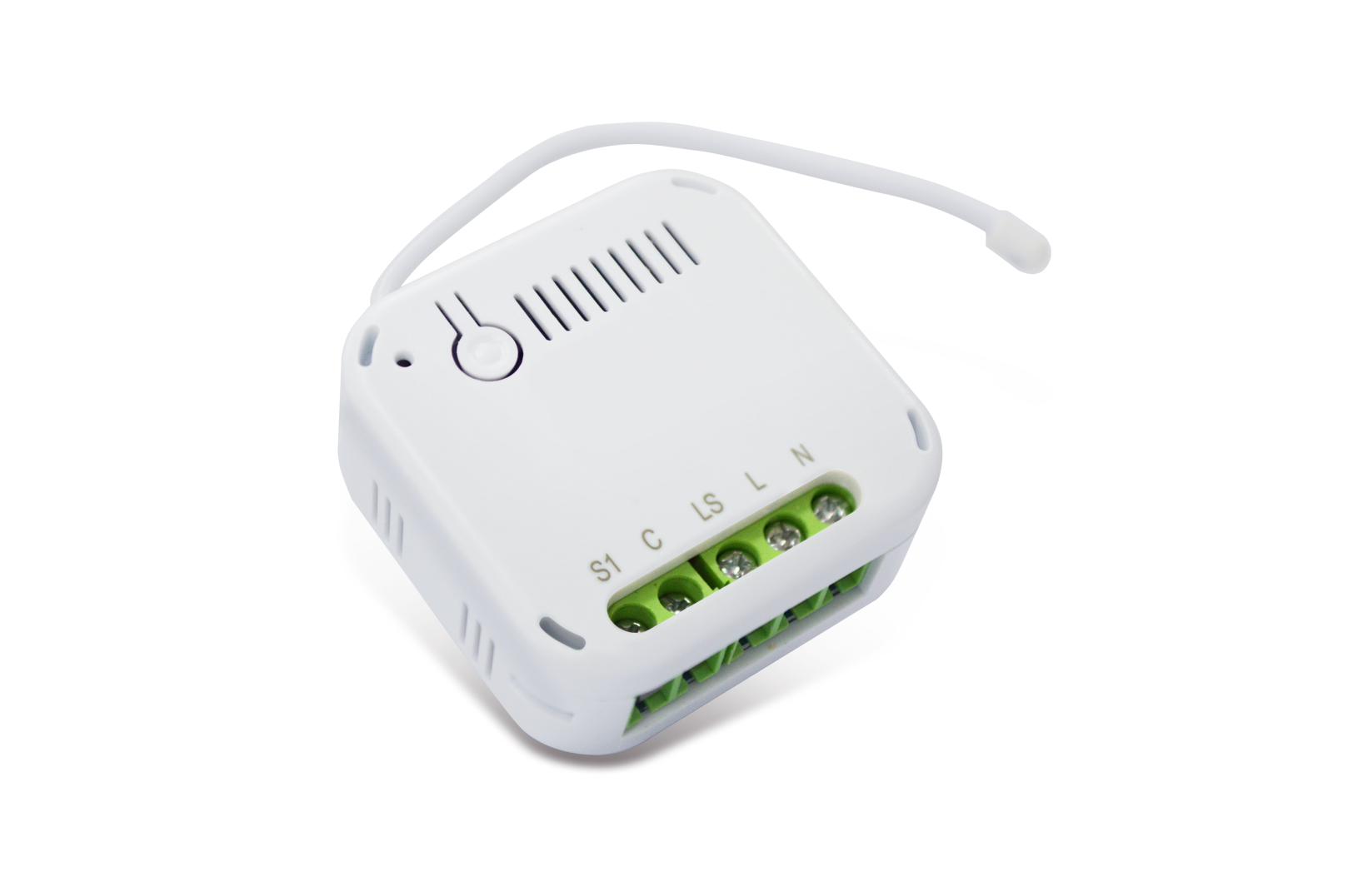
Product Recognition | |
|---|
Certification Number | ZC14-22020066 |
|---|
Name | Z-Wave 700 MOS Dimmer |
|---|
Short Description | AD370 is an inwall dimmer module to dim lighting appliances by Z-WaveTM wireless control. It uses MOS technology to achieve both Trailing-edge dimming for LED lighting and Leading-edge dimming for older lamps. Compact in design, yet certified for safety makes it suitable for installation in crammed electrical box located behind wall switches. |
|---|
Description | AD370 is an inwall dimmer module to dim lighting appliances by Z-WaveTM wireless control. It uses MOS technology to achieve both Trailing-edge dimming for LED lighting and Leading-edge dimming for older lamps. Compact in design, yet certified for safety makes it suitable for installation in crammed electrical box located behind wall switches. This product can be operated in any Z-Wave network with other Z-Wave certified devices from other manufacturers. All mains operated nodes within the network will act as repeaters regardless of vendor to increase reliability of the network.
Main Features:
• Latest Z-Wave 700 series
• MOS technology for Trailing/Leading edge phase dimming
• Suitable for 3-wire and 2-wire (no neutral) connections
• Self -detect whether 3-wire or 2-wire installation
• Installer friendly; no need for loopback cable when 2-wire (Patent-pending)
• Usable dimming range set through Auto Calibration
• Overload and overheat protection
• Integrated scheduler controller
• Power consumption reporting
• Auto-detect load type: resistive, inductive, capacitive |
|---|
Brand | Everspring |
|---|
Identifier | AD370-0 |
|---|
Product Line | Z-Wave 700 series |
|---|
OEM Version | HW: 01 FW: 01.01:00.03 |
|---|
Hardware Platform | ZGM130S037HGN2 / ZGM130S037HGN1 |
|---|
Z-Wave Version | 7.16.3 |
|---|
Library Type | END_NODE_ENHANCED_232 |
|---|
Device Type | Multilevel Switch DT |
|---|
Role Type | ROLE_TYPE_SLAVE_ALWAYS_ON |
|---|
Manufacturer ID | 0x0060 |
|---|
Product Type ID | 0x0033 |
|---|
Product ID | 0x0001 |
|---|
User Icon | 0x0600 |
|---|
Installer Icon | 0x0600 |
|---|
Radio Range Z-Wave (m) | 40 |
|---|
Frequency Plans | EU: 869.85MHz, 868.40MHz |
|---|
Categories | All Lighting Devices, On/Off Switches/Devices, Dimming Lighting Devices |
|---|
Countries / Regions | European Union |
|---|
Supported Command Classes | Identifier | Name | Key | Version |
|---|
COMMAND_CLASS_ASSOCIATION_V2 | Association V2 | 0x85 | 2 | COMMAND_CLASS_ASSOCIATION_GRP_INFO_V3 | Association Group Information (AGI) V3 | 0x59 | 3 | COMMAND_CLASS_DEVICE_RESET_LOCALLY | Device Reset Locally | 0x5A | 1 | COMMAND_CLASS_FIRMWARE_UPDATE_MD_V5 | Firmware Update Meta Data V5 | 0x7A | 5 | COMMAND_CLASS_INDICATOR_V3 | Indicator V3 | 0x87 | 3 | COMMAND_CLASS_MANUFACTURER_SPECIFIC_V2 | Manufacturer Specific V2 | 0x72 | 2 | COMMAND_CLASS_MULTI_CHANNEL_ASSOCIATION_V3 | Multi Channel Association V3 | 0x8E | 3 | COMMAND_CLASS_VERSION_V3 | Version V3 | 0x86 | 3 | COMMAND_CLASS_ZWAVEPLUS_INFO_V2 | Z-Wave Plus Info V2 | 0x5E | 2 | COMMAND_CLASS_SECURITY_2 | Security 2 | 0x9F | 1 | COMMAND_CLASS_SUPERVISION | Supervision | 0x6C | 1 | COMMAND_CLASS_TRANSPORT_SERVICE_V2 | Transport Service V2 | 0x55 | 2 | COMMAND_CLASS_POWERLEVEL | Powerlevel | 0x73 | 1 | COMMAND_CLASS_NOTIFICATION_V8 | Notification V8 | 0x71 | 8 | COMMAND_CLASS_CONFIGURATION_V4 | Configuration V4 | 0x70 | 4 | COMMAND_CLASS_METER_V5 | Meter V5 | 0x32 | 5 | COMMAND_CLASS_SWITCH_MULTILEVEL_V4 | Multilevel Switch V4 | 0x26 | 4 | COMMAND_CLASS_BASIC_V2 | Basic V2 | 0x20 | 2 | COMMAND_CLASS_APPLICATION_STATUS | Application Status | 0x22 | 1 | COMMAND_CLASS_SECURITY | Security 0 | 0x98 | 1 |
|
|---|
S2 Classes | S2_AUTHENTICATED, S2_UNAUTHENTICATED |
|---|
Documents | Category | File |
|---|
Manual_English | |
|
|---|
Features | Feature | Values |
|---|
Electric Load Type | Value |
|---|
Incandescent | Dimmable LED | Dimmable ELV (Magnetic) |
| Firmware Updatable | Value |
|---|
Updatable by Consumer by RF |
|
|
|---|
Association Groups | Group Number | Maximum Nodes Supported | End Point ID | Group Name | Profile |
|---|
1 | 5 | 0 | Lifeline | 0x0001 | 2 | 5 | 0 | On/Off Control | 0x2001 | 3 | 5 | 0 | Switch Multilevel Start/Stop | 0x2002 |
|
|---|
Configuration Parameters | Parameter Number | Name | Description | Format | Size | Min Value | Max Value | Default Value |
|---|
1 | Switch Type | Def 0 | 0 | 2 | 0 | 0 | 0x0000 | 2 | Auto-on time | Def 0, second | 0 | 2 | 0 | 0 | 0x0000 | 3 | Auto-off time | Def 0, second | 0 | 2 | 0 | 0 | 0x0000 | 4 | Remember last status | Def 1, save last state | 0 | 2 | 0 | 0 | 0x0001 | 5 | Interval for wattage/kWh auto report | Def 600, second | 0 | 2 | 0 | 0 | 0x0258 | 6 | Report when exceed % change of wattage | Def 25, percent | 0 | 2 | 0 | 0 | 0x0019 | 7 | Maximum dimming value | Def 100" | 0 | 2 | 0 | 0 | 0x0064 | 8 | Minimum dimming value | Def 100 | 0 | 2 | 0 | 0 | 0x000A | 9 | MOS operation mode | Def 2 | 0 | 2 | 0 | 0 | 0x0002 | 10 | Calibration Mode | Def 0 | 0 | 2 | 0 | 0 | 0x0000 | 11 | Auto Calibration | Def 1 | 0 | 2 | 0 | 0 | 0x0001 | 17 | Power auto report threshold | Def 0, 0: disable | 0 | 2 | 0 | 0 | 0x0000 |
|
|---|
Texts | ID | Description | Value |
|---|
8 | Where to find S2 DSK on product | Page 2: Adding to Z-Wave Network
Note: If the Z-Wave Controller utilizes S2 security protocol, you may be asked to enter a 5 digit Device Specific Key (DSK) .This can be found in one of two places:
- on the QR code label on the back of the unit
- on the insert card inside the packaging | 1 | Classic Inclusion | 1. Put the Z-Wave Controller into inclusion mode.
2. Press the link key or external switch three times within 1.5 seconds to put the unit into inclusion mode. | 2 | Classic Exclusion | 1. Put the Z-Wave Controller into exclusion mode.
2. Press the link key or external switch three times within 1.5 seconds to put the unit into exclusion mode. | 5 | Factory Reset Procedure | 1. Press the link key or external switch three times within 1.5 seconds to put the unit into exclusion mode.
2. Within 1 second of step 1, press link key or external switch again and hold until LED is off (about 5 seconds).
3. Node ID is excluded. The device reverts to factory default state and will be in auto-inclusion mode for 4 minutes.
(This procedure should only be used when the network primary controller is inoperable.) |
|
|---|
Supported / Controlled Meter Types | Meter Type | Rate Type |
|---|
Electric meter | Import (consumed) |
|
|---|
Supported Notification Types | Notification Type | Event / State |
|---|
Power Management | Power status: Power has been applied | Power Management | Over-load status: Over-load detected | System | HW status: System hardware failure | System | Emergency shutoff status: Emergency shutoff |
|
|---|
Supports NWI | Yes |
|---|
Supports Explorer Frames | Yes |
|---|
Supports SmartStart | Yes |
|---|