Product Recognition | |
|---|
Certification Number | ZC14-23030206 |
|---|
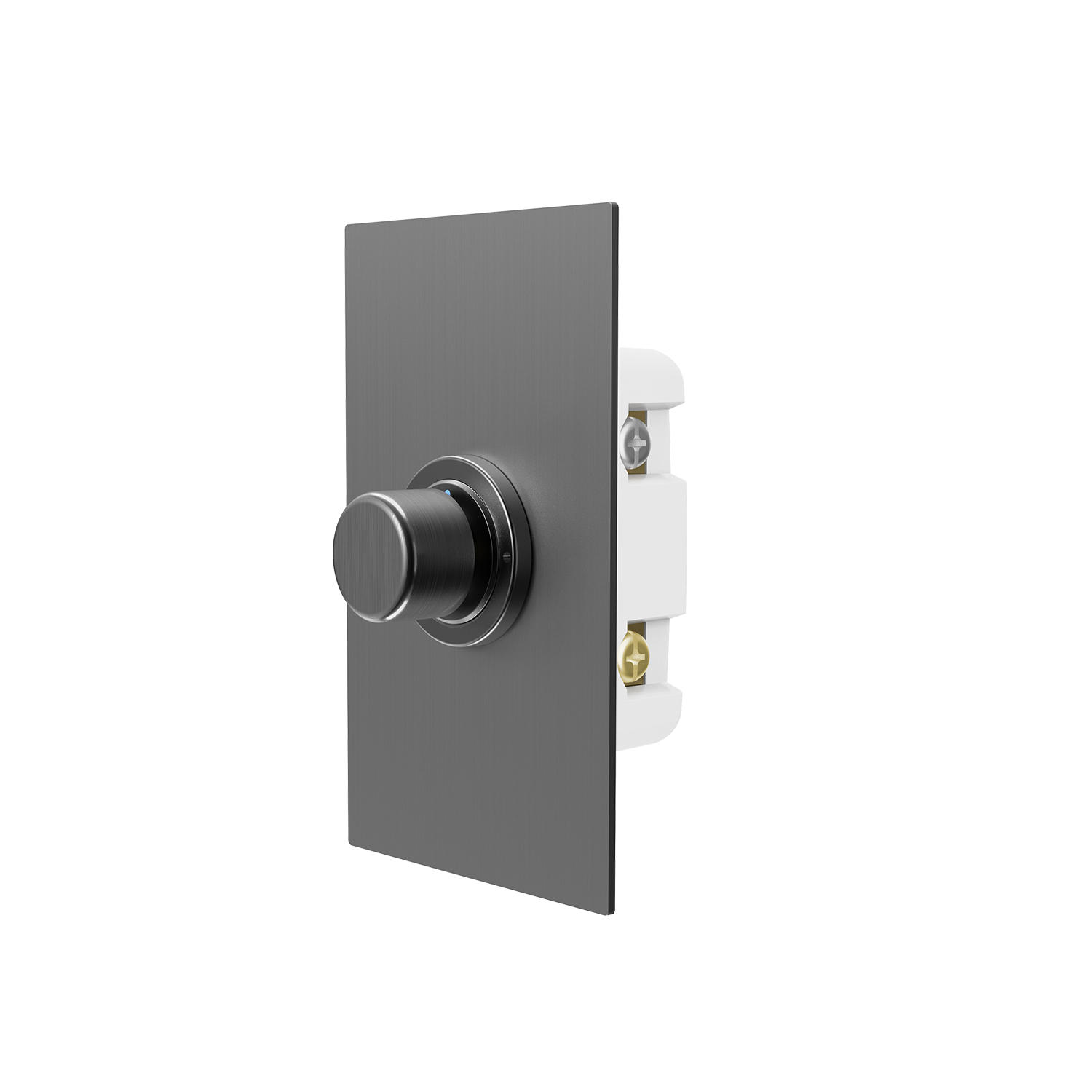
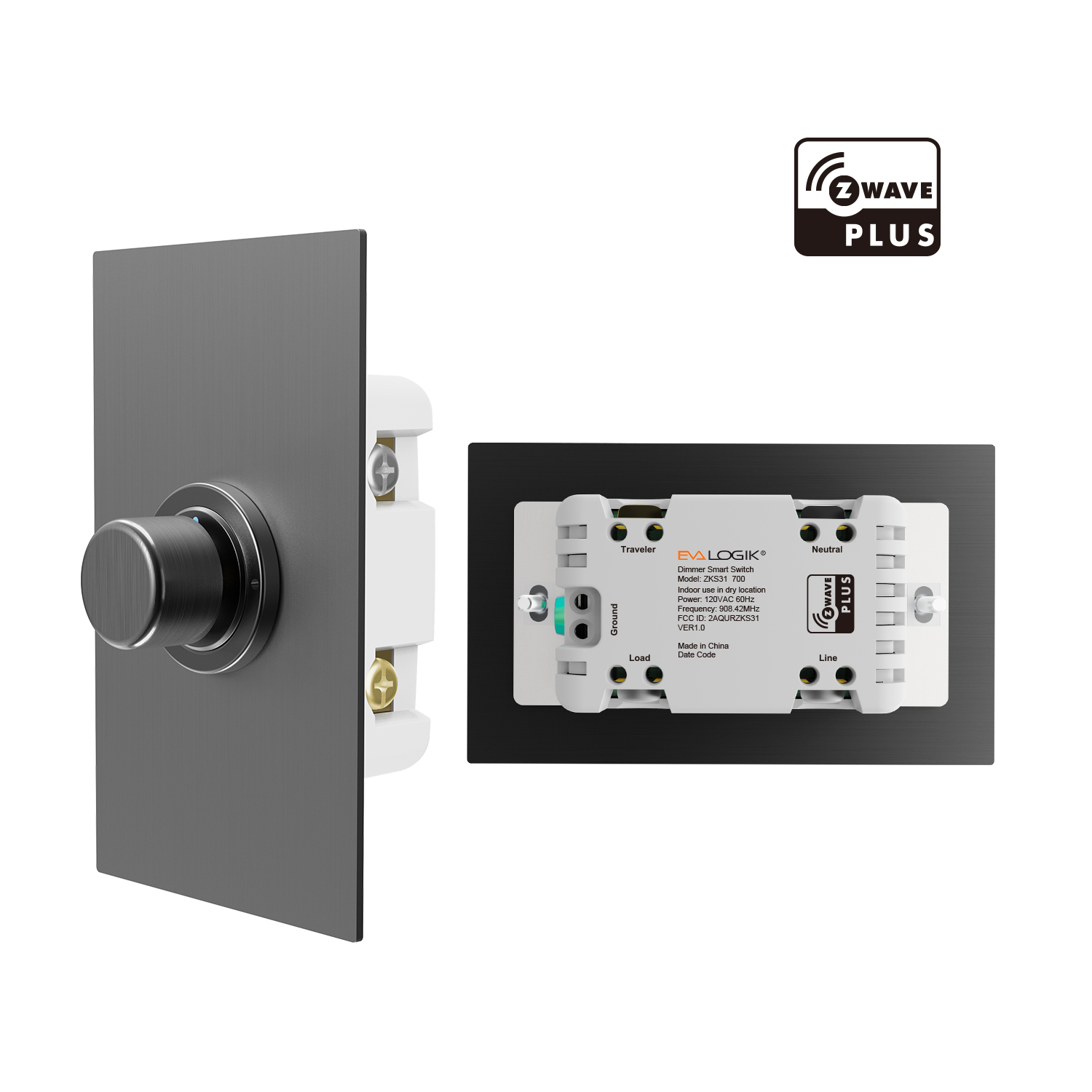
Name | Z-Wave Knob Dimmer Switch |
|---|
Short Description | The Smart Dimmer can be used to turn any outlet into a smart outlet to turn lamps On, Off, or control dimming of any lamps with dimmable light bulbs. Each Z-Wave ™ device also serves as a repeater in the Z-Wave network, extending and improving the mesh network in the installed location.
The Smart Dimmer is a Z-Wave Plus ™ certified device and includes S2 security and SmartStart. You can now add this device securely and with ease using QR code on the box or device. |
|---|
Long Description | The Smart Dimmer can be used to turn any outlet into a smart outlet to turn lamps On, Off, or control dimming of any lamps with dimmable light bulbs. Each Z-Wave ™ device also serves as a repeater in the Z-Wave network, extending and improving the mesh network in the installed location.
The Smart Dimmer is a Z-Wave Plus ™ certified device and includes S2 security and SmartStart. You can now add this device securely and with ease using QR code on the box or device. |
|---|
Brand | Evalogik |
|---|
Product Identifier | ZKS31 |
|---|
Product Line | Line A |
|---|
OEM Version | HW: 01 FW: 01.03 |
|---|
Hardware Platform | ZGM130S037HGN2 / ZGM130S037HGN1 |
|---|
Z-Wave Version | 7.18.3 |
|---|
Library Type | END_NODE_ENHANCED_232 |
|---|
Device Type | Multilevel Switch DT |
|---|
Role Type | ROLE_TYPE_SLAVE_ALWAYS_ON |
|---|
Manufacturer ID | 0x0312 |
|---|
Product Type ID | 0x7000 |
|---|
Product ID | 0x7002 |
|---|
User Icon | 0x0600 |
|---|
Installer Icon | 0x0600 |
|---|
Frequency Plans | US: 916.00MHz, 908.40MHz |
|---|
Categories | All Lighting Devices, Dimming Lighting Devices, Lighting Accessories |
|---|
Countries / Regions | Canada, Mexico, United States of America |
|---|
Supported Command Classes | Identifier | Name | Key | Version |
|---|
COMMAND_CLASS_ASSOCIATION_V2 | Association V2 | 0x85 | 2 | COMMAND_CLASS_ASSOCIATION_GRP_INFO_V3 | Association Group Information (AGI) V3 | 0x59 | 3 | COMMAND_CLASS_DEVICE_RESET_LOCALLY | Device Reset Locally | 0x5A | 1 | COMMAND_CLASS_FIRMWARE_UPDATE_MD_V5 | Firmware Update Meta Data V5 | 0x7A | 5 | COMMAND_CLASS_INDICATOR_V3 | Indicator V3 | 0x87 | 3 | COMMAND_CLASS_MANUFACTURER_SPECIFIC_V2 | Manufacturer Specific V2 | 0x72 | 2 | COMMAND_CLASS_MULTI_CHANNEL_ASSOCIATION_V3 | Multi Channel Association V3 | 0x8E | 3 | COMMAND_CLASS_VERSION_V3 | Version V3 | 0x86 | 3 | COMMAND_CLASS_ZWAVEPLUS_INFO_V2 | Z-Wave Plus Info V2 | 0x5E | 2 | COMMAND_CLASS_SECURITY_2 | Security 2 | 0x9F | 1 | COMMAND_CLASS_SUPERVISION | Supervision | 0x6C | 1 | COMMAND_CLASS_TRANSPORT_SERVICE_V2 | Transport Service V2 | 0x55 | 2 | COMMAND_CLASS_POWERLEVEL | Powerlevel | 0x73 | 1 | COMMAND_CLASS_SWITCH_MULTILEVEL_V4 | Multilevel Switch V4 | 0x26 | 4 | COMMAND_CLASS_BASIC_V2 | Basic V2 | 0x20 | 2 | COMMAND_CLASS_CENTRAL_SCENE_V3 | Central Scene V3 | 0x5B | 3 | COMMAND_CLASS_CONFIGURATION_V4 | Configuration V4 | 0x70 | 4 |
|
|---|
S2 Classes | S2_AUTHENTICATED, S2_UNAUTHENTICATED |
|---|
Documents | Category | File |
|---|
Manual_English | |
|
|---|
Features | Feature | Values |
|---|
Electric Load Type | | Firmware Updatable | Value |
|---|
Updatable by Consumer by RF |
| Switch Type | | Z-Wave Scene Type | Value |
|---|
Scene & Central Scene |
|
|
|---|
Association Groups | Group Number | Maximum Nodes Supported | End Point ID | Group Name | Profile |
|---|
1 | 5 | 0 | Lifeline | 0x0001 | 2 | 5 | 0 | BASIC SET Group 1 | 0x2001 |
|
|---|
Configuration Parameters | Parameter Number | Name | Description | Format | Size | Min Value | Max Value | Default Value |
|---|
1 | Led Function | Led behavior for output | 1 | 1 | 0 | 0 | 0x00 | 2 | Led Color | Set led's color | 1 | 1 | 0 | 0 | 0x00 | 3 | Led Brightness | Set led's brightness | 1 | 1 | 0 | 0 | 0x32 | 4 | Knob Step | Step value when rotate knob | 1 | 1 | 0 | 0 | 0x02 | 5 | Up Press Value | Brightness when press up | 1 | 1 | 0 | 0 | 0x64 | 6 | Down Press Value | Brightness when press down | 1 | 1 | 0 | 0 | 0x14 | 7 | Left Press Value | Brightness when press left | 1 | 1 | 0 | 0 | 0x00 | 8 | Right Press Value | Brightness when press right | 1 | 1 | 0 | 0 | 0xFF | 9 | Center Behavior | Behavior when press the knob | 1 | 1 | 0 | 0 | 0x01 | 10 | Up Behavior | Behavior when push knob up | 1 | 1 | 0 | 0 | 0x01 | 11 | Down Behavior | Behavior when push knob down | 1 | 1 | 0 | 0 | 0x02 | 17 | Level Min | Minimum brightness | 1 | 1 | 0 | 0 | 0x00 | 23 | Rate For Hub Off | Rate when turn off by HUB | 1 | 1 | 0 | 0 | 0xFF | 24 | Single Tap behavior | Single TAP behavior when turn on the device | 1 | 1 | 0 | 0 | 0x00 | 25 | Custom brightness | Custom brightness for TAP behavior | 1 | 1 | 0 | 0 | 0x50 |
|
|---|
Texts | ID | Description | Value |
|---|
8 | Where to find S2 DSK on product | The QR code are stocked to the side of the case, DSK is included in the QR code.
The DSK code can be found on the DSK label which is attached on the packaging box.
The QR code are stocked to the side of the case, DSK is included in the QR code.
The DSK code can be found on the DSK label which is attached on the packaging box. | 1 | Classic Inclusion | Network Wide Inclusion To A Z-Wave™ Network
Refer to your primary controller instructions to process the inclusion / exclusion setup procedure.
When prompted by your primary controller, click the z-wave button Three times . | 2 | Classic Exclusion | Network Wide Inclusion To A Z-Wave™ Network
Refer to your primary controller instructions to process the inclusion / exclusion setup procedure.
When prompted by your primary controller, click the z-wave button Three times .
REMOVE/Exclusion to a Z-Wave Network Same operation. | 5 | Factory Reset Procedure | Factory Reset : Press the knob(center) twice and hold for 10 seconds (Tap -> Tap -> Press and hold for 10 seconds) to reset the device. Indicate: RED led will flashes, and then the GREEN led be solid for 2 seconds.
ZKS31 User Manual |
|
|---|
Supports NWI | Yes |
|---|
Supports Explorer Frames | Yes |
|---|
Supports SmartStart | Yes |
|---|
Radio Range Z-Wave (m) | 40 |
|---|