| Product Recognition | |
|---|
| Certification Number | ZC10-20096974 |
|---|
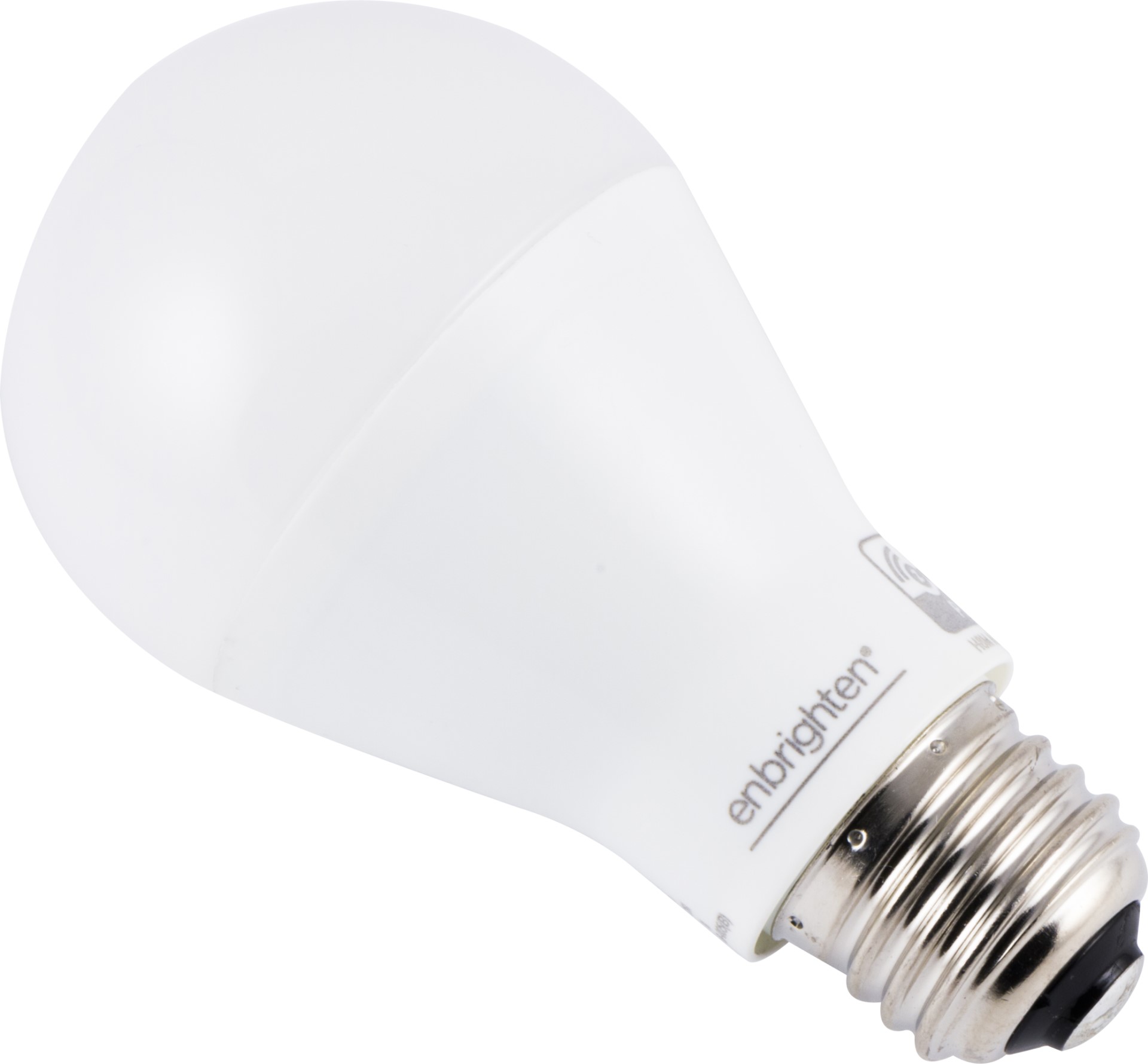
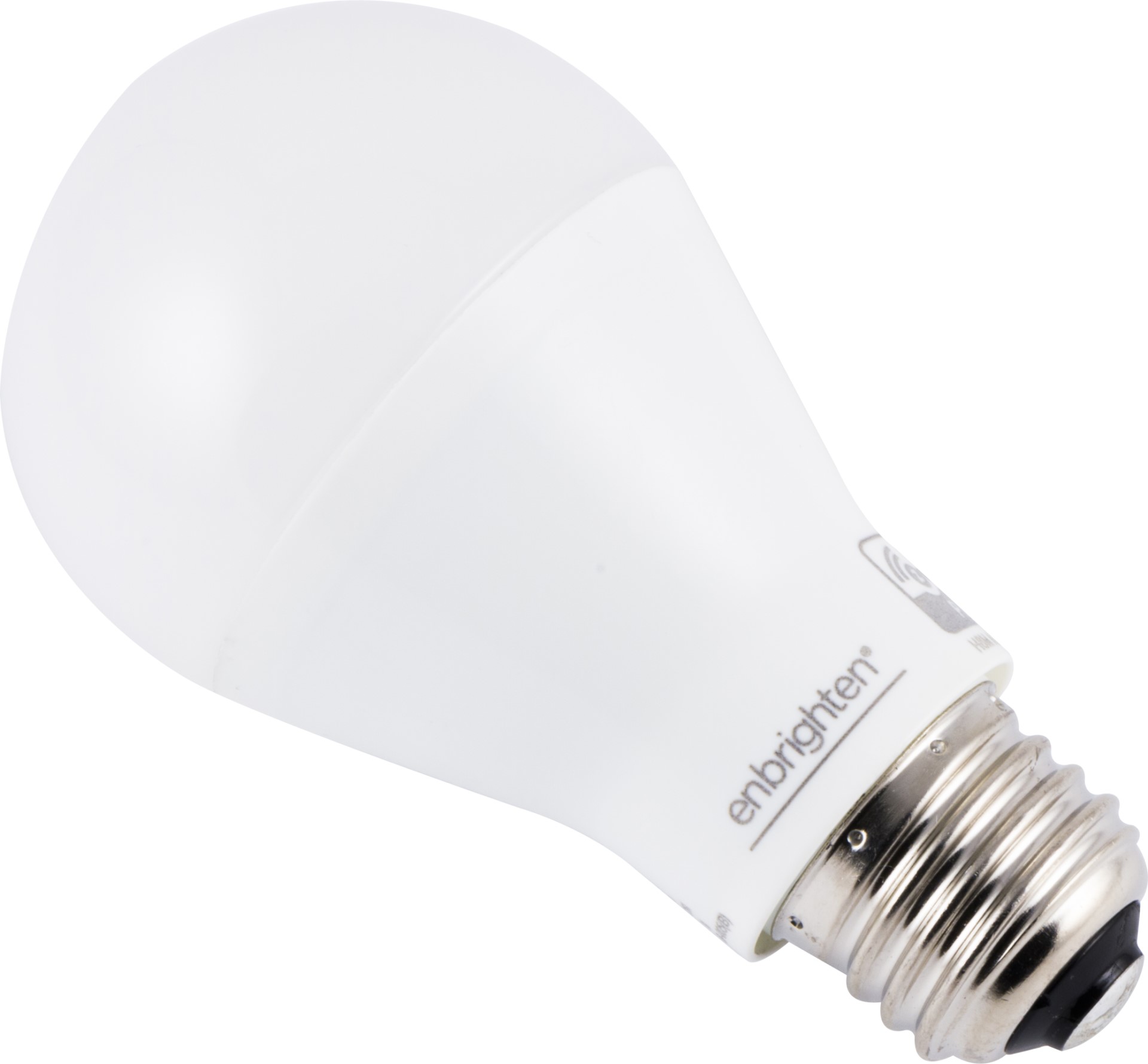
| Name | Z-Wave LED Light Bulb |
|---|
| Short Description | Smart LED light bulb with Z-Wave radio. |
|---|
| Long Description | Smart LED light bulb with Z-Wave radio.
- Control lights remotely and save energy
- Compatible with smart home systems supporting Z-Wave
- 60 Watt equivalent light (750 lumens)
- Consumes only 9 watts of power
- 2700K soft light with frosted glass
- Instant ON and fully dimmable
- Functions as a Z-Wave signal repeater
- Very simple to include in your network
- Z-Wave Plus certified |
|---|
| Brand | Enbrighten |
|---|
| Product Identifier | 52190/ ZW7105 |
|---|
| Product Line | Wireless Lighting Controls |
|---|
| OEM Version | HW: 1 FW: 4.10 |
|---|
| Hardware Platform | ZM5202 |
|---|
| Z-Wave Version | 6.81.06 |
|---|
| Library Type | SLAVE_ENHANCED_232 |
|---|
| Device Type | Light Dimmer Switch |
|---|
| Role Type | ROLE_TYPE_SLAVE_ALWAYS_ON |
|---|
| Manufacturer ID | 0x0063 |
|---|
| Product Type ID | 0x4C42 |
|---|
| Product ID | 0x3035 |
|---|
| User Icon | 0x0600 |
|---|
| Installer Icon | 0x0600 |
|---|
| Frequency Plans | US: 916.00MHz, 908.40MHz |
|---|
| Categories | All Lighting Devices, Dimming Lighting Devices, On/Off Switches/Devices, Lighting Accessories |
|---|
| Countries / Regions | United States of America |
|---|
| Supported Command Classes | | Identifier | Name | Key | Version |
|---|
| COMMAND_CLASS_SWITCH_MULTILEVEL | Switch Multilevel | 0x26 | 1 | | COMMAND_CLASS_FIRMWARE_UPDATE_MD_V4 | Firmware Update Meta-Data V4 | 0x7A | 4 | | COMMAND_CLASS_POWERLEVEL | Powerlevel | 0x73 | 1 | | COMMAND_CLASS_CONFIGURATION | Configuration | 0x70 | 1 | | COMMAND_CLASS_SECURITY | Security S0 | 0x98 | 1 | | COMMAND_CLASS_TRANSPORT_SERVICE_V2 | Transport Service V2 | 0x55 | 2 | | COMMAND_CLASS_DEVICE_RESET_LOCALLY | Device Reset Locally | 0x5A | 1 | | COMMAND_CLASS_ZWAVEPLUS_INFO_V2 | Z-Wave Plus Info V2 | 0x5E | 2 | | COMMAND_CLASS_ASSOCIATION_V2 | Association V2 | 0x85 | 2 | | COMMAND_CLASS_ASSOCIATION_GRP_INFO | Association Group Info | 0x59 | 1 | | COMMAND_CLASS_BASIC_V2 | Basic V2 | 0x20 | 2 | | COMMAND_CLASS_SECURITY_2 | Security S2 | 0x9F | 1 | | COMMAND_CLASS_VERSION_V3 | Version V3 | 0x86 | 3 | | COMMAND_CLASS_SUPERVISION | Supervision | 0x6C | 1 | | COMMAND_CLASS_MANUFACTURER_SPECIFIC_V2 | Manufacturer Specific V2 | 0x72 | 2 |
|
|---|
| S2 Classes | S2_UNAUTHENTICATED, S2_AUTHENTICATED |
|---|
| Documents | |
|---|
| Features | | Feature | Values |
|---|
| Electric Load Type | | | Firmware Updatable | | Value |
|---|
| Updatable by Consumer by RF |
|
|
|---|
| Association Groups | | Group Number | Maximum Nodes Supported | End Point ID | Group Name | Description |
|---|
| 1 | 5 | 0 | Lifeline | Z-Wave Plus Lifeline |
|
|---|
| Configuration Parameters | | Parameter Number | Name | Description | Format | Size | Min Value | Max Value | Default Value | Parameter Values |
|---|
| 1 | Dim Level | When value = 0, the brightness level will resume to full brightness when the Smart Bulb is turned ON every time by manual switch (or when power is restored after a power failure). When value = 1, the brightness level will maintain same dim level as the last setting when the Smart Bulb is turned ON again by manual switch (ow when power is restored after a power failure). When value = 2, restoring power to the light bulb will always keep last lamp status. | 1 | 1 | 0 | 2 | 2 | | From | To | Description |
|---|
| 0 | 2 | Dim level when light bulb is turned ON |
| | 9 | Dim Level | When the value is low, dimming brightness is gradual. When the value is high, dimming brightness is rapid. | 1 | 1 | 1 | 99 | 99 | | From | To | Description |
|---|
| 1 | 99 | Dim level when light bulb is turned ON |
| | 10 | Dimming/Brightening Step Timing | When the value is low, the step timing is quick. When the value is high, the step timing is slow. | 1 | 1 | 0 | 10 | 10 | | From | To | Description |
|---|
| 0 | 10 | Dim Speed |
|
|
|---|
| Texts | | ID | Description | Value |
|---|
| 5 | Factory Reset Procedure | Starting with the bulb on, cycle the wall switch OFF/ON four times.
1. Turn the switch off, pause one second, then turn back ON.
2. Repeat three times (four times total).
3. The smart bulb flashes twice when reset. | | 8 | Where to find S2 DSK on product | If prompted by the controller to enter the S2 security code, refer to the QR code/security number on the side
of the box or the QR code label on the product (see Figure 1). | | 1 | Classic Inclusion | 1. When initially powered, the bulb is in SmartStart inclusion mode. If your hub supports SmartStart, scan the QR code.
2. To change to classic inclusion mode, turn bulb OFF, then ON three times. The bulb rapidly flashes four times to indicate classic mode.
3. To change back to SmartStart inclusion mode, turn the bulb OFF, then ON three times. The bulb rapidly flashes six times to indicate SmartStart mode. | | 2 | Classic Exclusion | 1. Follow the instructions for your Z-Wave certified controller to remove a device from the Z-Wave network.
2. Once the controller is ready to remove your device, turn ON the light switch. The smart bulb flashes twice when
removed from the network. |
|
|---|
| Supports NWI | Yes |
|---|
| Supports Explorer Frames | Yes |
|---|
| Supports SmartStart | Yes |
|---|