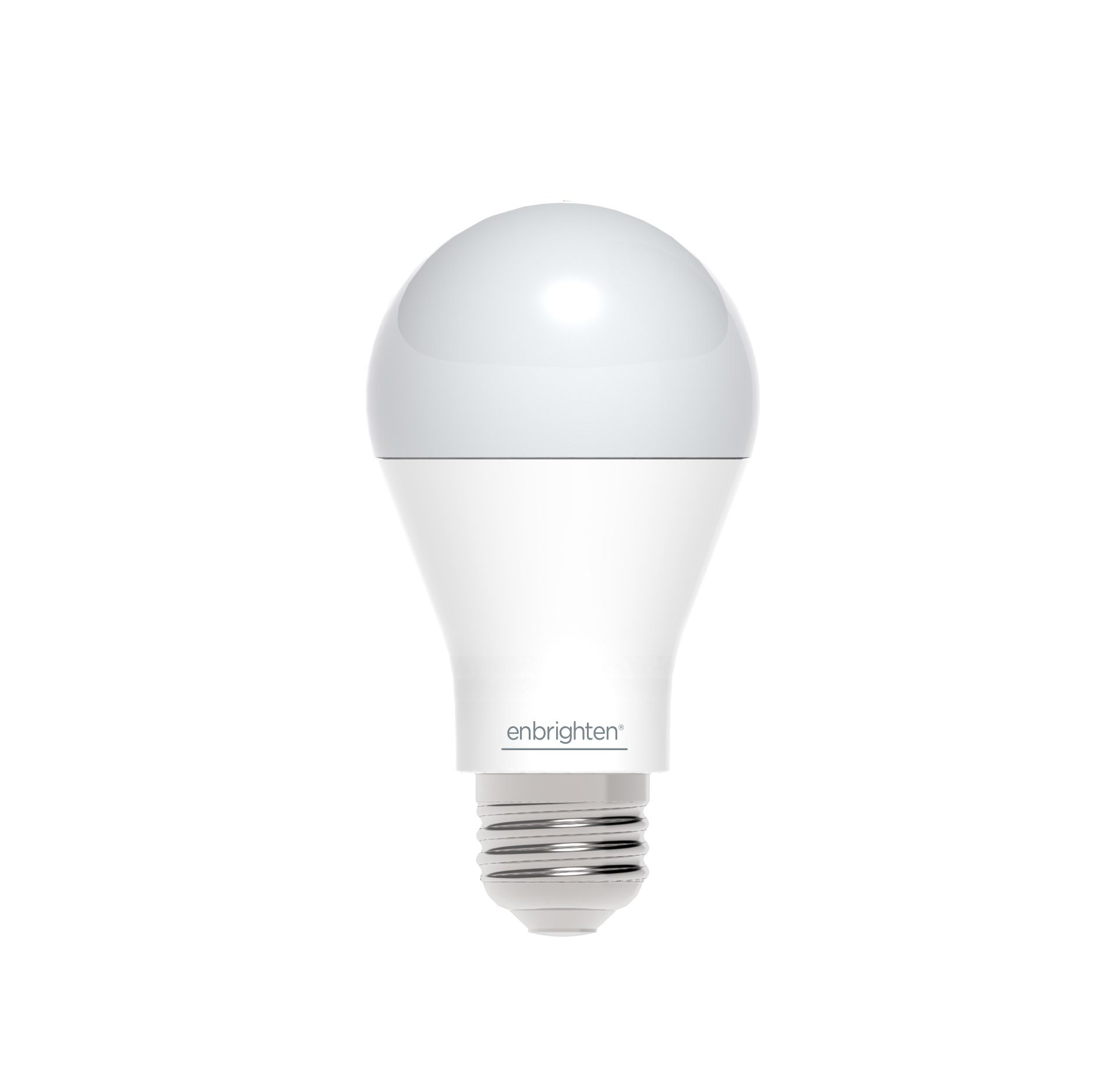
Product Recognition | |
|---|
Certification Number | ZC10-17075703 |
|---|
Name | Z-Wave LED Light Bulb |
|---|
Short Description | Smart LED light bulb with Z-Wave radio. Fully dimmable, 60W equivalent, consumes 9W of power, A19 screw in bulb with frosted soft light |
|---|
Long Description | Smart LED light bulb with Z-Wave radio.
- Control lights remotely and save energy
- Compatible with smart home systems supporting Z-Wave
- 60 Watt equivalent light (750 lumens)
- Consumes only 9 watts of power
- 2700K soft light with frosted glass
- Instant ON and fully dimmable
- Functions as a Z-Wave signal repeater
- Very simple to include in your network
- Z-Wave Plus certified |
|---|
Brand | Enbrighten |
|---|
Product Identifier | 39723 |
|---|
OEM Version | HW: 255 FW: 5.21 |
|---|
Hardware Platform | ZM5202 |
|---|
Z-Wave Version | 6.51.08 |
|---|
Library Type | SLAVE_ENHANCED_232 |
|---|
Device Type | Light Dimmer Switch |
|---|
Role Type | ROLE_TYPE_SLAVE_ALWAYS_ON |
|---|
Manufacturer ID | 0x0063 |
|---|
Product Type ID | 0x4C42 |
|---|
Product ID | 0x3031 |
|---|
User Icon | 0x0600 |
|---|
Installer Icon | 0x0600 |
|---|
Frequency Plans | US: 916.00MHz, 908.40MHz |
|---|
Categories | All Lighting Devices, Dimming Lighting Devices |
|---|
Countries / Regions | United States of America |
|---|
Supported Command Classes | Identifier | Name | Key | Version |
|---|
COMMAND_CLASS_SWITCH_MULTILEVEL | Switch Multilevel | 0x26 | 1 | COMMAND_CLASS_POWERLEVEL | Powerlevel | 0x73 | 1 | COMMAND_CLASS_SWITCH_ALL | Switch All | 0x27 | 1 | COMMAND_CLASS_BASIC | Basic | 0x20 | 1 | COMMAND_CLASS_CONFIGURATION | Configuration | 0x70 | 1 | COMMAND_CLASS_VERSION_V2 | Version V2 | 0x86 | 2 | COMMAND_CLASS_DEVICE_RESET_LOCALLY | Device Reset Locally | 0x5A | 1 | COMMAND_CLASS_ZWAVEPLUS_INFO_V2 | Z-Wave Plus Info V2 | 0x5E | 2 | COMMAND_CLASS_ASSOCIATION_V2 | Association V2 | 0x85 | 2 | COMMAND_CLASS_ASSOCIATION_GRP_INFO | Association Group Info | 0x59 | 1 | COMMAND_CLASS_FIRMWARE_UPDATE_MD_V2 | Firmware Update Meta-Data V2 | 0x7A | 2 | COMMAND_CLASS_MANUFACTURER_SPECIFIC_V2 | Manufacturer Specific V2 | 0x72 | 2 |
|
|---|
Documents | Category | Description | File |
|---|
Manual_Primary_Lang | Product or Owner's Manual | |
|
|---|
Features | Feature | Values |
|---|
Firmware Updatable | Value |
|---|
Updatable by Manufacturer |
| Z-Wave Scene Type | | Color | |
|
|---|
Association Groups | Group Number | Maximum Nodes Supported | End Point ID | Description |
|---|
1 | 5 | 0 | Z-Wave Plus Lifeline |
|
|---|
Configuration Parameters | Parameter Number | Name | Description | Format | Size | Min Value | Max Value | Default Value | Parameter Values |
|---|
1 | Dim level when light bulb is turned ON | When value = 0, the brightness level will resume to full brightness when the Smart Bulb is turned ON every time by manual switch (or when power is restored after a power failure). When value = 1, the brightness level will maintain same dim level as the last setting when the Smart Bulb is turned ON again by manual switch (or when power is restored after a power failure). When value = 2, restoring power to the light bulb will always keep last lamp status. | 0 | 1 | 0 | 0 | 0 | From | To | Description |
|---|
0 | 2 | When value = 0, the brightness level will resume to full brightness when the Smart Bulb is turned ON every time by manual switch (or when power is restored after a power failure). When value = 1, the brightness level will maintain same dim level as the last setting when the Smart Bulb is turned ON again by manual switch (or when power is restored after a power failure). When value = 2, restoring power to the light bulb will always keep last lamp status. |
| 9 | Dimming/Brightening Step Level | You may change the dimming step level when you adjust the brightness by your controller/gateway. When the value is low, dimming/brightness is gradual. When value is high, dimming/brightness is rapid. | 0 | 1 | 0 | 0 | 1 | From | To | Description |
|---|
1 | 99 | When the value is low, dimming/brightness is gradual. When value is high, dimming/brightness is rapid. |
| 10 | Dimming/Brightening Step Timing | You may change the dimming speed quicker or slower. When the value is low, the step timing is quick. When the value is high, the step timing is slow. | 0 | 1 | 0 | 0 | 3 | From | To | Description |
|---|
1 | 10 | When the value is low, the step timing is quick. When the value is high, the step timing is slow. |
|
|
|---|
Texts | ID | Description | Value |
|---|
6 | Additional Special Features | Please note, the Configuration Parameter list will appear on the Jasco Enbrighten web site. | 5 | Factory Reset | You may manually reset the light bulb as follows:
1. Flick the wall switch “OFF-ON” 4 times within 4 seconds.
2. The dt Smart Bulb will flash twice after Reset is successful.
Use this procedure only in the event that the network primary controller is lost or otherwise inoperable. | 1 | Inclusion | 1. Turn Off power to the light bulb socket
2. Screw in the light bulb
3. Place your network controller into inclusion mode by following the controller manufacturer's instructions
4. Turn On power to the light bulb. If successful, the LED light bulb will flash twice to indicate successful inclusion.
5. If the controller/gateway shows it was a fail, repeat the procedure.
Note: If Inclusion still fails after the 2nd attempt, you need to first RESET the dt Smart Bulb before repeating the above steps. | 2 | Exclusion | 1. Turn off power to the light bulb socket
2. Follow the network controller instruction to place your network controller into exclusion mode to remove the dt light bulb from the network.
3. After being prompted by the network controller, turn On power to the light bulb. If successful, the LED light bulb will flash twice to indicate successful exclusion. |
|
|---|
Supports NWI | Yes |
|---|
Supports Explorer Frames | Yes |
|---|