| Product Recognition | |
|---|
| Certification Number | ZC10-22057087 |
|---|
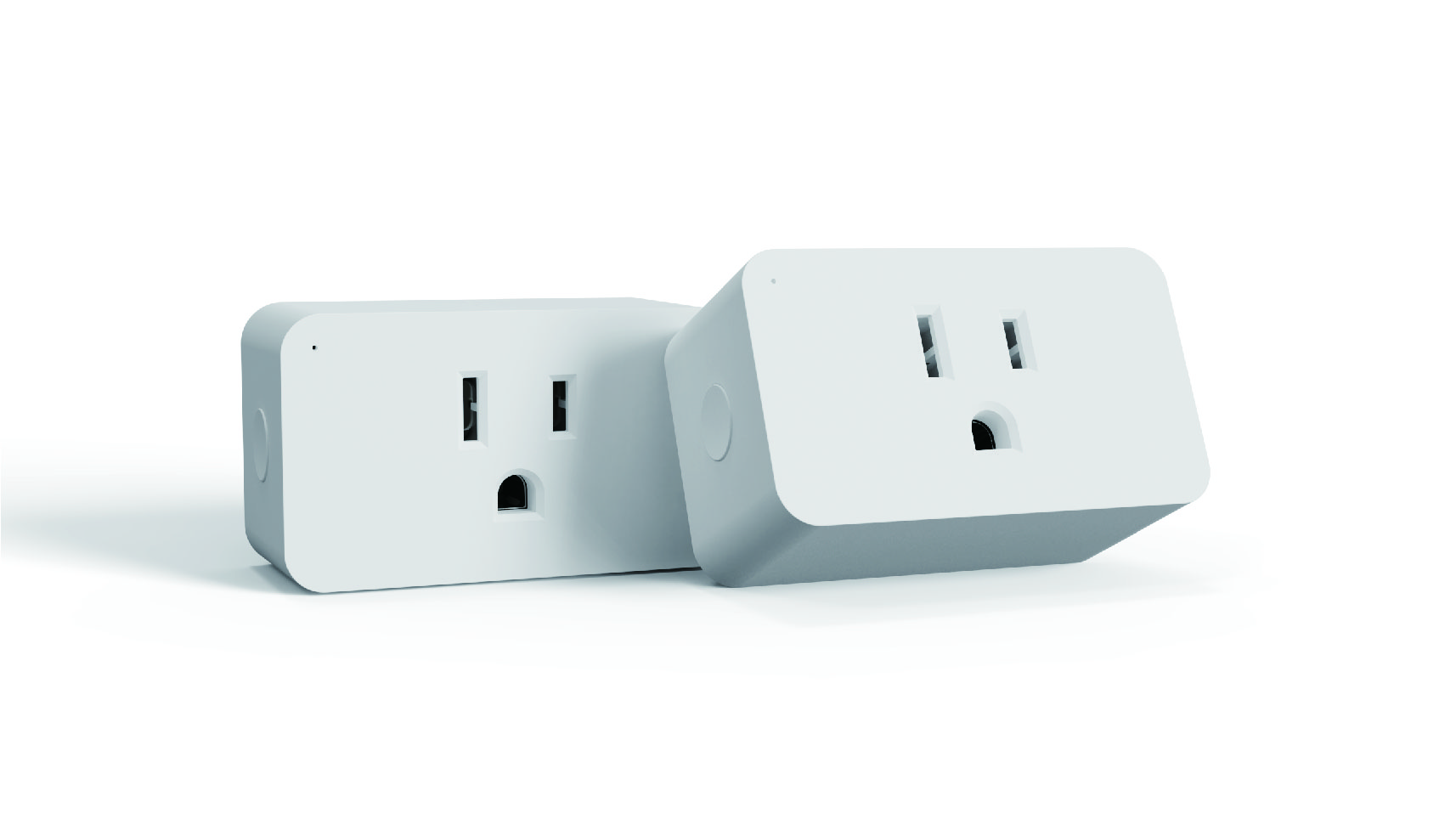
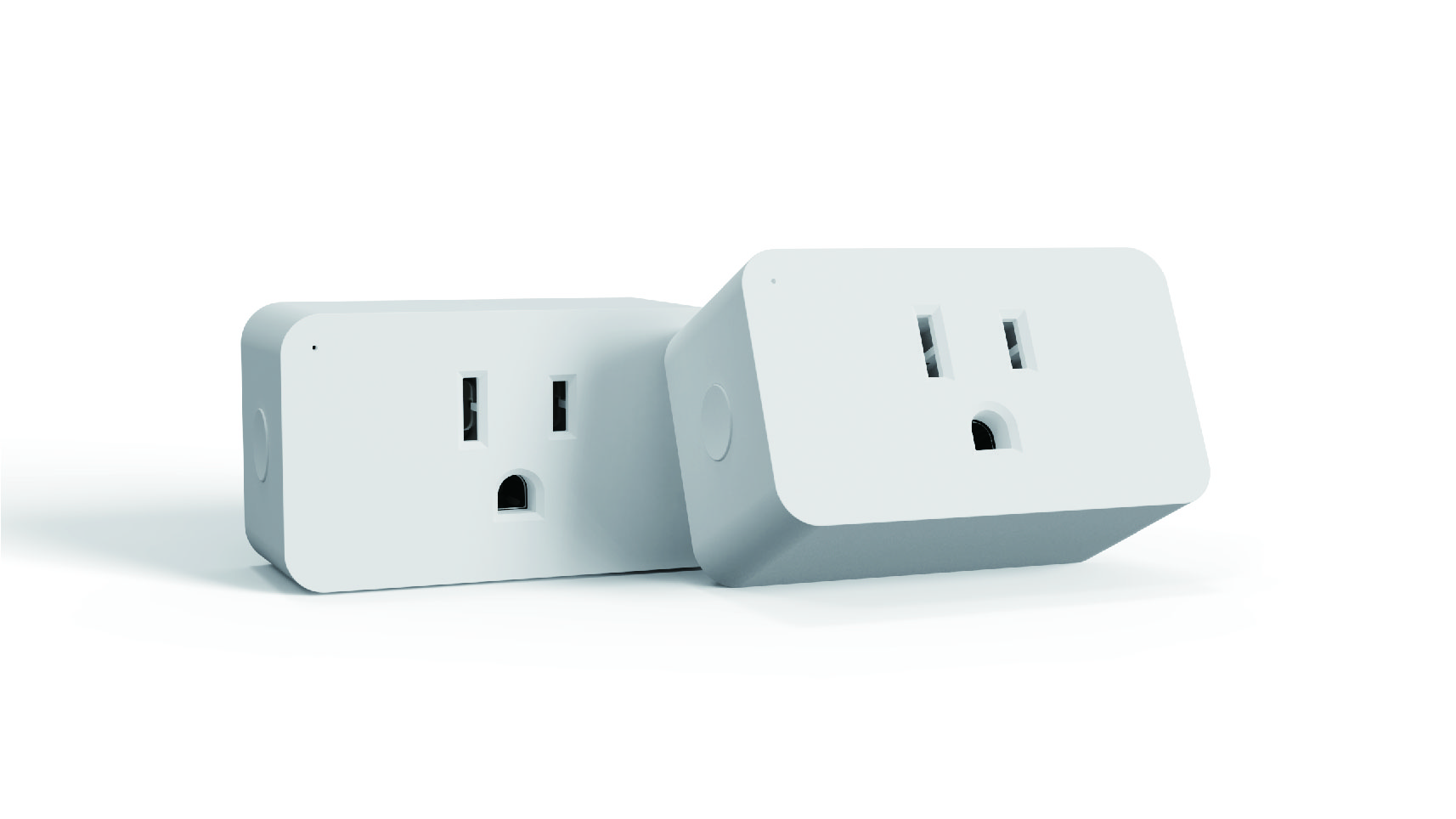
| Name | Z-Wave Plug with Energy Monitor |
|---|
| Short Description | The MP31ZP is a mini plug-in outlet equipped with Z-Wave™ capabilities and energy monitoring for additional convenience. This smart plug allows you to plug in and access an appliance through the certified Z-Wave hubs. |
|---|
| Long Description | The MP31ZP is a mini plug-in outlet equipped with Z-Wave™ capabilities and energy monitoring for additional convenience. This smart plug allows you to plug in and access an appliance through the certified Z-Wave hubs.
Schedule your appliances, run a timer, or check the On/Off status to monitor and save energy.
The compact size gives full access to the second outlet in a standard receptacle. |
|---|
| Brand | Minoston |
|---|
| Product Identifier | MP31ZP |
|---|
| Product Line | Line A |
|---|
| OEM Version | HW: 255 FW: 1.00 |
|---|
| Hardware Platform | ZM5202 |
|---|
| Z-Wave Version | 6.71.03 |
|---|
| Library Type | SLAVE_ENHANCED_232 |
|---|
| Device Type | On/Off Power Switch |
|---|
| Role Type | ROLE_TYPE_SLAVE_ALWAYS_ON |
|---|
| Manufacturer ID | 0x0312 |
|---|
| Product Type ID | 0xFF00 |
|---|
| Product ID | 0xFF0E |
|---|
| User Icon | 0x0701 |
|---|
| Installer Icon | 0x0700 |
|---|
| Frequency Plans | US: 916.00MHz, 908.40MHz |
|---|
| Categories | Energy Meters, All Lighting Devices, On/Off Switches/Devices |
|---|
| Countries / Regions | United States of America |
|---|
| Supported Command Classes | | Identifier | Name | Key | Version |
|---|
| COMMAND_CLASS_POWERLEVEL | Powerlevel | 0x73 | 1 | | COMMAND_CLASS_CONFIGURATION | Configuration | 0x70 | 1 | | COMMAND_CLASS_MULTI_CHANNEL_ASSOCIATION_V3 | Multi Channel Association V3 | 0x8E | 3 | | COMMAND_CLASS_SECURITY_2 | Security 2 | 0x9F | 1 | | COMMAND_CLASS_MULTI_CHANNEL_V4 | Multi Channel V4 | 0x60 | 4 | | COMMAND_CLASS_TRANSPORT_SERVICE_V2 | Transport Service V2 | 0x55 | 2 | | COMMAND_CLASS_DEVICE_RESET_LOCALLY | Device Reset Locally | 0x5A | 1 | | COMMAND_CLASS_ZWAVEPLUS_INFO_V2 | Z-Wave Plus Info V2 | 0x5E | 2 | | COMMAND_CLASS_ASSOCIATION_V2 | Association V2 | 0x85 | 2 | | COMMAND_CLASS_SWITCH_BINARY | Binary Switch | 0x25 | 1 | | COMMAND_CLASS_FIRMWARE_UPDATE_MD_V4 | Firmware Update Meta Data V4 | 0x7A | 4 | | COMMAND_CLASS_ASSOCIATION_GRP_INFO | Association Group Info | 0x59 | 1 | | COMMAND_CLASS_NOTIFICATION_V8 | Notification V8 | 0x71 | 8 | | COMMAND_CLASS_BASIC_V2 | Basic V2 | 0x20 | 2 | | COMMAND_CLASS_VERSION_V3 | Version V3 | 0x86 | 3 | | COMMAND_CLASS_SUPERVISION | Supervision | 0x6C | 1 | | COMMAND_CLASS_MANUFACTURER_SPECIFIC_V2 | Manufacturer Specific V2 | 0x72 | 2 | | COMMAND_CLASS_METER_V4 | Meter V4 | 0x32 | 4 |
|
|---|
| Controlled Command Classes | | Identifier | Name | Key | Version |
|---|
| COMMAND_CLASS_BASIC_V2 | Basic V2 | 0x20 | 2 |
|
|---|
| S2 Classes | S2_UNAUTHENTICATED |
|---|
| Documents | |
|---|
| Features | | Feature | Values |
|---|
| Color | | | Firmware Updatable | | Value |
|---|
| Updatable by Consumer by RF |
|
|
|---|
| Association Groups | | Group Number | Maximum Nodes Supported | End Point ID | Group Name | Description |
|---|
| 2 | 5 | 0 | basic set command | Basic Set Command | | 1 | 1 | 0 | Lifeline | Z-Wave Lifeline | | 3 | 5 | 0 | basic set command | basic set command |
|
|---|
| Configuration Parameters | | Parameter Number | Name | Description | Format | Size | Min Value | Max Value | Default Value | Parameter Values |
|---|
| 11 | Endpoint1 Count Down Configuration(Turn on the output by time) | Endpoint1 Count Down Configuration(Turn on the output by time) | 1 | 4 | 1 | 65535 | 60 | | From | To | Description |
|---|
| 1 | 65535 | Endpoint1 Count Down Configuration(Turn on the output by time) |
| | 1 | Restores state after power failure | Restores state after power failure | 1 | 1 | 0 | 2 | 0 | | From | To | Description |
|---|
| 0 | 0 | The state before a power outage. | | 1 | 1 | outlet on | | 2 | 2 | outlet off |
| | 10 | Endpoint1 Enable Auto Turn-ON Timer | Endpoint1 Enable Auto Turn-ON Timer | 1 | 1 | 0 | 1 | 0 | | From | To | Description |
|---|
| 1 | 1 | Auto Turn-ON Timer Enabled | | 0 | 0 | Auto Turn-ON Timer Disabled |
| | 2 | Power Wattage Report Value Threshold(Wattage) | Power Wattage Report Value Threshold(Wattage) | 1 | 4 | 0 | 65535 | 10 | | From | To | Description |
|---|
| 0 | 65535 | Power Wattage Report Value Threshold(Wattage) |
| | 8 | Endpoint1 Enable Auto Turn-OFF Timer | Endpoint1 Enable Auto Turn-OFF Timer | 1 | 1 | 0 | 1 | 0 | | From | To | Description |
|---|
| 0 | 0 | Auto Turn-OFF Timer Disabled | | 1 | 1 | Auto Turn-OFF Timer Enabled |
| | 9 | Endpoint1 Count Down Configuration(Turn off the output by time) | Endpoint1 Count Down Configuration(Turn off the output by time) | 1 | 4 | 1 | 65535 | 60 | | From | To | Description |
|---|
| 1 | 65535 | Endpoint1 Count Down Configuration(Turn off the output by time) |
| | 17 | Status LED Configuration | Status LED Configuration | 1 | 1 | 0 | 3 | 1 | | From | To | Description |
|---|
| 0 | 0 | LED indicator will display power consumption whenever the device is plugged in | | 1 | 1 | LED indicator will display power consumption whenever the device is ON in and will turn off when the plug is OFF | | 2 | 2 | LED indicator will display the level of power consumption for 5 seconds only whenever the device is turned on or off | | 3 | 3 | Always OFF |
|
|
|---|
| Texts | | ID | Description | Value |
|---|
| 5 | Factory Reset Procedure | Press the button twice quickly and then press and hold the button 10S.device will reset
(Node:Please use this procedure only when the network primary controller is missing or otherwise inoperable) | | 2 | Classic Exclusion | ADD or Remove the MP31ZP from the existing Z-Wave™ home control network with your primary controller.
---Refer to your primary controller instructions to process the inclusion / exclusion setup procedure.
---When prompted by your primary controller, click the PROG button Three times in one second
Include MP31ZP to/from a Z-Wave™ Gateway with supporting Security.The MP31ZP can support the Primary Controller that implemented the security S2. | | 1 | Classic Inclusion | ADD or Remove the MP31ZP from the existing Z-Wave™ home control network with your primary controller.
---Refer to your primary controller instructions to process the inclusion / exclusion setup procedure.
---When prompted by your primary controller, click the PROG button Three times in one second
Include MP31ZP to/from a Z-Wave™ Gateway with supporting Security.The MP31ZP can support the Primary Controller that implemented the security S2. |
|
|---|
| Supported / Controlled Meter Types | | Meter Type | Rate Type | Description |
|---|
| Electric meter | Export | Electric Meter Production |
|
|---|
| Supported Notification Types | | Notification Type | Event / State |
|---|
| Heat Alarm | Heat sensor status: Overheat detected (location provided) |
|
|---|
| Supports NWI | Yes |
|---|
| Supports Explorer Frames | Yes |
|---|