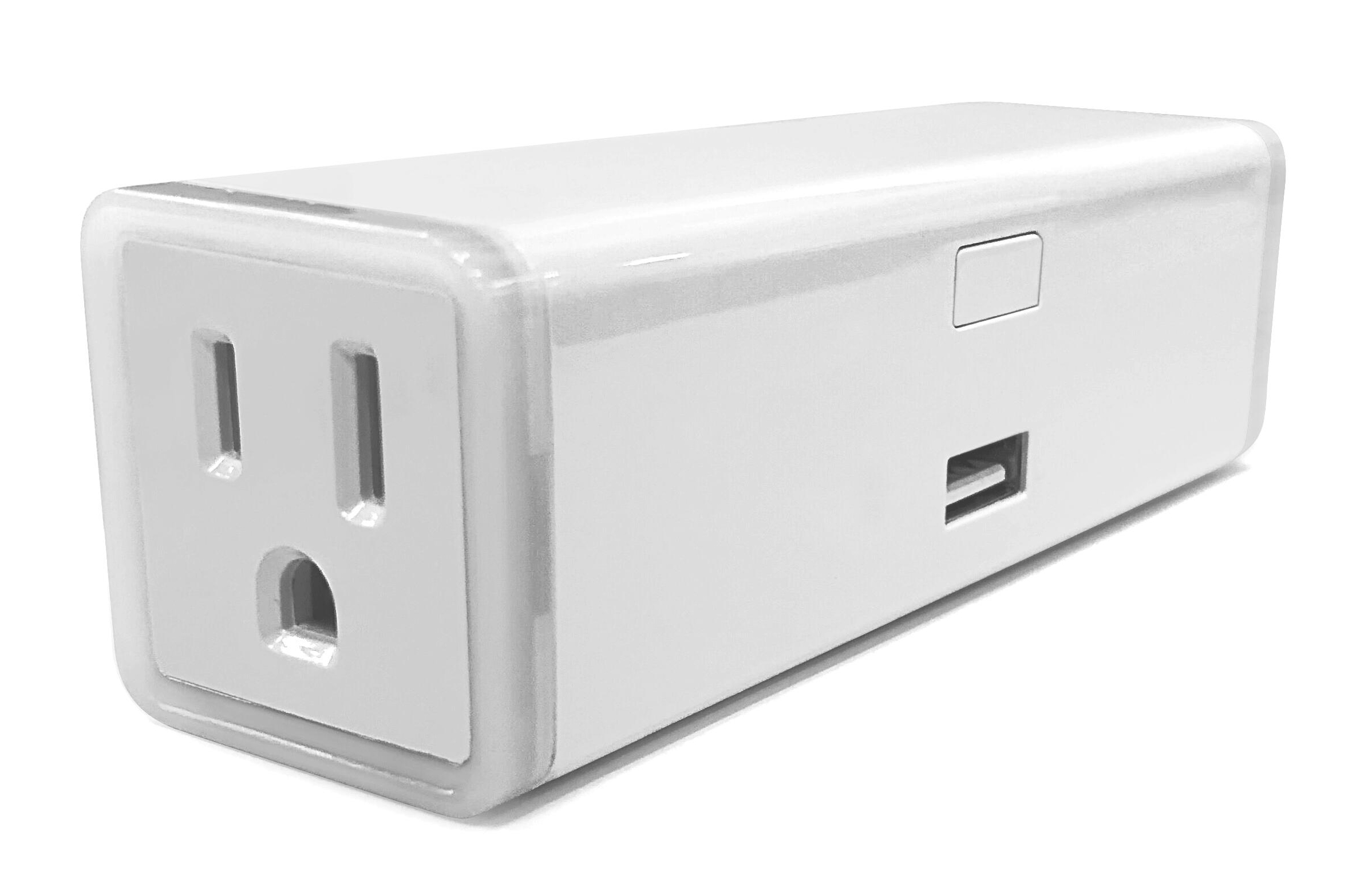
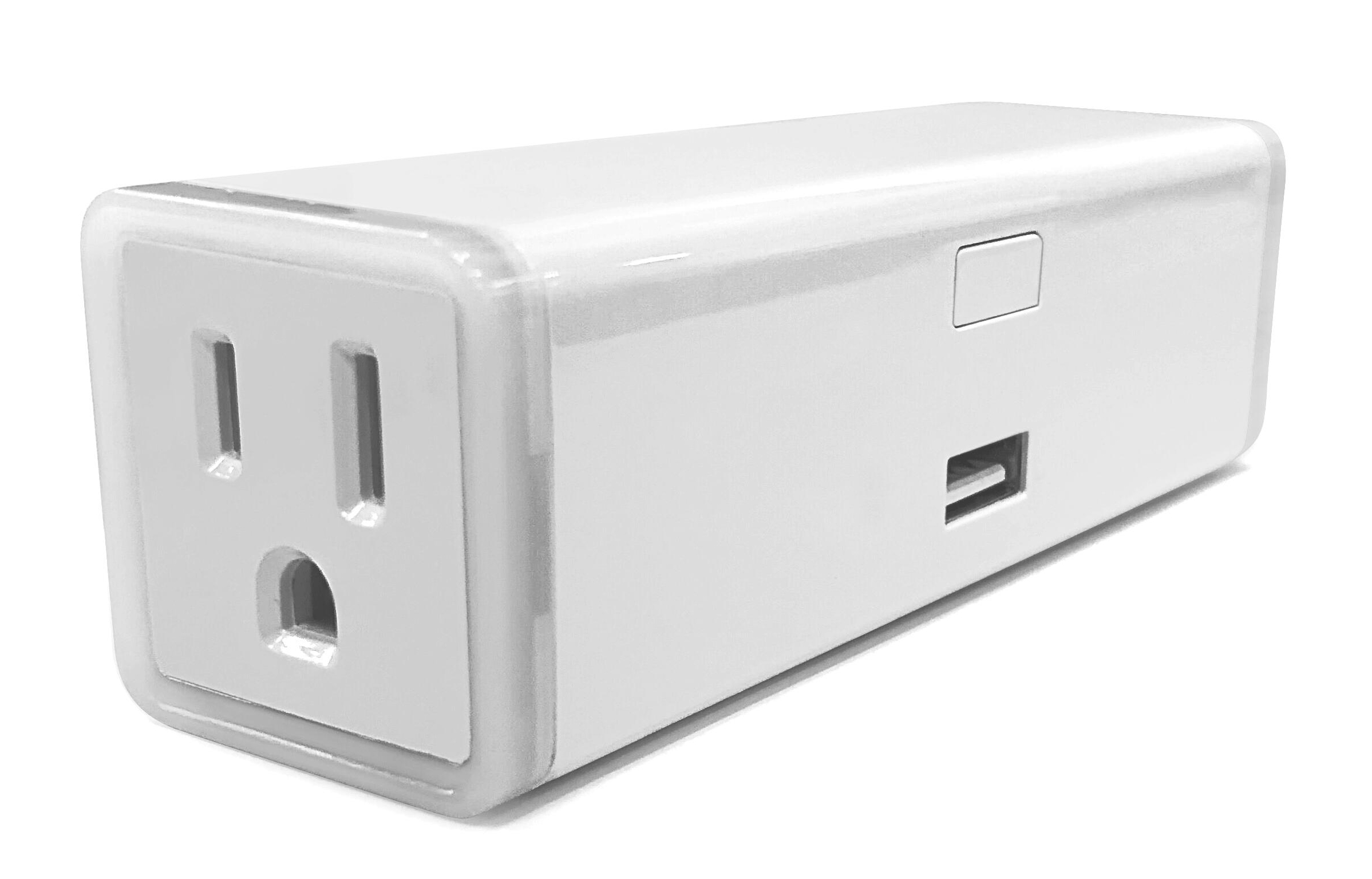
Product Recognition | |
|---|
Certification Number | ZC10-18116324 |
|---|
Name | Z-Wave Plus Double Plug |
|---|
Short Description | It is smart plug type device controlled by Z-Wave controller and can be configured in Z-Wave sensor network, if Z-Wave certified controller features remote access. |
|---|
Long Description | It is smart plug type device controlled by Z-Wave controller and can be configured in Z-Wave sensor network, if Z-Wave certified controller features remote access, you can dim lights at home from your mobile phone separately, and manual dim light by push button . |
|---|
Brand | Zooz |
|---|
Product Identifier | ZW47 |
|---|
OEM Version | HW: 255 FW: 1.00 |
|---|
Hardware Platform | ZM5202 |
|---|
Z-Wave Version | 6.71.03 |
|---|
Library Type | SLAVE_ENHANCED_232 |
|---|
Device Type | On/Off Power Switch |
|---|
Role Type | ROLE_TYPE_SLAVE_ALWAYS_ON |
|---|
Manufacturer ID | 0x0312 |
|---|
Product Type ID | 0xA000 |
|---|
Product ID | 0xA003 |
|---|
User Icon | 0x0701 |
|---|
Installer Icon | 0x0700 |
|---|
Frequency Plans | US: 916.00MHz, 908.40MHz |
|---|
Categories | Energy Meters, All Lighting Devices, On/Off Switches/Devices |
|---|
Countries / Regions | United States of America |
|---|
S2 Classes | S2_UNAUTHENTICATED |
|---|
Documents | Category | Description | File |
|---|
Manual_Primary_Lang | Product or Owner's Manual | |
|
|---|
Features | Feature | Values |
|---|
Supported Notification Types | | Switch Load Capacity Watts | | Firmware Updatable | Value |
|---|
Updatable by Consumer by RF |
| Switch Load Capacity Current | | Electric Load Type | Value |
|---|
Incandescent | Fluorescent | LED | Inductive (e.g. Motor) |
| Supported Meter Type | | Color | |
|
|---|
Association Groups | Group Number | Maximum Nodes Supported | End Point ID | Description |
|---|
3 | 5 | 0 | basic set command
When the output of the ZW47 Enpoint2 socket is changed, On (0xFF) or Off (0x00)orOverload, The ZW47 will automatically send out a related basic set command. On (0xFF) or Off (0x00) to its associated group. | 1 | 1 | 0 | Z-Wave Plus Lifeline | 2 | 5 | 0 | basic set command
When the output of the ZW47 Enpoint1 socket is changed, On (0xFF) or Off (0x00)orOverload, The ZW47 will automatically send out a related basic set command. On (0xFF) or Off (0x00) to its associated group. |
|
|---|
Configuration Parameters | Parameter Number | Name | Description | Format | Size | Min Value | Max Value | Default Value | Parameter Values |
|---|
8 | Endpoint1 Enable Auto Turn-OFF Timer | Endpoint1 Enable Auto Turn-OFF Timer | 0 | 1 | 0 | 0 | 0 | From | To | Description |
|---|
0 | 0 | EP1 Auto Turn-OFF Timer Disabled | 1 | 1 | EP1 Auto Turn-OFF Timer Enabled |
| 9 | Endpoint1 Count Down Configuration(Turn off the output by time) | Endpoint1 Count Down Configuration(Turn off the output by time) | 0 | 4 | 0 | 0 | 60 | From | To | Description |
|---|
1 | 65535 | Endpoint1 Count Down Configuration(Turn off the output by time) |
| 10 | Endpoint1 Enable Auto Turn-ON Timer | Endpoint1 Enable Auto Turn-ON Timer | 0 | 1 | 0 | 0 | 0 | From | To | Description |
|---|
0 | 0 | EP1 Auto Turn-ON Timer Disabled | 1 | 1 | EP1 Auto Turn-ON Timer Enabled |
| 11 | Endpoint1 Count Down Configuration(Turn on the output by time) | Endpoint1 Count Down Configuration(Turn on the output by time) | 0 | 4 | 0 | 0 | 60 | From | To | Description |
|---|
1 | 65535 | Endpoint1 Count Down Configuration(Turn on the output by time) |
| 1 | Restores state after power failure | Restores state after power failure | 0 | 1 | 0 | 0 | 0 | From | To | Description |
|---|
0 | 0 | The state before a power outage. | 1 | 1 | outlet on | 2 | 2 | outlet off |
| 2 | Power Wattage Report Value Threshold(Wattage) | Power Wattage Report Value Threshold(Wattage) | 0 | 4 | 0 | 0 | 10 | From | To | Description |
|---|
0 | 10 | Power Wattage Report Value Threshold(Wattage) |
| 17 | Status LED Configuration | Status LED Configuration | 0 | 1 | 0 | 0 | 1 | From | To | Description |
|---|
0 | 0 | LED indicator will display power consumption whenever the device is plugged in | 1 | 1 | LED indicator will display power consumption whenever the device is ON in and will turn off when the plug is OFF | 2 | 2 | LED indicator will display the level of power consumption for 5 seconds only whenever the device is turned on or off | 3 | 3 | Always OFF |
|
|
|---|
Texts | ID | Description | Value |
|---|
1 | Inclusion | Inclusion the ZW47 from the existing Z-Wave home control network with your primary controller.
---Refer to your primary controller instructions to process the inclusion / exclusion setup procedure.
---When prompted by your primary controller, click the PROG button Three times in one second. | 2 | Exclusion | Exclusion the ZW47 from the existing Z-Wave home control network with your primary controller.
---Refer to your primary controller instructions to process the inclusion / exclusion setup procedure.
---When prompted by your primary controller, click the PROG button Three times in one second. | 5 | Factory Reset | Press the button twice quickly and then press and hold the button 10S.device will reset
Please use this procedure only when the network primary controller is missing or otherwise inoperable |
|
|---|
Supported / Controlled Meter Types | Meter Type | Rate Type | Description |
|---|
Electric meter | Import | Electric Meter Consumption |
|
|---|
Supported Notification Types | Notification Type | Event / State |
|---|
Power Management | (Refer to parameters): State idle |
|
|---|
Supports NWI | Yes |
|---|
Supports Explorer Frames | Yes |
|---|
Radio Range Z-Wave (m) | 40 |
|---|