Product Recognition | |
|---|
Certification Number | ZC10-20046905 |
|---|
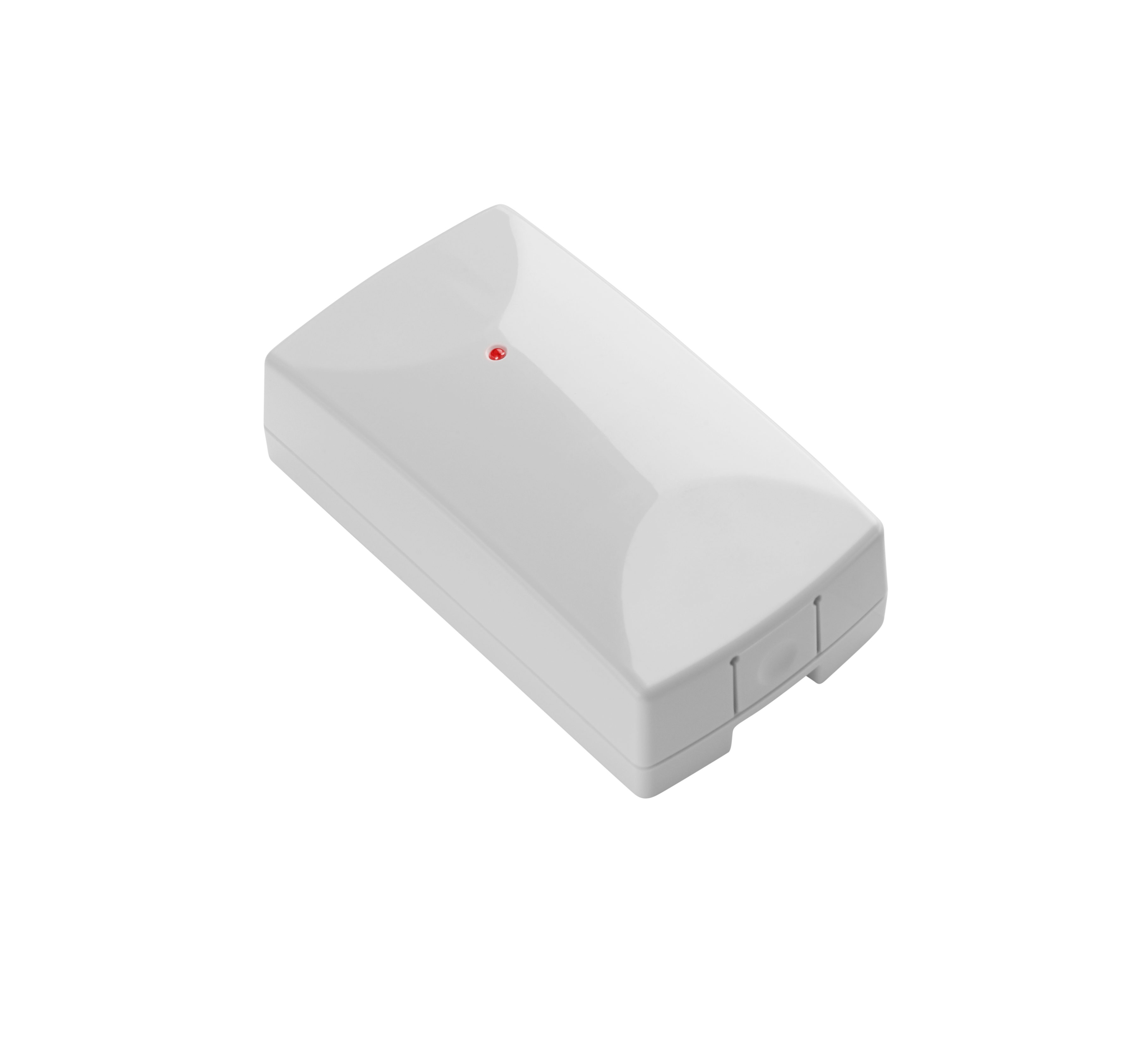
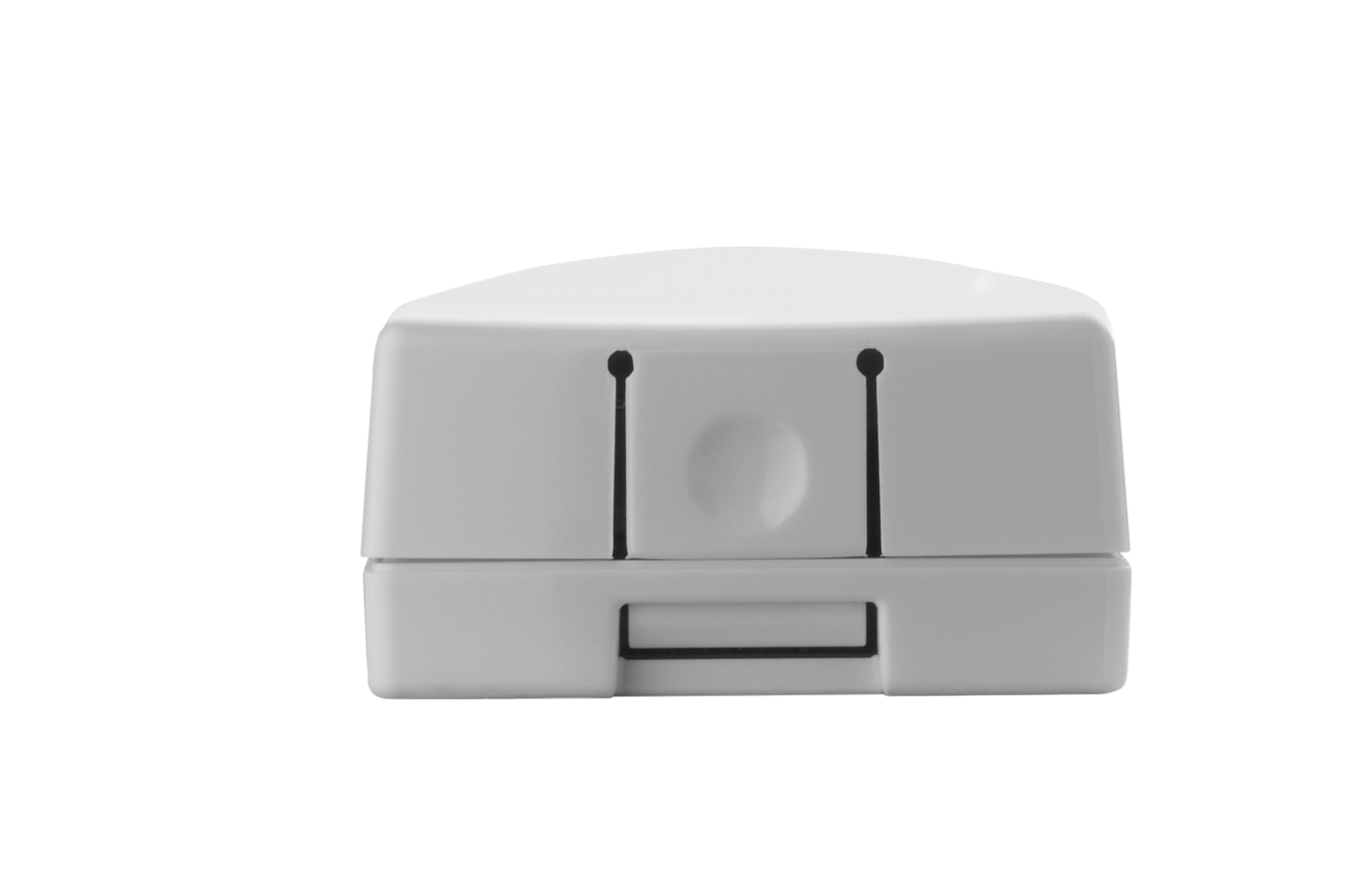
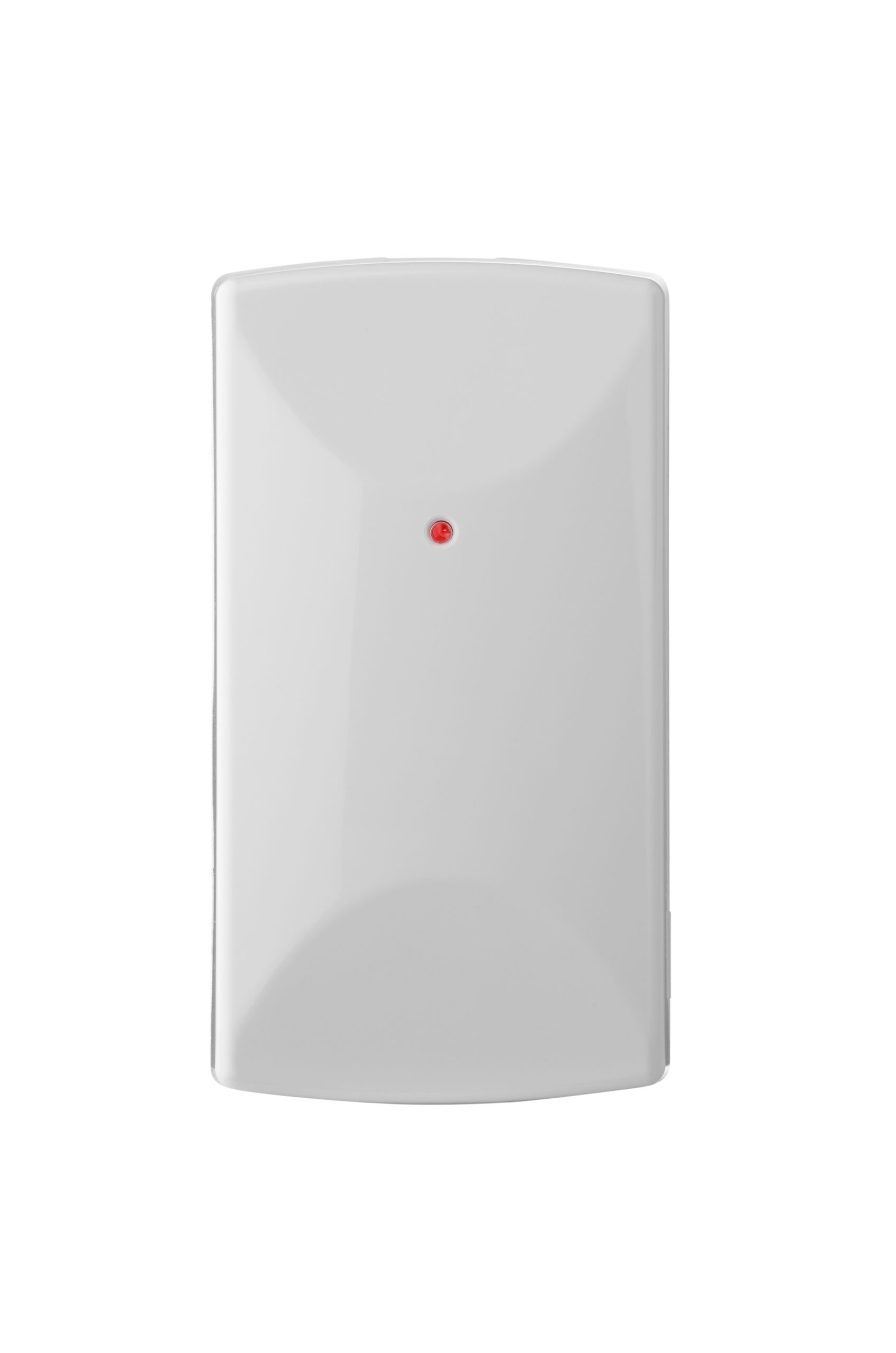
Name | Z-Wave Plus Garage Door Tilt Sensor |
|---|
Short Description | The newly designed sensor for garage or overhead doors.
The accelerometer based tilt sensor remotely monitors garages,hatches, roll-up doors, or any other tilt surface. |
|---|
Long Description | Verify doors are closed when you leave, and automate lights to turn on inside your home when you arrive, all from your computer, tablet or smart phone. Simple installation and setup. |
|---|
Brand | Ecolink Intelligent Technology |
|---|
Product Identifier | TILT-ZWAVE5 |
|---|
Product Line | Home Security |
|---|
OEM Version | HW: 1 FW: 1.00 |
|---|
Hardware Platform | ZM5101 |
|---|
Z-Wave Version | 6.82.00 |
|---|
Library Type | SLAVE_ENHANCED_232 |
|---|
Device Type | Notification Sensor |
|---|
Role Type | ROLE_TYPE_SLAVE_SLEEPING_REPORTING |
|---|
Manufacturer ID | 0x014A |
|---|
Product Type ID | 0x0005 |
|---|
Product ID | 0x04AA |
|---|
User Icon | 0x0C07 |
|---|
Installer Icon | 0x0C07 |
|---|
Frequency Plans | US: 916.00MHz, 908.40MHz |
|---|
Categories | Sensors, Security Systems |
|---|
Countries / Regions | United States of America |
|---|
Supported Command Classes | Identifier | Name | Key | Version |
|---|
COMMAND_CLASS_FIRMWARE_UPDATE_MD_V4 | Firmware Update Meta-Data V4 | 0x7A | 4 | COMMAND_CLASS_POWERLEVEL | Powerlevel | 0x73 | 1 | COMMAND_CLASS_BATTERY | Battery | 0x80 | 1 | COMMAND_CLASS_CONFIGURATION | Configuration | 0x70 | 1 | COMMAND_CLASS_SECURITY | Security S0 | 0x98 | 1 | COMMAND_CLASS_TRANSPORT_SERVICE_V2 | Transport Service V2 | 0x55 | 2 | COMMAND_CLASS_WAKE_UP_V2 | Wake Up V2 | 0x84 | 2 | COMMAND_CLASS_DEVICE_RESET_LOCALLY | Device Reset Locally | 0x5A | 1 | COMMAND_CLASS_ZWAVEPLUS_INFO_V2 | Z-Wave Plus Info V2 | 0x5E | 2 | COMMAND_CLASS_ASSOCIATION_V2 | Association V2 | 0x85 | 2 | COMMAND_CLASS_ASSOCIATION_GRP_INFO | Association Group Info | 0x59 | 1 | COMMAND_CLASS_NOTIFICATION_V8 | Notification V8 | 0x71 | 8 | COMMAND_CLASS_SECURITY_2 | Security S2 | 0x9F | 1 | COMMAND_CLASS_VERSION_V3 | Version V3 | 0x86 | 3 | COMMAND_CLASS_SUPERVISION | Supervision | 0x6C | 1 | COMMAND_CLASS_MANUFACTURER_SPECIFIC_V2 | Manufacturer Specific V2 | 0x72 | 2 |
|
|---|
S2 Classes | S2_UNAUTHENTICATED, S2_AUTHENTICATED |
|---|
Documents | Category | Description | File |
|---|
Manual_Primary_Lang | Product Manual | | Adv_Manual | DSK insert card | | Image_Product_Supplemental_3 | | |
|
|---|
Features | Feature | Values |
|---|
Communications Protocol | Value |
|---|
Manufacturer Proprietary Protocol |
| Color | | Communications Connections | | Battery Quantity | | Firmware Updatable | | Battery Type | |
|
|---|
Association Groups | Group Number | Maximum Nodes Supported | End Point ID | Group Name | Description |
|---|
1 | 1 | 0 | Lifeline | This Z-Wave Plus Tilt Sensor has two Association groups of 1 nodes. Group one – Group one is the lifeline group. The garage door tilt sensor will send Basic Reports with a value of 0x00 if the door is closed and 0xFF if the door is opened to all nodes in group 1. |
|
|---|
Configuration Parameters | Parameter Number | Name | Description | Format | Size | Min Value | Max Value | Default Value | Parameter Values |
|---|
2 | milliseconds between application level retry | milliseconds between application level retry default 500ms min 10 ms max 5000ms | 1 | 2 | 0 | 1388 | 0 | From | To | Description |
|---|
0 | 1388 | Millisecond delays between application level retry |
| 4 | Garage open angle configuration | The tilt angle at which the garage door is considered close Byte value 0: 30 degrees Byte value 1: 50 degrees Byte value 2: 70 degrees Parameter 4 must be set first before Parameter 3 can be set. The opened tilt angle must be greater than the closed tilt angle | 1 | 1 | 0 | 2 | 0 | From | To | Description |
|---|
0 | 2 | 3 different angle settings |
| 1 | Application level retry | Number of attempts the device should attempt application level retries. | 1 | 1 | 0 | 10 | 3 | From | To | Description |
|---|
0 | 10 | Number of attempts |
| 3 | Garage close angle configuration | The tilt angle at which the garage door is considered close Byte value 0: 10 degrees Byte value 1: 30 degrees Byte value 2: 50 degrees | 1 | 1 | 0 | 2 | 0 | From | To | Description |
|---|
0 | 2 | 3 different angle settings |
|
|
|---|
Texts | ID | Description | Value |
|---|
8 | Where to find S2 DSK on product | The DSK is below the QR code on the plastic case of the product.
Unable to access the DSK via the UI.
DSK also comes with insert in product packaging. | 1 | Classic Inclusion | Network Inclusion
The Z-Wave Plus Garage Tilt Sensor must be added to a Z-Wave Plus network prior to use. To include the device in a network both the device and the network controller must be in inclusion mode at the same time. Refer to the instructions provided by the manufacturer of your specific controller for details on initiating the controller’s inclusion mode.
1) Verify that the Z-Wave Plus controller you are using is compatible with the Z-Wave Plus Tilt Sensor.
2) Put your Z-Wave Plus Controller into add (inclusion) mode.
3) Insert the battery and press the learn button on the tilt sensor.
4) The LED on the front of the unit will turn off if network inclusion is successful. | 2 | Classic Exclusion | Network Exclusion
1) Any Z-Wave Plus Device can be removed from any Z-Wave Plus controller. Follow the directions to put your Z-Wave Plus Controller into exclusion mode.
2) Press the inclusion / exclusion button on the Z-Wave Plus Tilt Sensor.
3) The LED in front of the unit will blink steadily if the network exclusion is successful.Notes:
• Controller inclusion mode must be activated BEFORE starting sensor inclusion or exclusion mode.
• The device can only be included into one controller network at a time, and must be excluded from one network before inclusion in another. | 4 | Wake-Up Procedure | Wake up notification is tampering the case / opening the case | 5 | Factory Reset Procedure | Factory Default
The Z-Wave Plus Tilt Sensor can be factory defaulted by pressing and holding the factory reset button for 5 seconds. |
|
|---|
Supported Notification Types | Notification Type | Event / State |
|---|
Access Control | Door state: Window/door is open | Access Control | Door state: Window/door is closed | Home Security | Cover status: Tampering, product cover removed | Power Management | Battery maintenance status: Replace battery soon | Power Management | Battery maintenance status: Replace battery now |
|
|---|
Supports NWI | Yes |
|---|
Supports Explorer Frames | Yes |
|---|
Supports SmartStart | Yes |
|---|
Radio Range Z-Wave (m) | 40 |
|---|