| Product Recognition | |
|---|
| Certification Number | ZC10-18015942 |
|---|
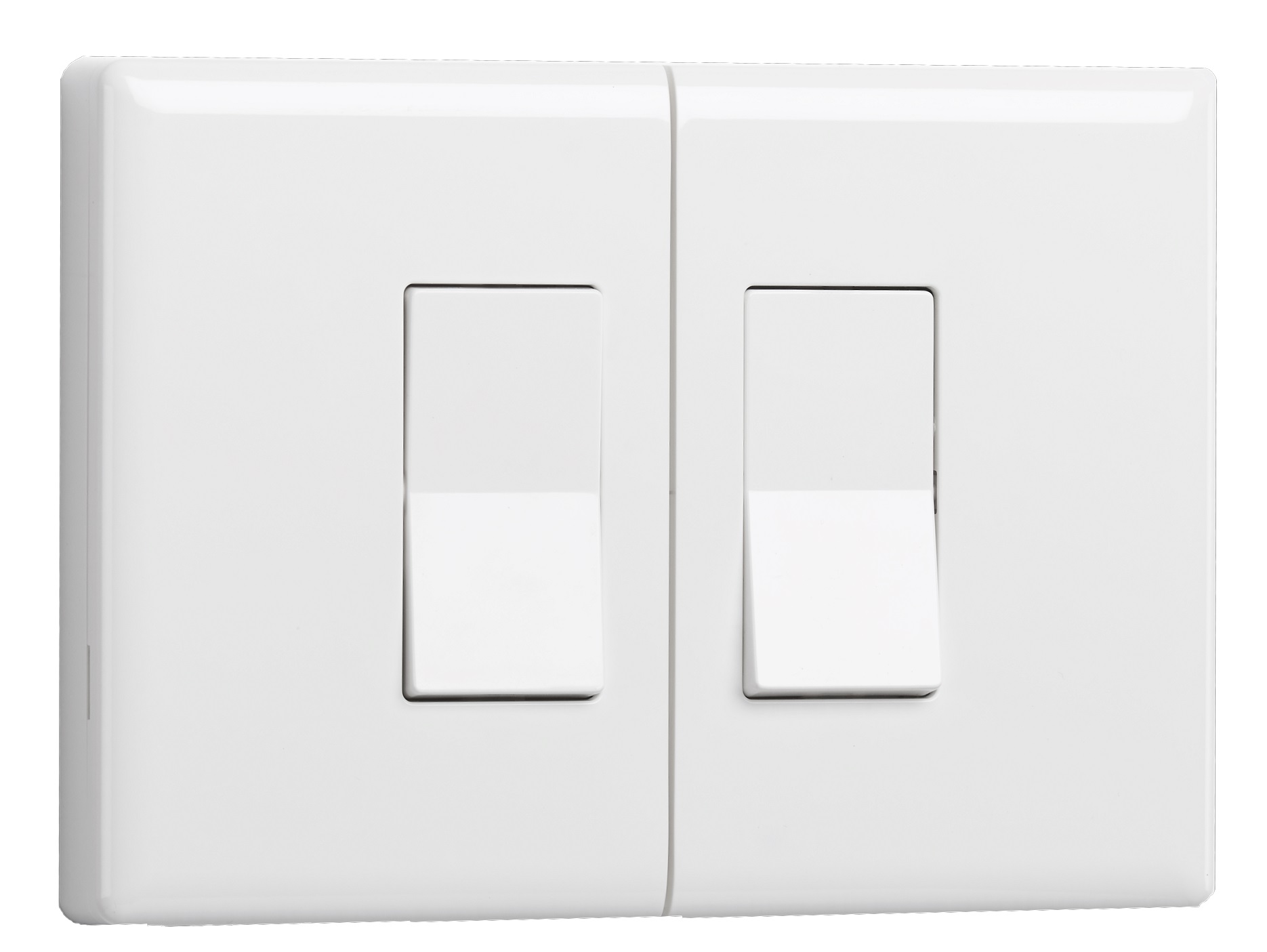
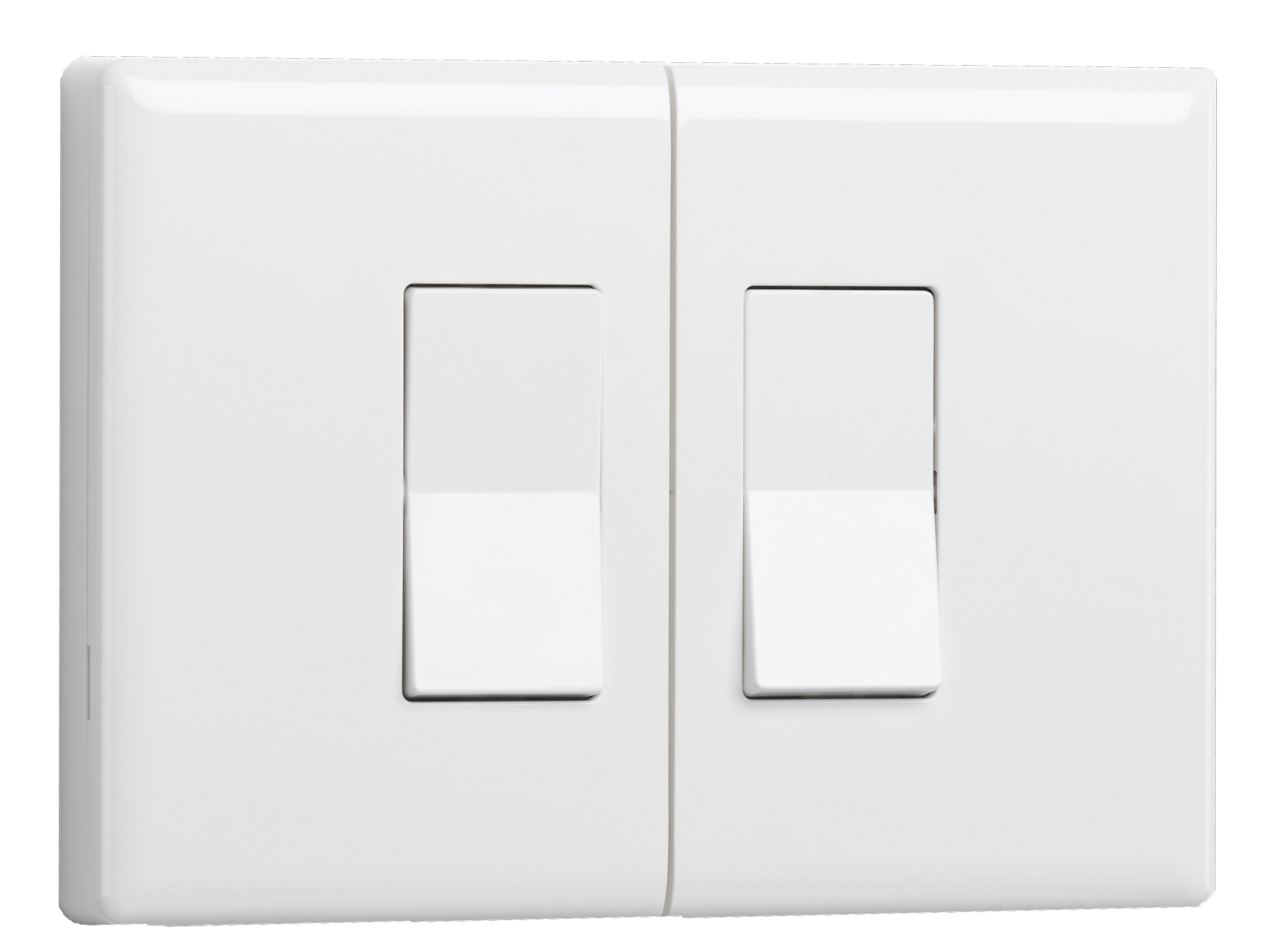
| Name | Z-Wave Plus Smart Switch - Double Rocker |
|---|
| Short Description | Easily automate overhead lights, table lamps or other accessories with the Ecolink Z-Wave Plus Smart Switch. Simple to install in minutes by removing existing switch plate and installing this on the switch. No need to touch any electrical wiring. |
|---|
| Long Description | Easily automate overhead lights, table lamps or other accessories with the Ecolink Z-Wave Plus Smart Switch. Simple to install in minutes by removing existing switch plate and installing this on the switch. No need to touch any electrical wiring.
Features
Quick installation, no need to access high voltage wires
Compatible with all Z-wave certified hubs & controllers
Preserves manual control of switch
Senses current status of switch
Works with single gang Rocker type switches |
|---|
| Brand | Ecolink Intelligent Technology |
|---|
| Product Identifier | DDLS2-ZWAVE5 |
|---|
| OEM Version | HW: 255 FW: 10.01 |
|---|
| Hardware Platform | ZM5202 |
|---|
| Z-Wave Version | 6.51.09 |
|---|
| Library Type | SLAVE_ENHANCED |
|---|
| Device Type | On/Off Power Switch |
|---|
| Role Type | ROLE_TYPE_SLAVE_SLEEPING_LISTENING |
|---|
| Manufacturer ID | 0x014A |
|---|
| Product Type ID | 0x0006 |
|---|
| Product ID | 0x0003 |
|---|
| User Icon | 0x1D00 |
|---|
| Installer Icon | 0x1D00 |
|---|
| Frequency Plans | US: 916.00MHz, 908.40MHz |
|---|
| Categories | Sensors, All Lighting Devices, On/Off Switches/Devices, Lighting Accessories |
|---|
| Countries / Regions | United States of America |
|---|
| Supported Command Classes | | Identifier | Name | Key | Version |
|---|
| COMMAND_CLASS_POWERLEVEL | Powerlevel | 0x73 | 1 | | COMMAND_CLASS_BATTERY | Battery | 0x80 | 1 | | COMMAND_CLASS_SWITCH_BINARY | Switch Binary | 0x25 | 1 | | COMMAND_CLASS_BASIC | Basic | 0x20 | 1 | | COMMAND_CLASS_VERSION_V2 | Version V2 | 0x86 | 2 | | COMMAND_CLASS_DEVICE_RESET_LOCALLY | Device Reset Locally | 0x5A | 1 | | COMMAND_CLASS_ZWAVEPLUS_INFO_V2 | Z-Wave Plus Info V2 | 0x5E | 2 | | COMMAND_CLASS_ASSOCIATION_V2 | Association V2 | 0x85 | 2 | | COMMAND_CLASS_ASSOCIATION_GRP_INFO | Association Group Info | 0x59 | 1 | | COMMAND_CLASS_MANUFACTURER_SPECIFIC | Manufacturer Specific | 0x72 | 1 |
|
|---|
| Documents | |
|---|
| Features | | Feature | Values |
|---|
| Battery Quantity | | | Color | | | Sensors | | Value |
|---|
| Open/Closed (Binary) |
| | Switch Type | | Value |
|---|
| Decorator Paddle Rocker |
| | Battery Type | |
|
|---|
| Association Groups | | Group Number | Maximum Nodes Supported | End Point ID | Description |
|---|
| 1 | 5 | 0 | Z-Wave Plus Lifeline |
|
|---|
| Texts | | ID | Description | Value |
|---|
| 1 | Inclusion | Network Inclusion
The Z-Wave Plus Smart Switch must be added to a Z-Wave Plus network prior to use. To include the device in a network both the device and the network controller must be in inclusion mode at the same time. Refer to the instructions provided by the manufacturer of your specific controller for details on initiating the controller’s inclusion mode.
1) Verify that the Z-Wave Plus controller you are using is compatible with the Z-Wave Plus Smart Switch.
2) Put your Z-Wave Plus Controller into add (inclusion) mode.
3) Press the inclusion / exclusion button on the Z-Wave Plus Smart Switch.
4) The LED on the front of the unit will turn off if successful included into a network. | | 2 | Exclusion | Network Exclusion
1) Any Z-Wave Plus Device can be removed from any Z-Wave Plus controller. Follow the directions to put your Z-Wave Plus Controller into exclusion mode.
2) Press the inclusion / exclusion button on the Z-Wave Plus Smart Switch. | | 5 | Factory Reset | Factory Default
The Z-Wave Plus device is automatically factory defaulted when removed from a Z-Wave Plus network. Please use this procedure only when the network primary controller is missing or otherwise inoperable. |
|
|---|
| Supported Multilevel Sensors | | Multilevel Sensor Type |
|---|
| 0x02 |
|
|---|
| Supports NWI | Yes |
|---|
| Supports Explorer Frames | Yes |
|---|
| Is Flirs | Yes |
|---|