Product Recognition | |
|---|
Certification Number | ZC10-19096736 |
|---|
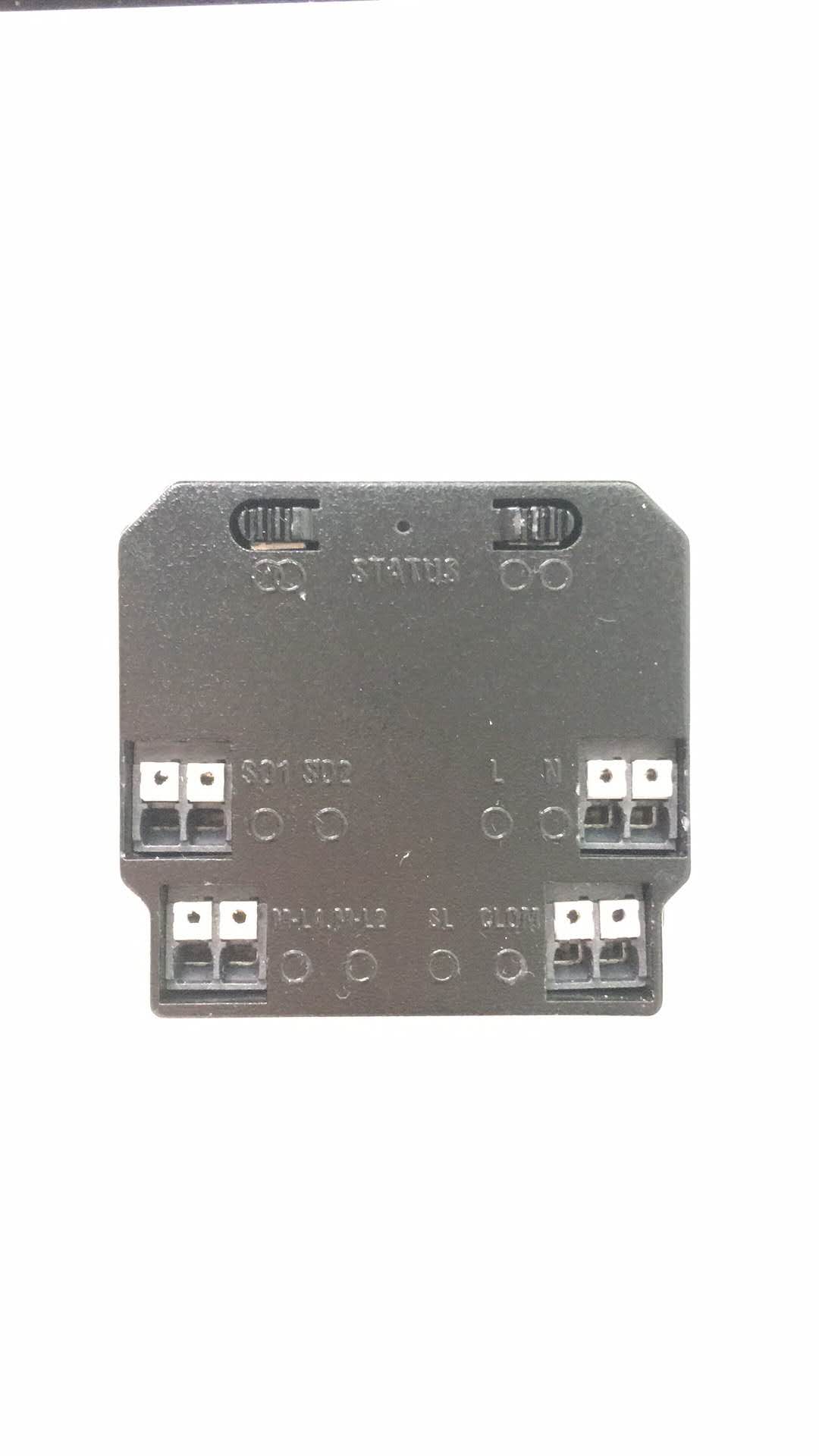
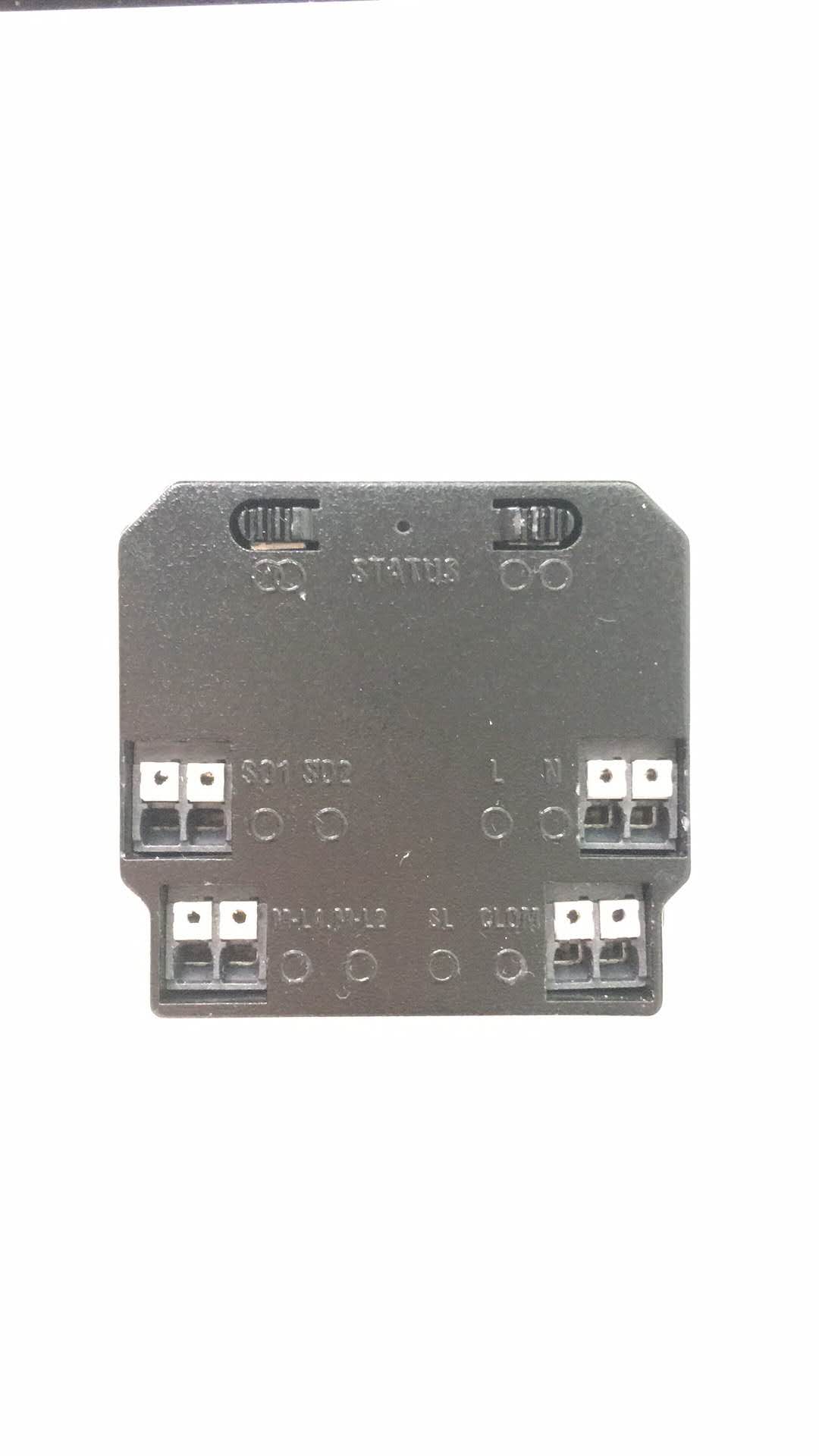
Name | Z-Wave Smart Motor Actuator |
|---|
Short Description | IoTx-z-actmotor001 is to control and supervise window covering device via Z-Wave remotely. |
|---|
Long Description | ITx-z-actmotor001 is to control and supervise window covering device via Z-Wave remotely. The mounting process will be simplified by intelligent mounting design. The actuator will have special software features which will be innovative and useful for the use cases of the consumers too.
The actuator can control window covering devices like roller shutters, awnings, roller blinds and motorized curtains. |
|---|
Brand | Ger-IoTx |
|---|
Product Identifier | IoTx-z-actmotor001 |
|---|
OEM Version | HW: 1 FW: 1.05 |
|---|
Hardware Platform | ZM5101 |
|---|
Z-Wave Version | 6.71.03 |
|---|
Library Type | SLAVE_ENHANCED_232 |
|---|
Device Type | Window Covering - Pos/End Aware |
|---|
Role Type | ROLE_TYPE_SLAVE_ALWAYS_ON |
|---|
Manufacturer ID | 0x0363 |
|---|
Product Type ID | 0x0005 |
|---|
Product ID | 0x0005 |
|---|
User Icon | 0x1A00 |
|---|
Installer Icon | 0x1A00 |
|---|
Frequency Plans | EU: 869.85MHz, 868.40MHz |
|---|
Categories | All Lighting Devices, On/Off Switches/Devices, Motor Control |
|---|
Countries / Regions | European Union |
|---|
Supported Command Classes | Identifier | Name | Key | Version |
|---|
COMMAND_CLASS_FIRMWARE_UPDATE_MD_V4 | Firmware Update Meta-Data V4 | 0x7A | 4 | COMMAND_CLASS_POWERLEVEL | Powerlevel | 0x73 | 1 | COMMAND_CLASS_SWITCH_BINARY | Switch Binary | 0x25 | 1 | COMMAND_CLASS_BASIC | Basic | 0x20 | 1 | COMMAND_CLASS_CONFIGURATION | Configuration | 0x70 | 1 | COMMAND_CLASS_SECURITY | Security S0 | 0x98 | 1 | COMMAND_CLASS_TRANSPORT_SERVICE_V2 | Transport Service V2 | 0x55 | 2 | COMMAND_CLASS_VERSION_V2 | Version V2 | 0x86 | 2 | COMMAND_CLASS_DEVICE_RESET_LOCALLY | Device Reset Locally | 0x5A | 1 | COMMAND_CLASS_ZWAVEPLUS_INFO_V2 | Z-Wave Plus Info V2 | 0x5E | 2 | COMMAND_CLASS_SWITCH_MULTILEVEL_V3 | Switch Multilevel V3 | 0x26 | 3 | COMMAND_CLASS_ASSOCIATION_V2 | Association V2 | 0x85 | 2 | COMMAND_CLASS_ASSOCIATION_GRP_INFO | Association Group Info | 0x59 | 1 | COMMAND_CLASS_NOTIFICATION_V8 | Notification V8 | 0x71 | 8 | COMMAND_CLASS_SECURITY_2 | Security S2 | 0x9F | 1 | COMMAND_CLASS_SUPERVISION | Supervision | 0x6C | 1 | COMMAND_CLASS_MANUFACTURER_SPECIFIC_V2 | Manufacturer Specific V2 | 0x72 | 2 |
|
|---|
S2 Classes | S2_UNAUTHENTICATED |
|---|
Documents | Category | Description | File |
|---|
Manual_English | Product Manual in English | | Manual_Primary_Lang | Product or Owner's Manual | |
|
|---|
Features | Feature | Values |
|---|
Window Covering Control Features | Value |
|---|
Automatic Calibration |
| Supported Notification Types | | Supported Meter Type | | Firmware Updatable | Value |
|---|
Updatable by Manufacturer |
| Switch Type | Value |
|---|
Push Button with Indicator |
|
|
|---|
Association Groups | Group Number | Maximum Nodes Supported | End Point ID | Group Name | Description |
|---|
1 | 5 | 0 | Lifeline | 1. When device is reset, send Command Class ‘Device Reset Locally Notification CC’ to associated devices of this group to report factory reset.2. When motor is stopped by block, send Command Class ‘NOTIFICATION_REPORT CC’ to associated devices of this group to report overload information. 3. Active reply percent, send Command Class ‘SWITCH_MULTILEVEL_REPORT CC’ to associated devices of this group to report state information. |
|
|---|
Configuration Parameters | Parameter Number | Name | Description | Format | Size | Min Value | Max Value | Default Value | Parameter Values |
|---|
4 | smart configuration | Lear mode: 0. No operation 1. Proceed the motor’s initial setting for Limit Head to Limit Bottom first, our moter controller could learn the total distance between Up and Down (or Left and Right). 2: Switch Direction Reverse: Two switches, one is for motor up operation and another is motor down operation. Via the command to correct the misconnection of switches. 3: App Direction Reverse:When APP control the motor and find the direction is wrong, then correct it via this command. | 0 | 1 | 0 | 3 | 0 | From | To | Description |
|---|
0 | 3 | actuactor function |
| 2 | smart configuration | The change value of shutter position to report, default is always reporting shutter position. 0: Forbid Reporting Actively 1-10:Percent | 0 | 1 | 0 | 10 | 1 | From | To | Description |
|---|
1 | 10 | Percent |
| 5 | smart configuration | Turn on/off Ventilation Function 0: Turn Off 1: Turn On | 0 | 1 | 0 | 1 | 0 | From | To | Description |
|---|
0 | 1 | turn off and turn on |
| 3 | smart configuration | Turn on/off Stop by Block Function 0: Turn Off 1: Turn On | 0 | 1 | 0 | 1 | 1 | From | To | Description |
|---|
0 | 1 | turn off and turn on |
|
|
|---|
Texts | ID | Description | Value |
|---|
8 | Where to find S2 DSK on product | page 1:The encryption modes that the in-wall shutter module supports are S0, S2 authenticated.
page 7: SUPPORTED COMMAND CLASS | 1 | Classic Inclusion | Make sure connecting module to power supply and module has not joined Z-Wave network (if module joined any other Z-Wave network, please refer to the clauses “Exclude device from a Z-Wave network”).
First, set primary controller/gateway into inclusion mode. And press 'Button L' 3 times, LED starts to flash slowly for 10 seconds, during the flash, don’t press 'Button L' 3 times again, because it will cancel your last operation. Until LED is on for 3 seconds, means success. If module does not find a Z-Wave network within 10 seconds after join network function trigger, please try again. After joined Z-Wave network, please wait for a while until the app showing device is included. Then you can start enjoying with our module. | 2 | Classic Exclusion | Method 1: Factory Reset.
Method 2: First, set primary controller/gateway into exclusion mode. And press 'Button L' 3 times, LED started to flash slowly for 10 seconds, during the flash, don’t press 'Button L' 3 times again, because it will cancel your last operation. Until LED is on for 3 seconds, means success. | 23 | Controller Classic Inclusion | Make sure connecting module to power supply and module has not joined Z-Wave network (if module joined any other Z-Wave network, please refer to the clauses “Exclude device from a Z-Wave network”).
First, set primary controller/gateway into inclusion mode. And press 'Button L' 3 times, LED starts to flash slowly for 10 seconds, during the flash, don’t press 'Button L' 3 times again, because it will cancel your last operation. Until LED is on for 3 seconds, means success. If module does not find a Z-Wave network within 10 seconds after join network function trigger, please try again. After joined Z-Wave network, please wait for a while until the app showing device is included. Then you can start enjoying with our module. | 24 | Controller Classic Exclusion | Method 1: Factory Reset.
Method 2: First, set primary controller/gateway into exclusion mode. And press 'Button L' 3 times, LED started to flash slowly for 10 seconds, during the flash, don’t press 'Button L' 3 times again, because it will cancel your last operation. Until LED is on for 3 seconds, means success. | 6 | Other Special Features | Module is learning motor running position automatically each time when it’s pot on power supply.Tap Button R two times, learning function start, motor is running automatically to the up/down limit. During learning, LED light is flash slowly, until LED blink 2 seconds means success. During learning, press Button R to quit learning. | 5 | Factory Reset Procedure | Please use this procedure only when the network primary controller is missing or otherwise inoperable. Hold Button L for 10 seconds, LED will flash slowly until flash fast for 2 seconds means success. After reset, module is exclude of Z-Wave network, please include again and learn motor again. | 3 | Learn Mode (adding another controller) Procedure | Module is learning motor running position automatically each time when it’s pot on power supply.Tap Button R two times, learning function start, motor is running automatically to the up/down limit. During learning, LED light is flash slowly, until LED blink 2 seconds means success. During learning, press Button R to quit learning. |
|
|---|
Supported Notification Types | Notification Type | Event / State |
|---|
Appliance | (Refer to parameters): State idle |
|
|---|
Supports NWI | Yes |
|---|
Supports Explorer Frames | Yes |
|---|
Radio Range Z-Wave (m) | 40 |
|---|