Product Recognition | |
|---|
Certification Number | ZC10-16065101 |
|---|
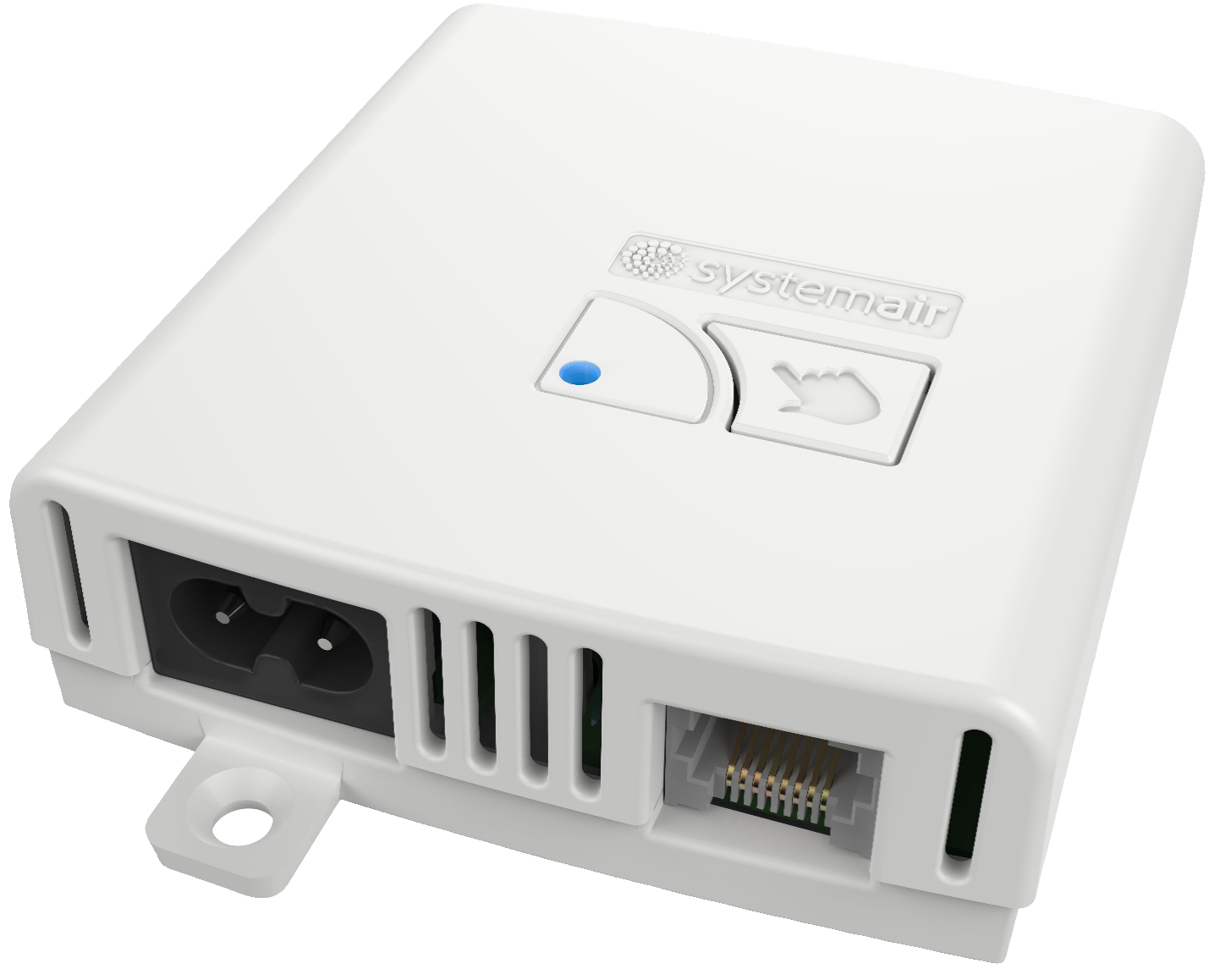
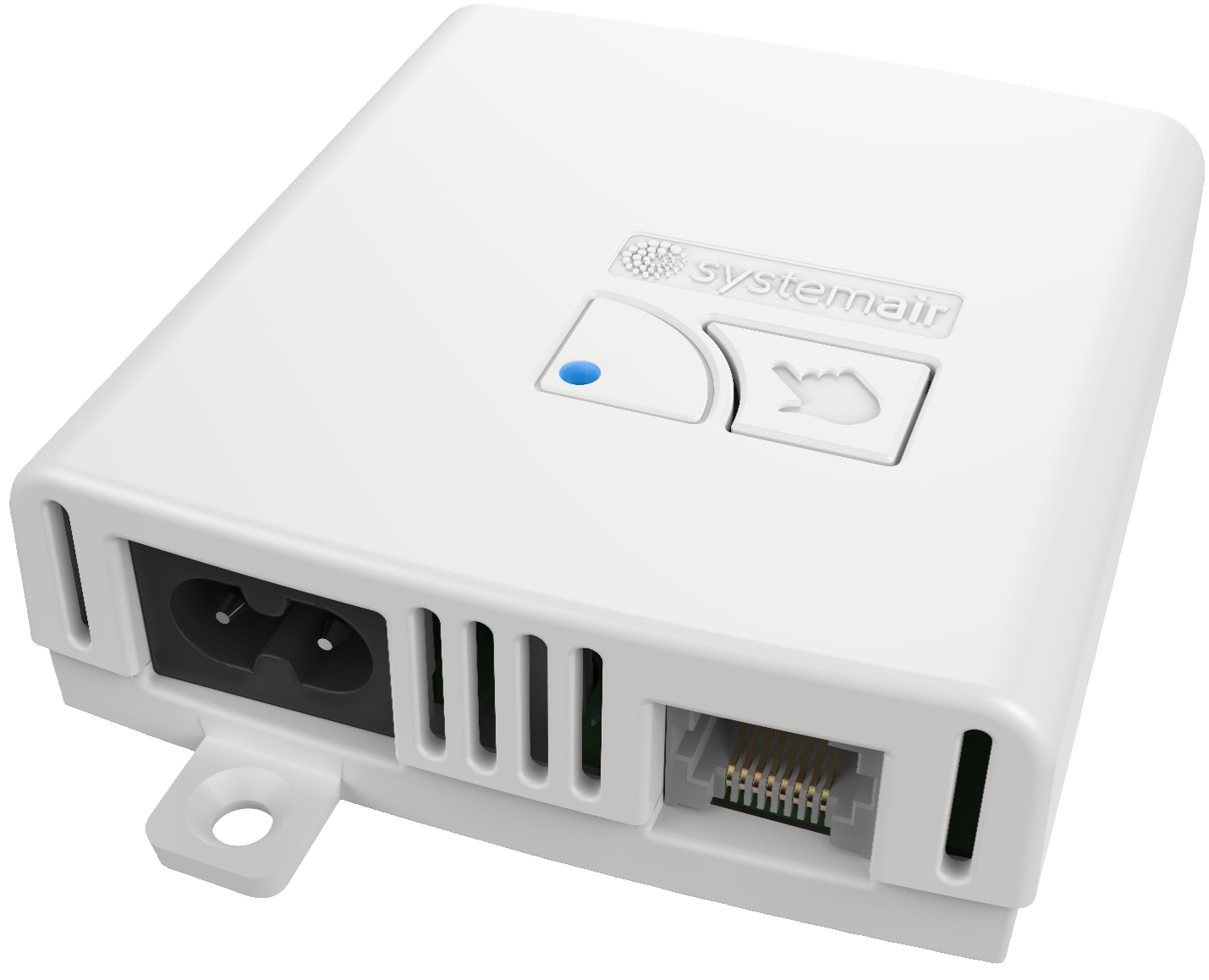
Name | Z-Wave to Systemair HVAC Adapter |
|---|
Short Description | Z-Wave to Systemair HVAC Adapter is an Z-Wave Interface adapter, which connects the Z-Wave network with the Systemair Heat, Ventilation and Air Condition Unit. |
|---|
Long Description | Z-Wave to Systemair HVAC Adapter is an Z-Wave Interface adapter, which connects the Z-Wave network with the Systemair Heat Recovery Ventilation. The Systemair HVAC is a residential HRV system, which can be controlled locally by one or more UI, as well as remotely by a mobile App or a browser via Z-Wave network. |
|---|
Brand | Villavent |
|---|
Product Identifier | 29990 |
|---|
OEM Version | HW: 2 FW: 0.01:00.80:36.80:16.00 |
|---|
Hardware Platform | ZM5202 |
|---|
Z-Wave Version | 6.51.06 |
|---|
Library Type | SLAVE_ENHANCED_232 |
|---|
Device Type | Thermostat - HVAC |
|---|
Role Type | ROLE_TYPE_SLAVE_ALWAYS_ON |
|---|
Manufacturer ID | 0x0276 |
|---|
Product Type ID | 0x0139 |
|---|
Product ID | 0x0001 |
|---|
User Icon | 0x1200 |
|---|
Installer Icon | 0x1200 |
|---|
Frequency Plans | EU: 869.85MHz, 868.40MHz |
|---|
Categories | Thermostats, HVAC |
|---|
Countries / Regions | European Union |
|---|
Documents | Category | Description | File |
|---|
Manual_Primary_Lang | Product or Owner's Manual | |
|
|---|
Features | Feature | Values |
|---|
Firmware Updatable | Value |
|---|
Updatable by Consumer by RF |
| Thermostat HVAC Systems Supported | Value |
|---|
Humidity Control | Ventilation Control |
| Thermostat Modes | | Thermostat Power Source | Value |
|---|
Mains powered (120V/240V) |
|
|
|---|
Association Groups | Group Number | Maximum Nodes Supported | End Point ID | Description |
|---|
1 | 5 | 0 | Z-Wave Plus Lifeline |
|
|---|
Configuration Parameters | Parameter Number | Name | Description | Format | Size | Min Value | Max Value | Default Value | Parameter Values |
|---|
3 | Filter - Days Used | Read Only Parameter, shows how many days the filter has been used since the last change. The value can be used to calculate the Filter remaining time by the equation: Filter Remaining Days = (Parameter_2 x 30) - Parameter_3 | 0 | 2 | 0 | 0 | 0 | From | To | Description |
|---|
0 | 500 | The counter stops on 500 |
| 4 | Boost Mode Remaining Time | Read Only Parameter, shows how many seconds are left for Boost mode. | 0 | 2 | 0 | 0 | 0 | From | To | Description |
|---|
240 | 0 | Counts down while Boost mode is active |
| 5 | Temperature Setpoint Step | Read Only Parameter, shows the min change available in degrees Celsius x 10. Example 25 = 2.5 degree Celsius. | 0 | 2 | 0 | 0 | 10 | From | To | Description |
|---|
10 | 10 | /10 = 1.0 degrees Celsius step | 25 | 25 | /10 = 2.5 degrees Celsius setp |
| 6 | CDx New Firmware Version Available | Shows the Firmware Version available in the Z-Wave adapter for the Firmware Target 2. This parameter must be written after successful uploading of the firmware image for the local UI. Example UI Version 5.02.03: MSB - x, don't care, Next - 05, Next - 02, LSB - 03. | 0 | 4 | 0 | 0 | 0 | From | To | Description |
|---|
0 | 16777215 | max version 255.255.255 |
| 7 | PCU-ECx New Firmware Version Available | Shows the Firmware Version available in the Z-Wave adapter for the Firmware Target 1. This parameter must be written after successful uploading of the firmware image for the Ventilation Unit. Example Ventilation Unit Version 6.07.08: MSB - x, don't care, Next - 06, Next - 07, LSB - 08. | 0 | 4 | 0 | 0 | 0 | From | To | Description |
|---|
0 | 16777215 | max version 255.255.255 |
|
|
|---|
Texts | ID | Description | Value |
|---|
1 | Inclusion | When the device is not added to a Z-Wave network, then triple short clicks of the inclusion button will start the inclusion. | 2 | Exclusion | When the device is already included in a Z-Wave network, then triple short clicks of the inclusion button will exclude it from that Z-Wave network. | 5 | Factory Reset | To do a Factory Reset the user must follow the following procedure:
- Press and hold the inclusion button for 6 seconds, then
- Release it, and then
- Press it again and hold it for 3 seconds
The Z-Wave Adapter is indicating each phase with a different LED pattern – see “Operational modes and indicators” in the User's Manual. |
|
|---|
Supports NWI | Yes |
|---|
Supports Explorer Frames | Yes |
|---|
Radio Range Z-Wave (m) | 40 |
|---|