| Product Recognition | |
|---|
| Certification Number | ZC10-17025436 |
|---|
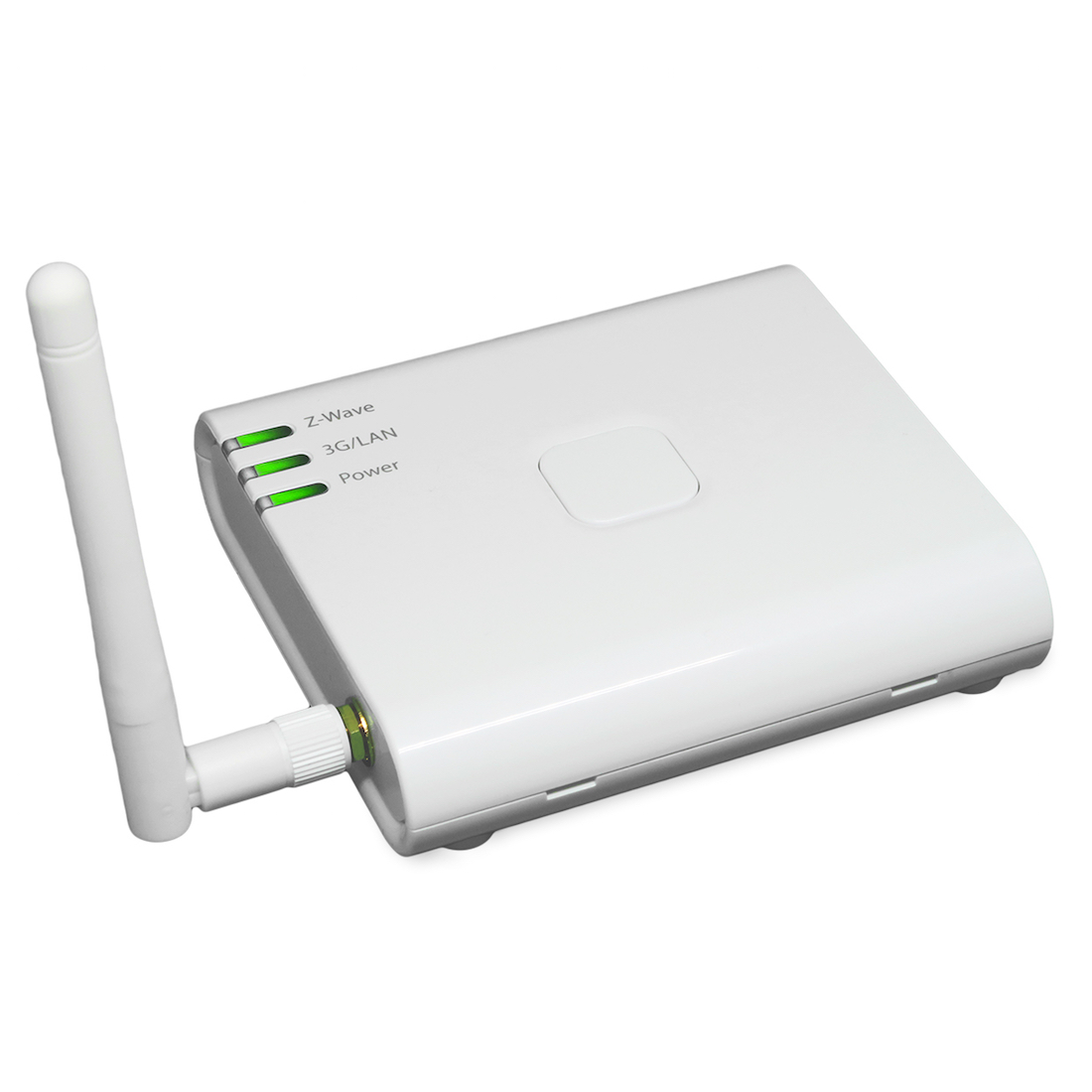
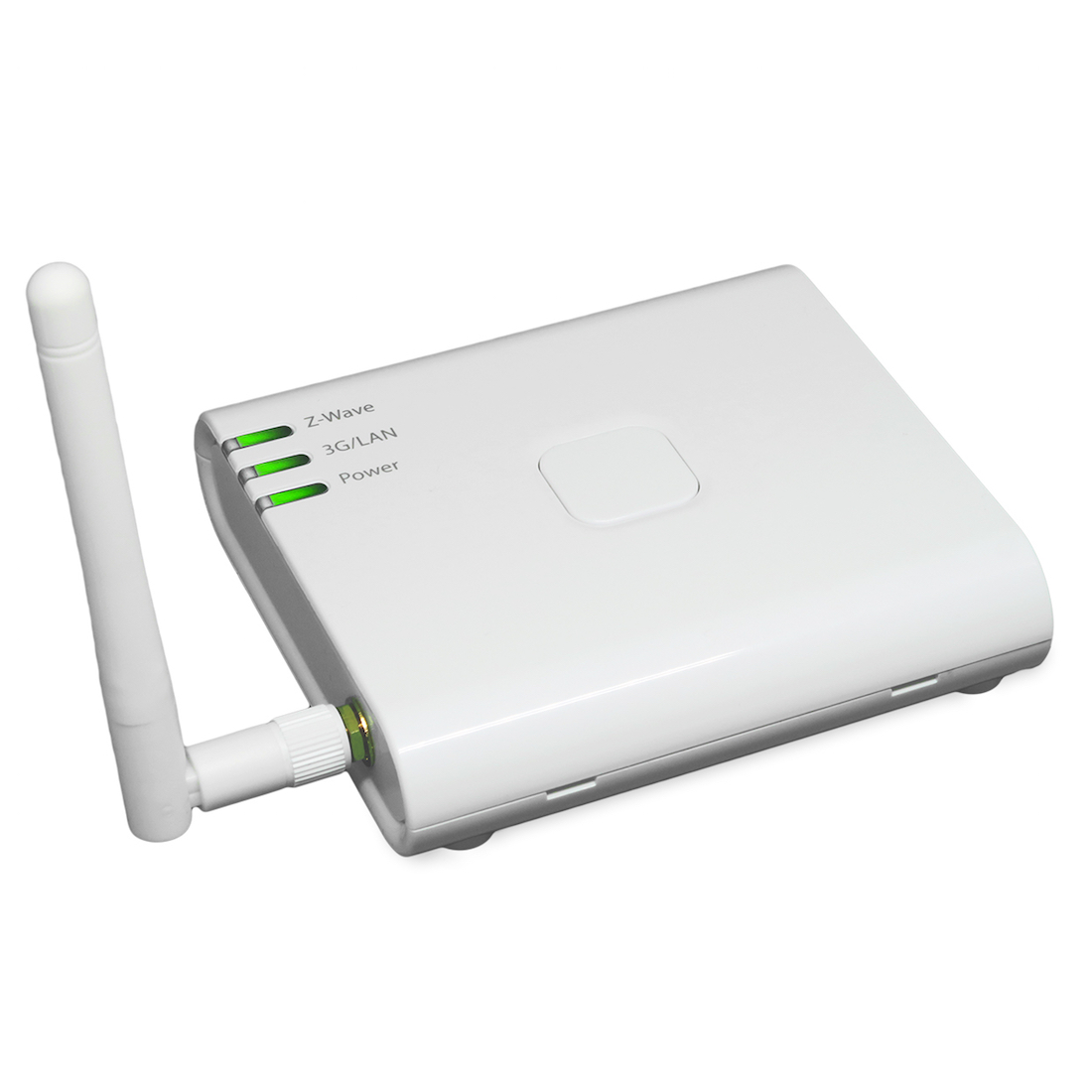
| Name | Z-Works 3G Gateway |
|---|
| Short Description | Z-Works 3G Gateway is a Z-Wave controller to enable interaction with homes, offices and buildings. It can collect sensor data and control Z-Wave home devices through the Internet from applications and APIs. |
|---|
| Long Description | Gateway that can be adopted for Smart Home / Smart Facility where 3G network is available. Using the sensors provided by Z-Works together with the gateway, the sensor data can be sent to the cloud server where the data is translated to human action and/or status. In the daily life or work scene, a user can receive notification from the cloud server based on the scenario registered in advance. Through the use of custom applications and APIs, it can also collect sensor data and control Z-Wave home devices through the Internet. |
|---|
| Brand | Z-Works |
|---|
| Product Identifier | ZG-501-v1 |
|---|
| OEM Version | HW: 1 FW: 4.33:01.03 |
|---|
| Hardware Platform | SD3502 |
|---|
| Z-Wave Version | 6.61.00 |
|---|
| Library Type | CONTROLLER_STATIC |
|---|
| Device Type | Gateway |
|---|
| Role Type | ROLE_TYPE_CONTROLLER_CENTRAL_STATIC |
|---|
| Manufacturer ID | 0x024D |
|---|
| Product Type ID | 0x0001 |
|---|
| Product ID | 0x0002 |
|---|
| User Icon | 0x0500 |
|---|
| Installer Icon | 0x0500 |
|---|
| Frequency Plans | JP: 922.50MHz, 923.90MHz, 926.30MHz |
|---|
| Categories | All Controllers, Gateway Controller |
|---|
| Countries / Regions | Japan |
|---|
| Supported Command Classes | | Identifier | Name | Key | Version |
|---|
| COMMAND_CLASS_POWERLEVEL | Powerlevel | 0x73 | 1 | | COMMAND_CLASS_APPLICATION_STATUS | Application Status | 0x22 | 1 | | COMMAND_CLASS_CRC_16_ENCAP | CRC16 Encapsulation | 0x56 | 1 | | COMMAND_CLASS_SECURITY | Security S0 | 0x98 | 1 | | COMMAND_CLASS_VERSION_V2 | Version V2 | 0x86 | 2 | | COMMAND_CLASS_DEVICE_RESET_LOCALLY | Device Reset Locally | 0x5A | 1 | | COMMAND_CLASS_ZWAVEPLUS_INFO_V2 | Z-Wave Plus Info V2 | 0x5E | 2 | | COMMAND_CLASS_ASSOCIATION_V2 | Association V2 | 0x85 | 2 | | COMMAND_CLASS_MANUFACTURER_SPECIFIC_V2 | Manufacturer Specific V2 | 0x72 | 2 | | COMMAND_CLASS_ASSOCIATION_GRP_INFO_V2 | Association Group Information V2 | 0x59 | 2 |
|
|---|
| Controlled Command Classes | | Identifier | Name | Key | Version |
|---|
| COMMAND_CLASS_SENSOR_MULTILEVEL_V5 | Sensor Multilevel V5 | 0x31 | 5 | | COMMAND_CLASS_MULTI_CHANNEL_ASSOCIATION_V3 | Multi-Channel Association V3 | 0x8E | 3 | | COMMAND_CLASS_BATTERY | Battery | 0x80 | 1 | | COMMAND_CLASS_BASIC | Basic | 0x20 | 1 | | COMMAND_CLASS_CONFIGURATION | Configuration | 0x70 | 1 | | COMMAND_CLASS_CRC_16_ENCAP | CRC16 Encapsulation | 0x56 | 1 | | COMMAND_CLASS_SECURITY | Security S0 | 0x98 | 1 | | COMMAND_CLASS_VERSION_V2 | Version V2 | 0x86 | 2 | | COMMAND_CLASS_WAKE_UP_V2 | Wake Up V2 | 0x84 | 2 | | COMMAND_CLASS_ZWAVEPLUS_INFO_V2 | Z-Wave Plus Info V2 | 0x5E | 2 | | COMMAND_CLASS_ASSOCIATION_V2 | Association V2 | 0x85 | 2 | | COMMAND_CLASS_MULTI_CHANNEL_V4 | Multi-Channel V4 | 0x60 | 4 | | COMMAND_CLASS_MANUFACTURER_SPECIFIC_V2 | Manufacturer Specific V2 | 0x72 | 2 | | COMMAND_CLASS_NOTIFICATION_V4 | Notification V4 | 0x71 | 4 | | COMMAND_CLASS_ASSOCIATION_GRP_INFO_V2 | Association Group Information V2 | 0x59 | 2 |
|
|---|
| Documents | |
|---|
| Features | | Feature | Values |
|---|
| Firmware Updatable | | Value |
|---|
| Updatable by Consumer via Internet |
| | Gateway Has Preferred Partners | | | Color | | | Controller Supports Multiple Networks | |
|
|---|
| Association Groups | | Group Number | Maximum Nodes Supported | End Point ID | Description |
|---|
| 1 | 10 | 0 | Z-Wave Plus Lifeline |
|
|---|
| Texts | | ID | Description | Value |
|---|
| 24 | Controller Exclusion | To remove a device from the Z-Wave network, hold down the hardware button of this equipment (between 3 and 9 seconds). This will put the equipment into Exclusion mode and Z-Wave LED blinks quickly (once every 200 ms) | | 5 | Factory Reset | Hold down the hardware button (over 10 seconds). This will reset the Z-Wave chip and Z-Wave LED blinks 5 times quickly. Upon reset, the hardware will broadcast the “DEVICE RESET LOCALLY NOTIFICATION”. Reset cannot be aborted.
If this controller is the primary controller for your network, resetting it will result in the nodes in your network being orphaned and it will be necessary after the reset to exclude and re-include all of the nodes in the network. If this controller is being used as a secondary controller in the network, use this procedure to reset this controller only in the event that the network primary controller is missing or otherwise inoperable. | | 23 | Controller Inclusion | To add a device to the Z-Wave network, press the hardware button of this equipment three times in quick (no more than 1 second between). This will put this equipment into Inclusion mode and Z-Wave LED blinks slowly (once every second). The hardware will stay in Inclusion mode for 1 minute. | | 3 | Learn Mode (adding another controller) | To add this equipment into another Z-Wave network as a secondary controller or inclusion controller, click “Start Learn Mode” in the GUI provided. |
|
|---|
| Supports NWI | Yes |
|---|
| Supports Explorer Frames | Yes |
|---|