Product Recognition | |
|---|
Certification Number | ZC10-14090005 |
|---|
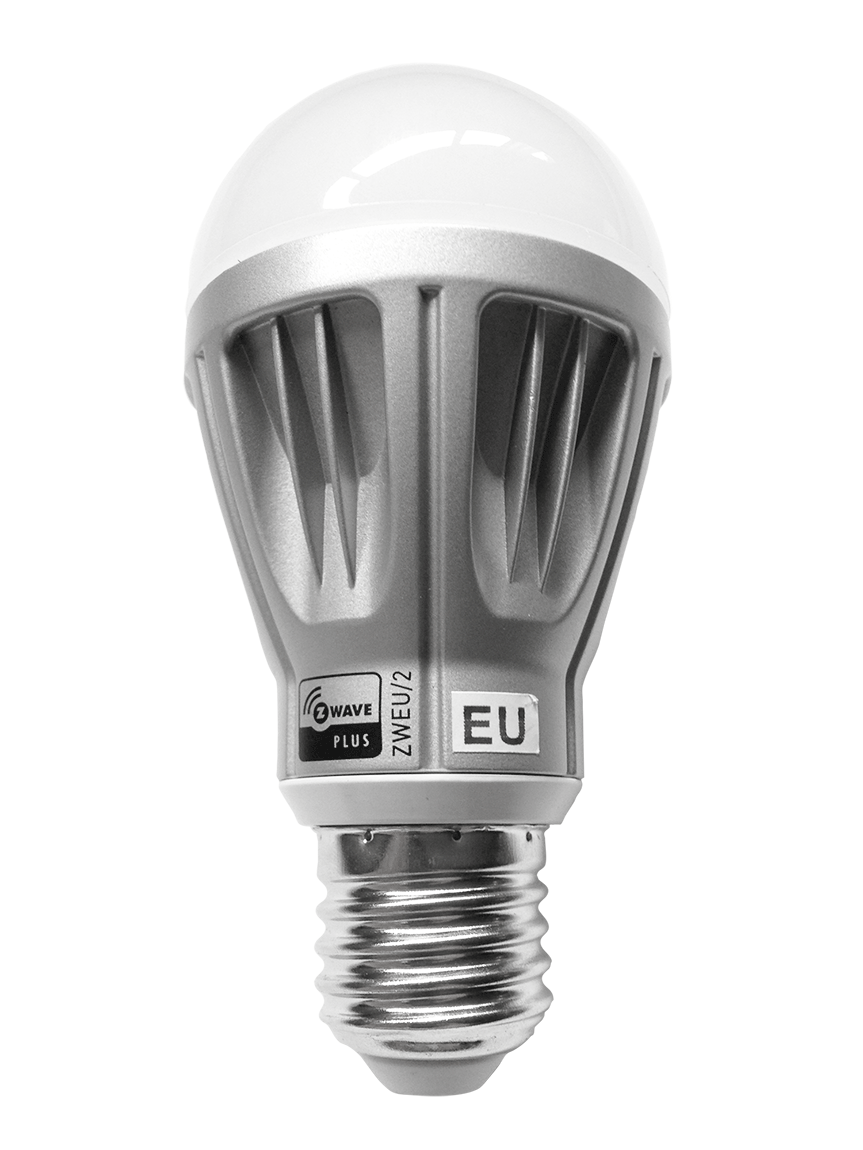
Name | Zipato RGBW light bulb |
|---|
Short Description | Dimmable 6.7W light bulb with individually adjustable red, green, blue, warm white and cold white color channels. |
|---|
Long Description | Zipato RGBW BULB has 5 color channels available for you to adjust:
RED, GREEN, BLUE, WARM WHITE and COLD WHITE. Zipato RGBW
BULB can be used to add color to your home or just to lighten it up in
any white color tone you desire. |
|---|
Brand | Zipato |
|---|
Product Identifier | rgbwe27zw |
|---|
OEM Version | 1 |
|---|
Hardware Platform | ZM5202 |
|---|
Z-Wave Version | 6.51.01 |
|---|
Library Type | SLAVE_ENHANCED_232 |
|---|
Device Type | Light Dimmer Switch |
|---|
Role Type | ROLE_TYPE_SLAVE_ALWAYS_ON |
|---|
Manufacturer ID | 0x0131 |
|---|
Product Type ID | 0x0002 |
|---|
Product ID | 0x0002 |
|---|
Frequency Plans | EU: 869.85MHz, 868.40MHz |
|---|
Categories | All Lighting Devices, Dimming Lighting Devices |
|---|
Countries / Regions | European Union |
|---|
Documents | Category | Description | File |
|---|
Manual_Primary_Lang | Product or Owner's Manual | |
|
|---|
Association Groups | Group Number | Maximum Nodes Supported | End Point ID | Description |
|---|
1 | 1 | 0 | Z-Wave Plus Lifeline |
|
|---|
Configuration Parameters | Parameter Number | Name | Description | Format | Size | Min Value | Max Value | Default Value | Parameter Values |
|---|
1 | White color temperature | Configuration option 1 is used to adjust color temperature. | 0 | 1 | 0 | 0 | 50 | From | To | Description |
|---|
0 | 100 | 0 - full cold white; 100 - full warm white |
|
|
|---|
Texts | ID | Description | Value |
|---|
1 | Inclusion | Place your Z-Wave primary controller into inclusion mode by following the controller manufacturer's instructions.
Place the light bulb into inclusion mode by gently tapping the
light bulb. The light bulb will shine green to indicate a successful
activation of inclusion mode. | 2 | Exclusion | Place your Z-Wave primary controller into exclusion mode by following the controller manufacturer's instructions.
Place the light bulb into exclusion mode by gently tapping the
light bulb. The light bulb will shine green to indicate a successful
activation of exclusion mode. | 5 | Factory Reset | A factory default reset is performed when the bulb is excluded
from a Z-wave network. |
|
|---|
Supports NWI | Yes |
|---|
Supports Explorer Frames | Yes |
|---|
Radio Range Z-Wave (m) | 40 |
|---|