| Product Recognition | |
|---|
| Certification Number | ZC10-15120001 |
|---|
| Name | ZRC-90EU |
|---|
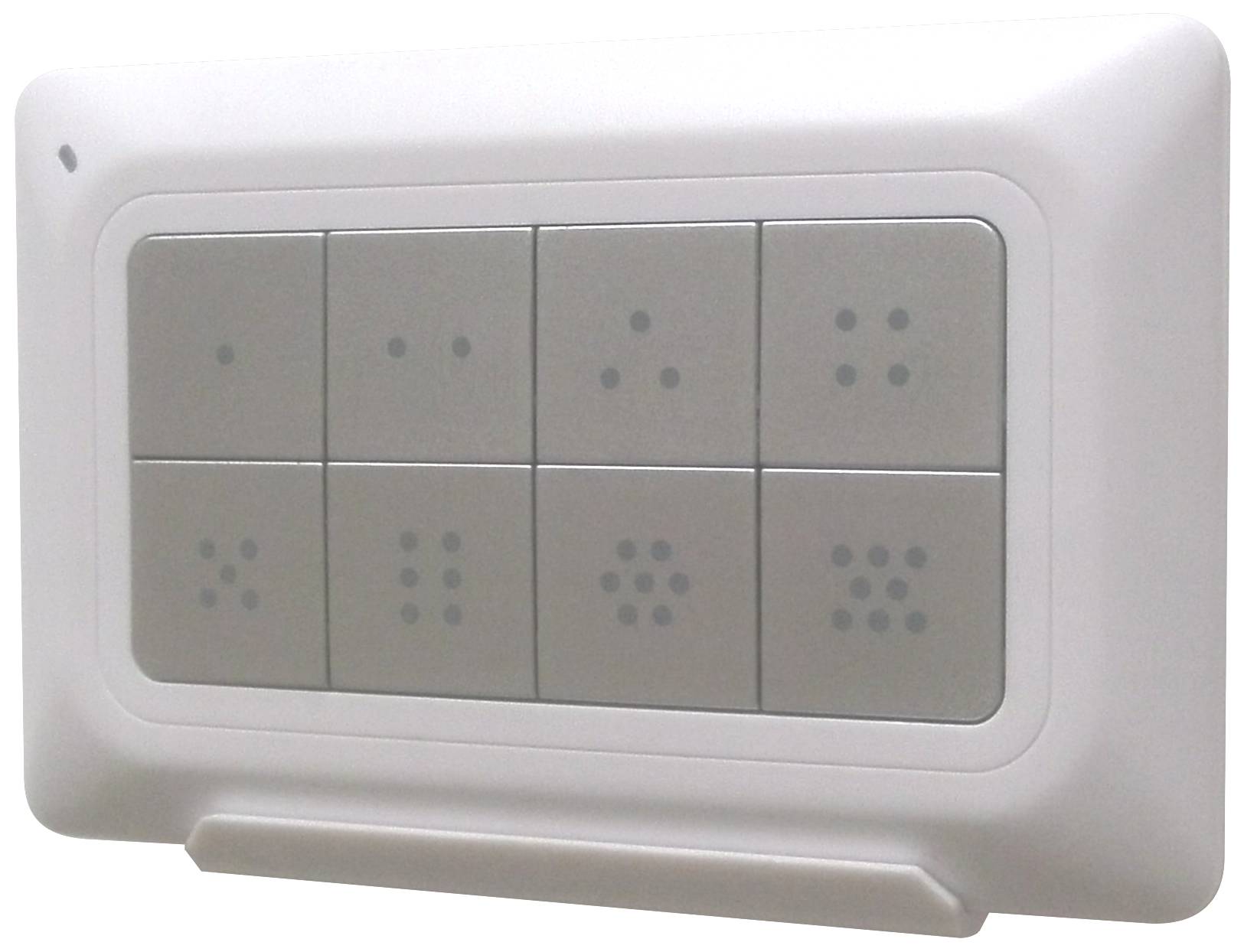
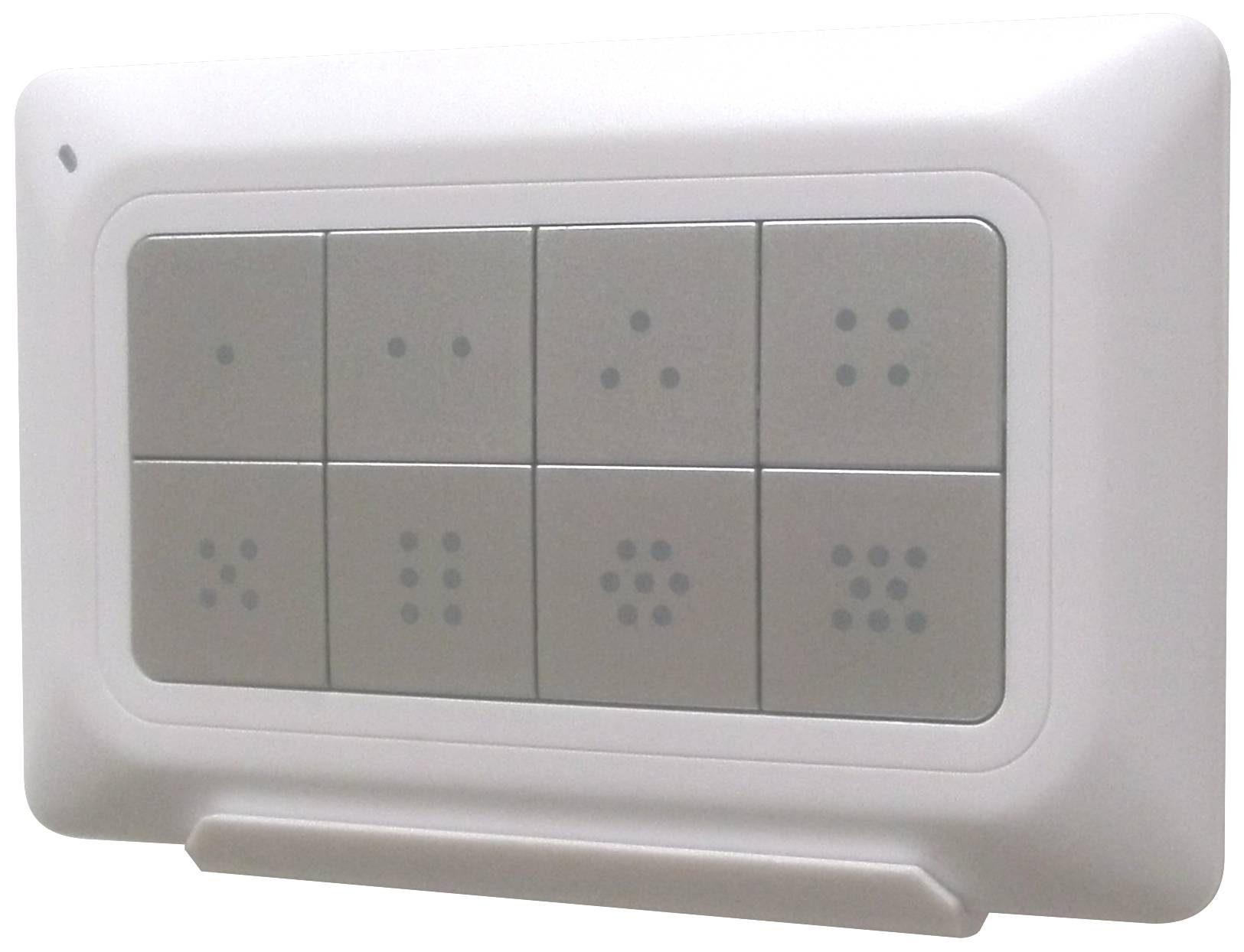
| Short Description | The ZRC-90 Scene Master is a Z-Wave Central Scene Controller. When one of the buttons on the ZRC-90 is pushed, your Z-Wave central controller will receive a signal which it can use to trigger unlimited control possibilities. With 8 buttons, each supporting a long-press capability, you can control 16 different actions in your central controller. |
|---|
| Long Description | The ZRC-90 Scene Master is a Z-Wave Central Scene Controller. When one of the buttons on the ZRC-90 is pushed, your Z-Wave central controller will receive a signal which it can use to trigger unlimited control possibilities. With 8 buttons, each supporting a long-press capability, you can control 16 different actions in your central controller. The ZRC-90 is a great solution for triggering events more quickly than taking out your smart-phone and running a home control app. The Scene Master is ideal for kids, elderlies and guests who may not have full access to your smart home’s mobile application and hence may not have the rights to switch on various lighting, heating, air conditioning and other home appliance. With a convenient snap-in wall mount, the ZRC-90 can also be removed to keep it handy while you go about your home for the ultimate in simple convenience. |
|---|
| Brand | Remotec |
|---|
| Product Identifier | BW8510EU |
|---|
| OEM Version | 03 |
|---|
| Hardware Platform | ZM5202 |
|---|
| Z-Wave Version | 6.51.06 |
|---|
| Library Type | CONTROLLER_PORTABLE |
|---|
| Device Type | Remote Control - Simple |
|---|
| Role Type | ROLE_TYPE_CONTROLLER_PORTABLE |
|---|
| Manufacturer ID | 0x5254 |
|---|
| Product Type ID | 0x0001 |
|---|
| Product ID | 0x8510 |
|---|
| Frequency Plans | EU: 869.85MHz, 868.40MHz |
|---|
| Categories | All Lighting Devices, Lighting Accessories |
|---|
| Countries / Regions | European Union |
|---|
| Controlled Command Classes | | Identifier | Name | Key | Version |
|---|
| COMMAND_CLASS_WAKE_UP | Wake Up | 0x84 | 1 | | COMMAND_CLASS_CENTRAL_SCENE | Central Scene | 0x5B | 1 |
|
|---|
| Documents | |
|---|
| Association Groups | | Group Number | Maximum Nodes Supported | End Point ID | Description |
|---|
| 1 | 1 | 0 | Z-Wave Plus Lifeline:
Association Group-1 will be a default status report channel in ZWave+ lifeline requirement. Only one node can be assigned to
this association group. |
|
|---|
| Texts | | ID | Description | Value |
|---|
| 3 | Learn Mode (adding another controller) | When prompted by your primary controller (gateway), click once on the “L” button. | | 5 | Factory Reset | Press and keep holding “R” button not less than 10 seconds.
Release “R” button then triple click on “R” button within 2 seconds. | | 4 | Device Wake-Up | Enter to the Listening mode (Wake up) by click once on “W” button. | | 6 | Additional Special Features | Create a Primary Controller - Press “W+L” buttons simultaneously until LED light up.
Create a Secondary Controller - Press “W+R” buttons simultaneously until LED light up.
(Place the two controllers close to each other.) | | 1 | Inclusion | Press “L+R” buttons simultaneously until LED light up to add the device into ZRC-90 Z-Wave network. | | 2 | Exclusion | Click once on the “R” button to remove the device from ZRC-90 Z-Wave network. |
|
|---|
| Supports NWI | Yes |
|---|
| Supports Explorer Frames | Yes |
|---|