Product Recognition | |
|---|
Certification Number | ZC10-22087115 |
|---|
Name | LTEM-P |
|---|
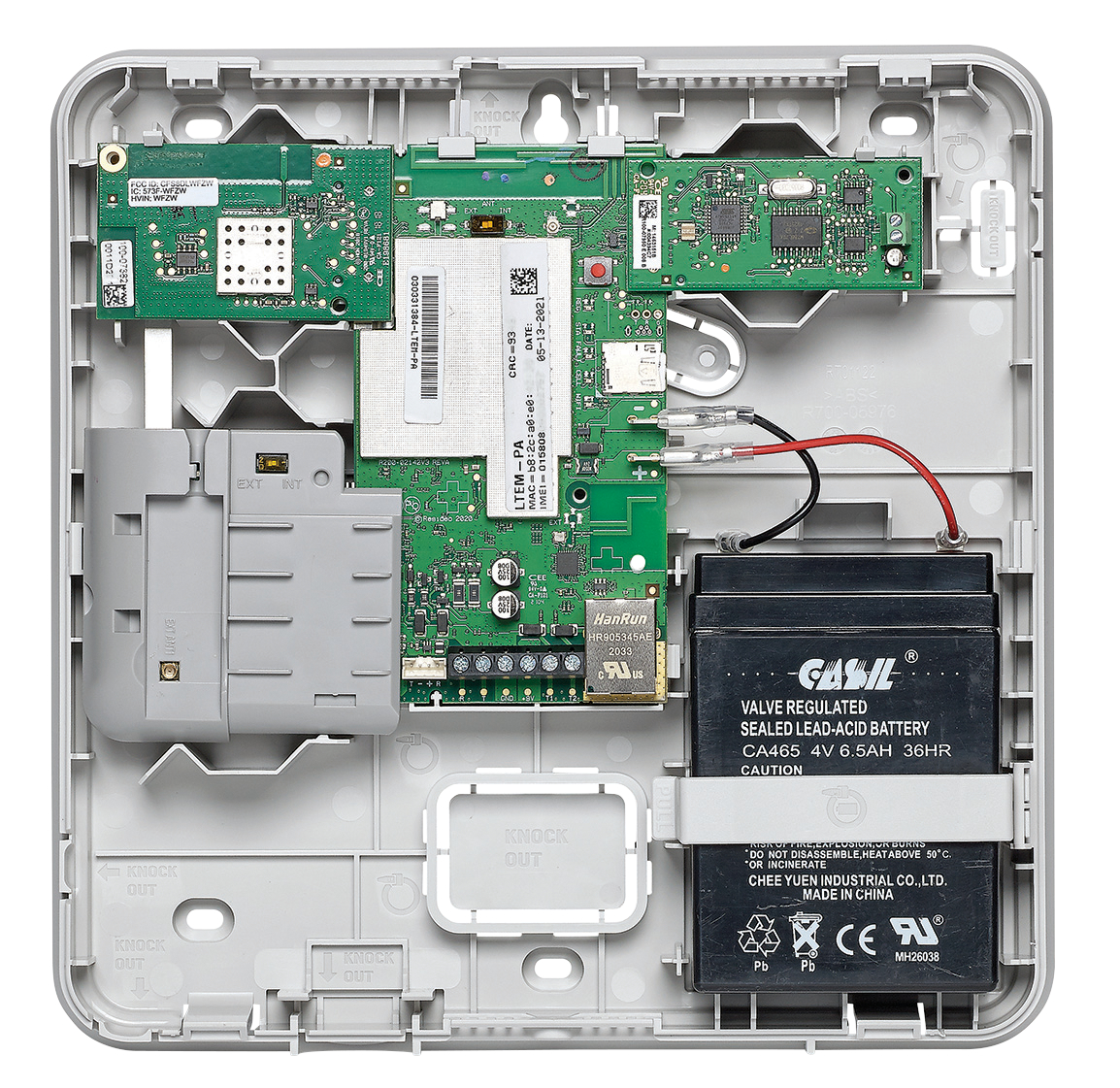
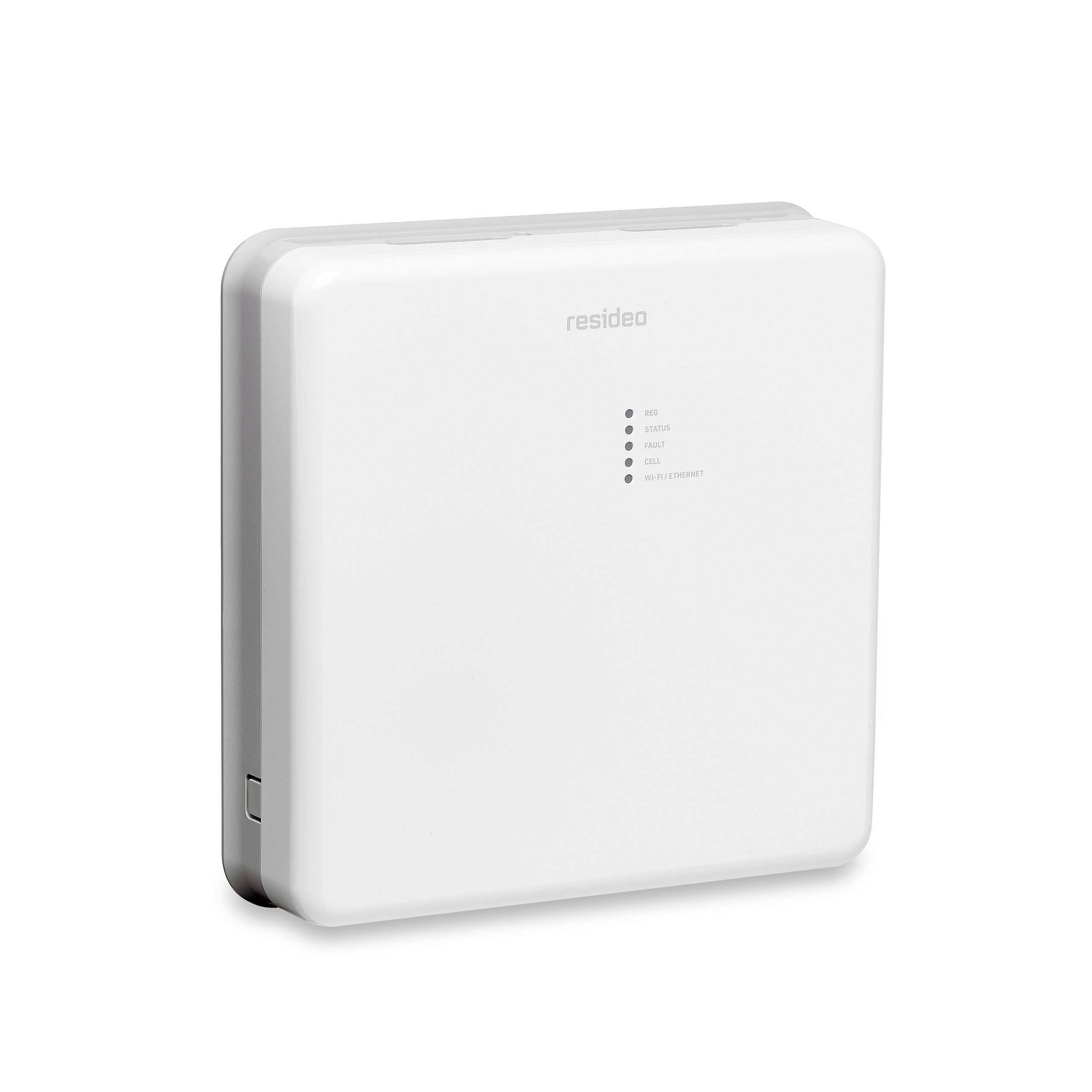
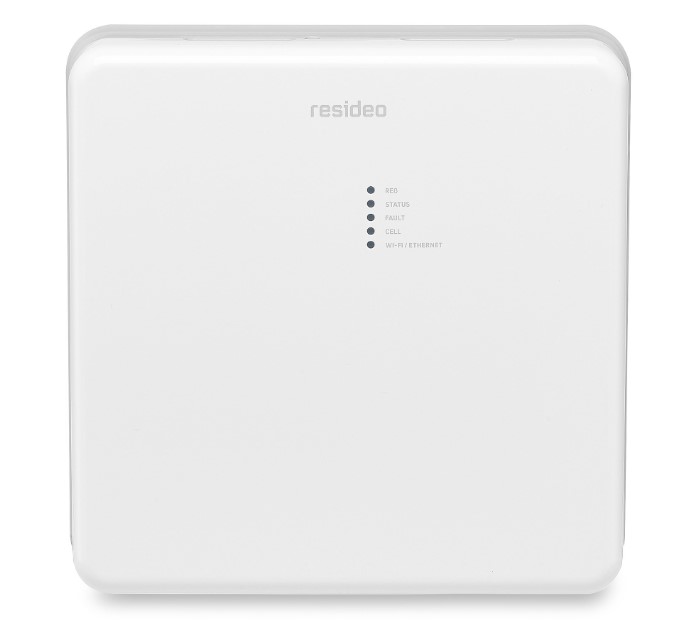
Short Description | LTEM-P is a Communicator that sends alarms and messages from the security system's control panel to AlarmNet. |
|---|
Long Description | LTEM-P communicators send alarms and messages from the security system’s control panel to AlarmNet
for subsequent transfer to the central monitoring station. Other features include the following:
• The communicators provide upload/downloading capability of Resideo's control panel programming data.
• These communicators also support optional Plug-In Modules, including PROLTE series LTE radio modules, PROWIFIZW and PROWIFI Wi-Fi modules, and PRODCM Dialer Capture module.
• In addition, these communicators can be used with compatible non-VISTA/non-Resideo control panels. |
|---|
Brand | Resideo |
|---|
Product Identifier | LTEM-P |
|---|
Product Line | Security Communicator |
|---|
OEM Version | HW: 1 FW: 6.06:02.81:02.00 |
|---|
Hardware Platform | ZM5202 |
|---|
Z-Wave Version | 6.81.05 |
|---|
Library Type | CONTROLLER_BRIDGE |
|---|
Device Type | Central Controller |
|---|
Role Type | ROLE_TYPE_CONTROLLER_CENTRAL_STATIC |
|---|
Manufacturer ID | 0x041B |
|---|
Product Type ID | 0x0001 |
|---|
Product ID | 0x0001 |
|---|
User Icon | 0x0500 |
|---|
Installer Icon | 0x0500 |
|---|
Frequency Plans | US: 916.00MHz, 908.40MHz |
|---|
Categories | Security Add-Ons, Security Systems |
|---|
Countries / Regions | United States of America |
|---|
Supported Command Classes | Identifier | Name | Key | Version |
|---|
COMMAND_CLASS_NETWORK_MANAGEMENT_INCLUSION | Network Management Inclusion | 0x34 | 1 | COMMAND_CLASS_POWERLEVEL | Powerlevel | 0x73 | 1 | COMMAND_CLASS_NETWORK_MANAGEMENT_INSTALLATION_MAINTENANCE | Network Management Installation and Maintenance | 0x67 | 1 | COMMAND_CLASS_INCLUSION_CONTROLLER | Inclusion Controller | 0x74 | 1 | COMMAND_CLASS_ASSOCIATION_GRP_INFO_V3 | Association Group Information (AGI) V3 | 0x59 | 3 | COMMAND_CLASS_NETWORK_MANAGEMENT_PROXY | Network Management Proxy | 0x52 | 1 | COMMAND_CLASS_APPLICATION_STATUS | Application Status | 0x22 | 1 | COMMAND_CLASS_SECURITY_2 | Security 2 | 0x9F | 1 | COMMAND_CLASS_CRC_16_ENCAP | CRC-16 Encapsulation | 0x56 | 1 | COMMAND_CLASS_SECURITY | Security 0 | 0x98 | 1 | COMMAND_CLASS_TRANSPORT_SERVICE_V2 | Transport Service V2 | 0x55 | 2 | COMMAND_CLASS_VERSION_V2 | Version V2 | 0x86 | 2 | COMMAND_CLASS_DEVICE_RESET_LOCALLY | Device Reset Locally | 0x5A | 1 | COMMAND_CLASS_ZWAVEPLUS_INFO_V2 | Z-Wave Plus Info V2 | 0x5E | 2 | COMMAND_CLASS_ASSOCIATION_V2 | Association V2 | 0x85 | 2 | COMMAND_CLASS_MANUFACTURER_SPECIFIC | Manufacturer Specific | 0x72 | 1 | COMMAND_CLASS_SUPERVISION | Supervision | 0x6C | 1 | COMMAND_CLASS_NETWORK_MANAGEMENT_BASIC | Network Management Basic | 0x4D | 1 |
|
|---|
Controlled Command Classes | Identifier | Name | Key | Version |
|---|
COMMAND_CLASS_THERMOSTAT_FAN_MODE_V4 | Thermostat Fan Mode V4 | 0x44 | 4 | COMMAND_CLASS_BASIC | Basic | 0x20 | 1 | COMMAND_CLASS_MULTI_CHANNEL_ASSOCIATION_V3 | Multi Channel Association V3 | 0x8E | 3 | COMMAND_CLASS_SECURITY_2 | Security 2 | 0x9F | 1 | COMMAND_CLASS_CRC_16_ENCAP | CRC-16 Encapsulation | 0x56 | 1 | COMMAND_CLASS_SECURITY | Security 0 | 0x98 | 1 | COMMAND_CLASS_MULTI_CHANNEL_V4 | Multi Channel V4 | 0x60 | 4 | COMMAND_CLASS_SENSOR_MULTILEVEL_V11 | Multilevel Sensor V11 | 0x31 | 11 | COMMAND_CLASS_SWITCH_BINARY_V2 | Binary Switch V2 | 0x25 | 2 | COMMAND_CLASS_SWITCH_MULTILEVEL_V4 | Multilevel Switch V4 | 0x26 | 4 | COMMAND_CLASS_THERMOSTAT_MODE_V3 | Thermostat Mode V3 | 0x40 | 3 | COMMAND_CLASS_THERMOSTAT_SETPOINT_V3 | Thermostat Setpoint V3 | 0x43 | 3 | COMMAND_CLASS_WAKE_UP_V2 | Wake Up V2 | 0x84 | 2 | COMMAND_CLASS_ASSOCIATION_V2 | Association V2 | 0x85 | 2 | COMMAND_CLASS_DOOR_LOCK_V3 | Door Lock V3 | 0x62 | 3 |
|
|---|
S2 Classes | S2_UNAUTHENTICATED, S2_AUTHENTICATED, S2_ACCESS_CONTROL |
|---|
Documents | Category | Description | File |
|---|
Installer_Guide | Quick Installation Guide | | Manual_Primary_Lang | User Interface User Manual | |
|
|---|
Features | Feature | Values |
|---|
Battery Quantity | | Battery Type | | Color | |
|
|---|
Association Groups | Group Number | Maximum Nodes Supported | End Point ID | Group Name | Description |
|---|
1 | 1 | 0 | Lifeline | Z-Wave Plus Lifeline |
|
|---|
Texts | ID | Description | Value |
|---|
8 | Where to find S2 DSK on product | Once Z-wave module is inserted and powered up, after syncing, DSK related information will appear | 23 | Controller Classic Inclusion | Inclusion S0 device
1. To Include a Z-Wave device (Door lock, Switch, Dimmer...), click the INCLUDE DEVICES button.
2. Press the Function button on the device that you want to include. Wait for the inclusion to end and the device information to display. Click CLOSE.
3. When the process is complete, the newly registered device should appear in the Z-Wave device list
Inclusion S2 device
1. Click the INCLUDE DEVICES button
2. Press the button on the device which you want to include, wait for a dialog and input first 5 digits DSK, click OK
3. Wait for the inclusion to end, display device information, click done
4. View Z-Wave device list, the newly registered device should show | 24 | Controller Classic Exclusion | 1. To Exclude a Z-Wave device (Door lock, Switch, Dimmer...), click the EXCLUDE DEVICES button.
2. The exclusion mode window appears while the system searches for Z-Wave Devices.
3. When the exclusion mode window displays a list of Z-Wave devices, press the Function button on the device that you want to exclude. Wait for the exclusion to end and the device information to display. Click DONE. | 3 | Controller Learn Mode | 1. Click "Enter Learn Mode" on the web
2. The DSK PIN information will show | 10 | Controller Replication | Controller replication (Copy) is achieved through Inclusion and Set Learn Mode. Entering learn mode while in a network will trigger a replication if the primary controller is in add node mode. So replication and Learn Mode are the same and you just need to do Learn Mode here. | 5 | Factory Reset Procedure | 1. Prepare two mains powered z-wave DUTs and navigate to system UI as below, click "factory" button
2. Click "Setting"
3. Reply "yes" to the "Pop up "Are you sure you want to factory reset the controller?" | 6 | Other Special Features | The communicators provide upload/downloading capability of Resideo's control panel
programming data. |
|
|---|
Supports NWI | Yes |
|---|
Supports Explorer Frames | Yes |
|---|
Radio Range Z-Wave (m) | 40 |
|---|