Product Recognition | |
|---|
Certification Number | ZC10-17085742 |
|---|
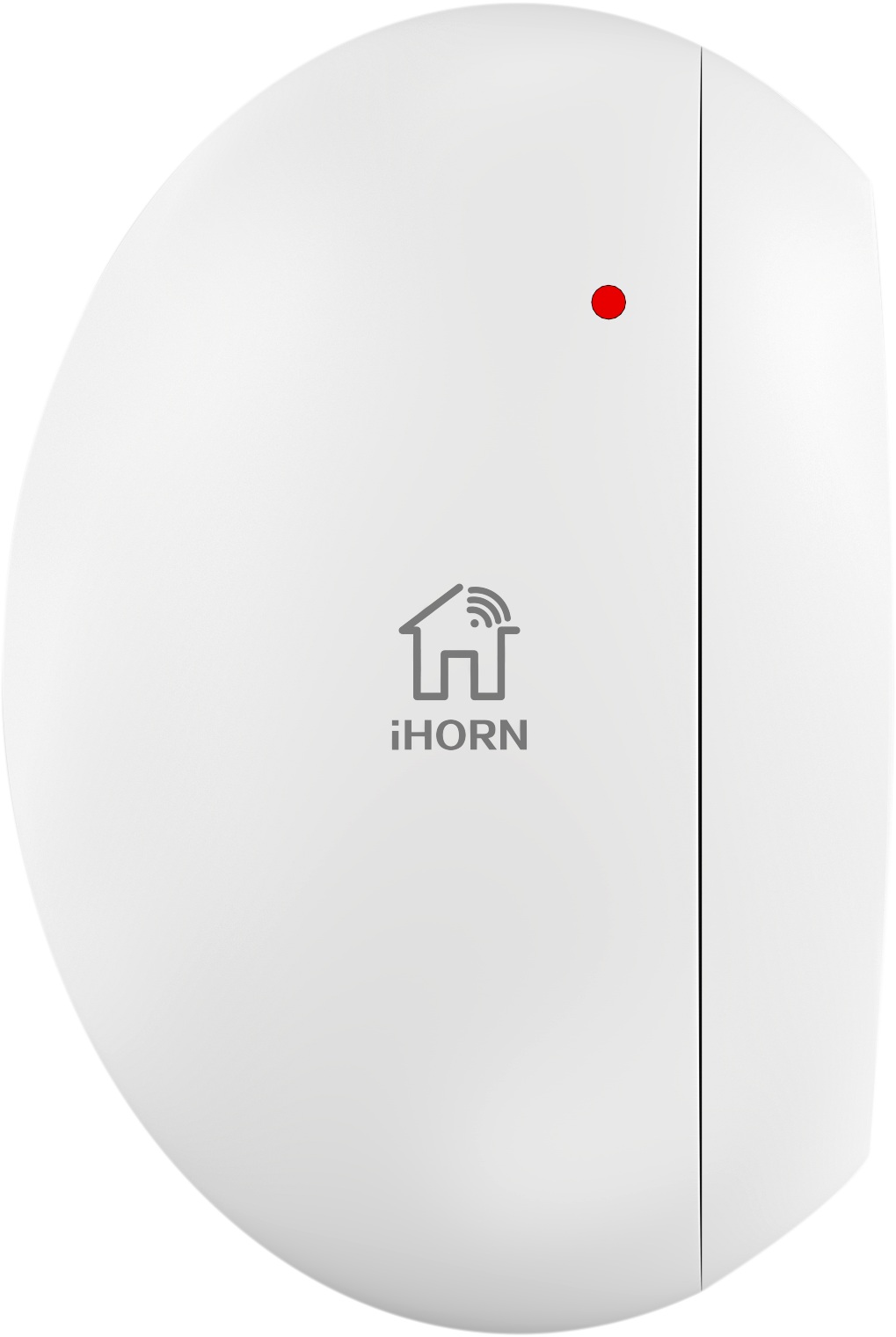
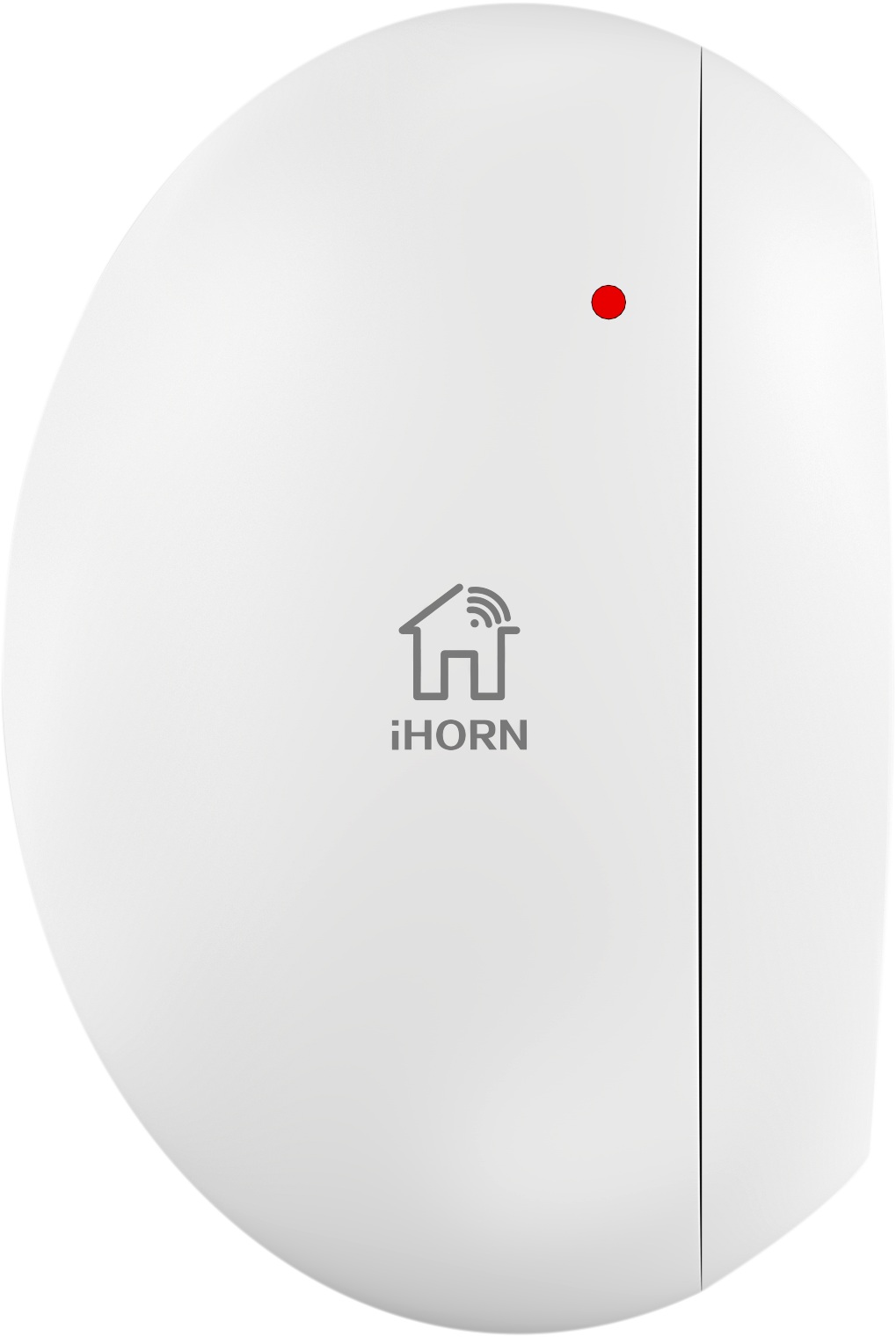
Name | Magnetic Contact |
|---|
Short Description | The Product will alarm you when the door/windows opened by others. |
|---|
Long Description | This Product apply the theory of magnetic control, when the magnet is separated from the main body from a certain distance (about 2 cm) between ,the main body will send out a wireless alarm signal automatically, in order to prevent someone break into the room from the door or window. |
|---|
Brand | IHORN |
|---|
Product Identifier | HO-09ZW |
|---|
OEM Version | HW: 255 FW: 16.08 |
|---|
Hardware Platform | ZM5202 |
|---|
Z-Wave Version | 6.51.09 |
|---|
Library Type | SLAVE_ROUTING |
|---|
Device Type | Notification Sensor |
|---|
Role Type | ROLE_TYPE_SLAVE_SLEEPING_REPORTING |
|---|
Manufacturer ID | 0x0320 |
|---|
Product Type ID | 0x0001 |
|---|
Product ID | 0x0001 |
|---|
User Icon | 0x0C06 |
|---|
Installer Icon | 0x0C06 |
|---|
Frequency Plans | US: 916.00MHz, 908.40MHz |
|---|
Categories | Sensors, Security Add-Ons |
|---|
Countries / Regions | United States of America |
|---|
Supported Command Classes | Identifier | Name | Key | Version |
|---|
COMMAND_CLASS_POWERLEVEL | Powerlevel | 0x73 | 1 | COMMAND_CLASS_BATTERY | Battery | 0x80 | 1 | COMMAND_CLASS_VERSION_V2 | Version V2 | 0x86 | 2 | COMMAND_CLASS_WAKE_UP_V2 | Wake Up V2 | 0x84 | 2 | COMMAND_CLASS_DEVICE_RESET_LOCALLY | Device Reset Locally | 0x5A | 1 | COMMAND_CLASS_ZWAVEPLUS_INFO_V2 | Z-Wave Plus Info V2 | 0x5E | 2 | COMMAND_CLASS_ASSOCIATION_V2 | Association V2 | 0x85 | 2 | COMMAND_CLASS_ASSOCIATION_GRP_INFO | Association Group Info | 0x59 | 1 | COMMAND_CLASS_MANUFACTURER_SPECIFIC_V2 | Manufacturer Specific V2 | 0x72 | 2 | COMMAND_CLASS_NOTIFICATION_V4 | Notification V4 | 0x71 | 4 |
|
|---|
Documents | Category | Description | File |
|---|
Manual_Primary_Lang | Product or Owner's Manual | |
|
|---|
Features | Feature | Values |
|---|
Supported Notification Types | | Battery Type | |
|
|---|
Association Groups | Group Number | Maximum Nodes Supported | End Point ID | Description |
|---|
1 | 5 | 0 | Z-Wave Plus Lifeline |
|
|---|
Texts | ID | Description | Value |
|---|
2 | Exclusion | For Exclusion a network: Put the Z-Wave Interface Controller into “Exclusion” mode, and following its instruction to exclude magnetic contact from your Z-Wave controller.
1. Pressing the anti-tamper switch Triple then enter exclusion mode.
2. Red LED will blink three times when exclusion of the network is successful. | 5 | Factory Reset | Press the anti-tamper switch five times to reset.
Note: Use this procedure only in the event that the primary controller is lost. | 4 | Device Wake-Up | Press the anti-tamper switch once to wakeup the product. | 1 | Inclusion | For Inclusion to a network: Put the Z-Wave Interface Controller into “Inclusion” mode, and following its instruction to include HO-09ZB to your controller. This magnetic contact needs to be included before installation.
1. Pull out the insulating strip, making the device power on.
2. Pressing the anti-tamper switch three times.
3. Red LED will blink three times while inclusion the network successful
4. If inclusion failed, the sensor will go into sleep mode. To wake the sensor again, you need to use magnet or anti-tamper switch to trigger an inclusion process, and then sensor will repeat steps from 3 to 4. |
|
|---|
Supported Notification Types | Notification Type | Event / State |
|---|
Home Security | (Refer to parameters): State idle |
|
|---|
Supports NWI | Yes |
|---|
Supports Explorer Frames | Yes |
|---|