Product Recognition | |
|---|
Certification Number | ZC10-22037072 |
|---|
Name | PROHP-EU |
|---|
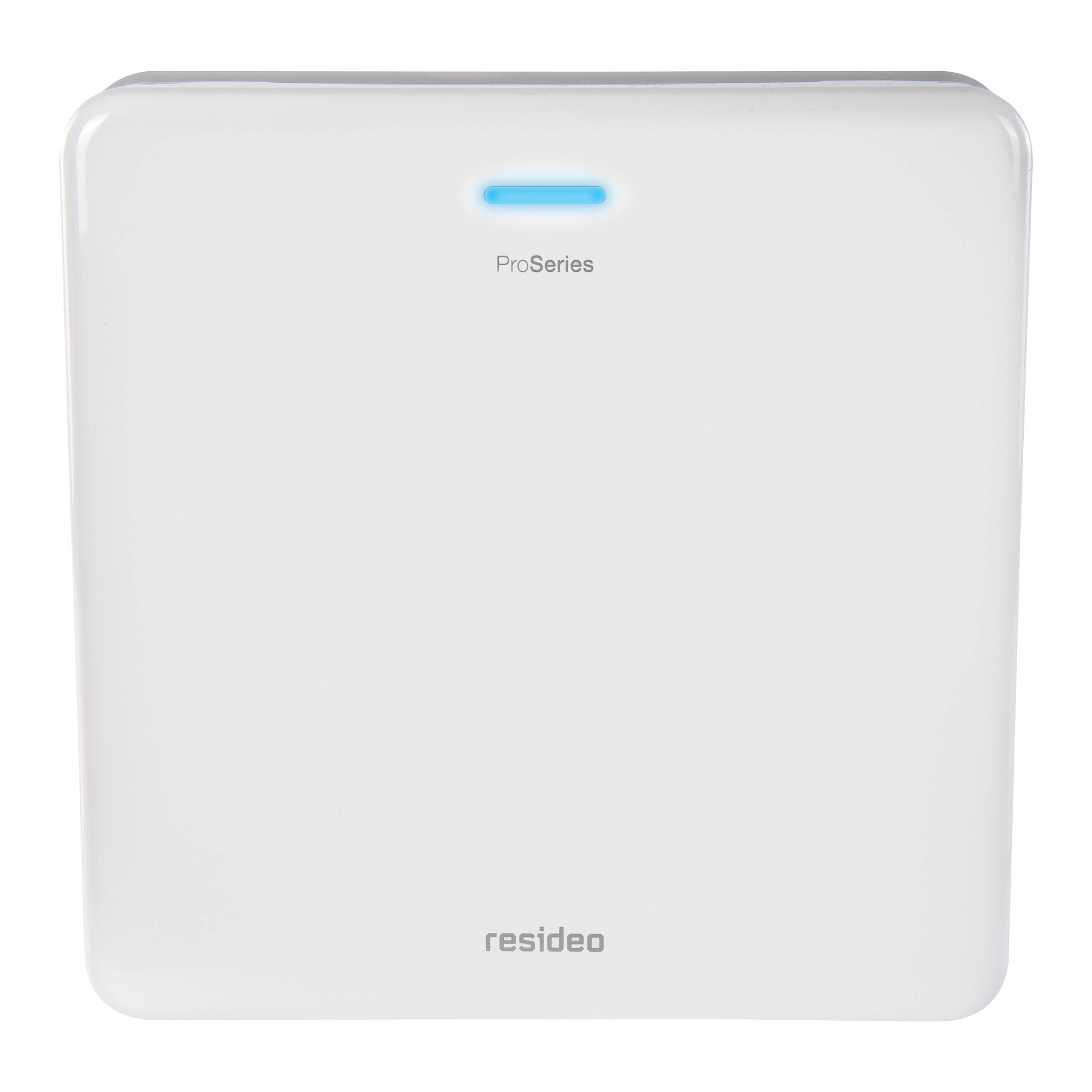
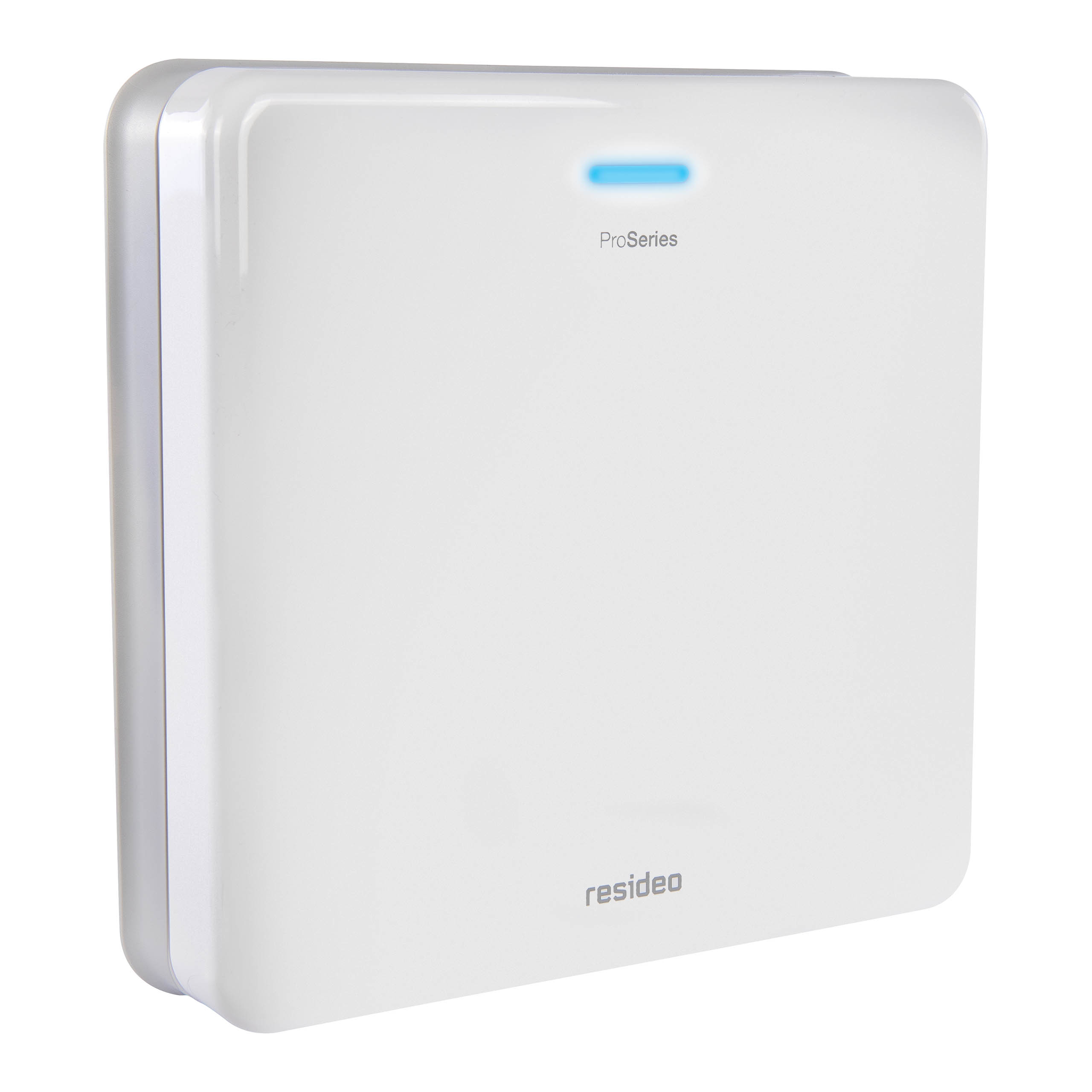
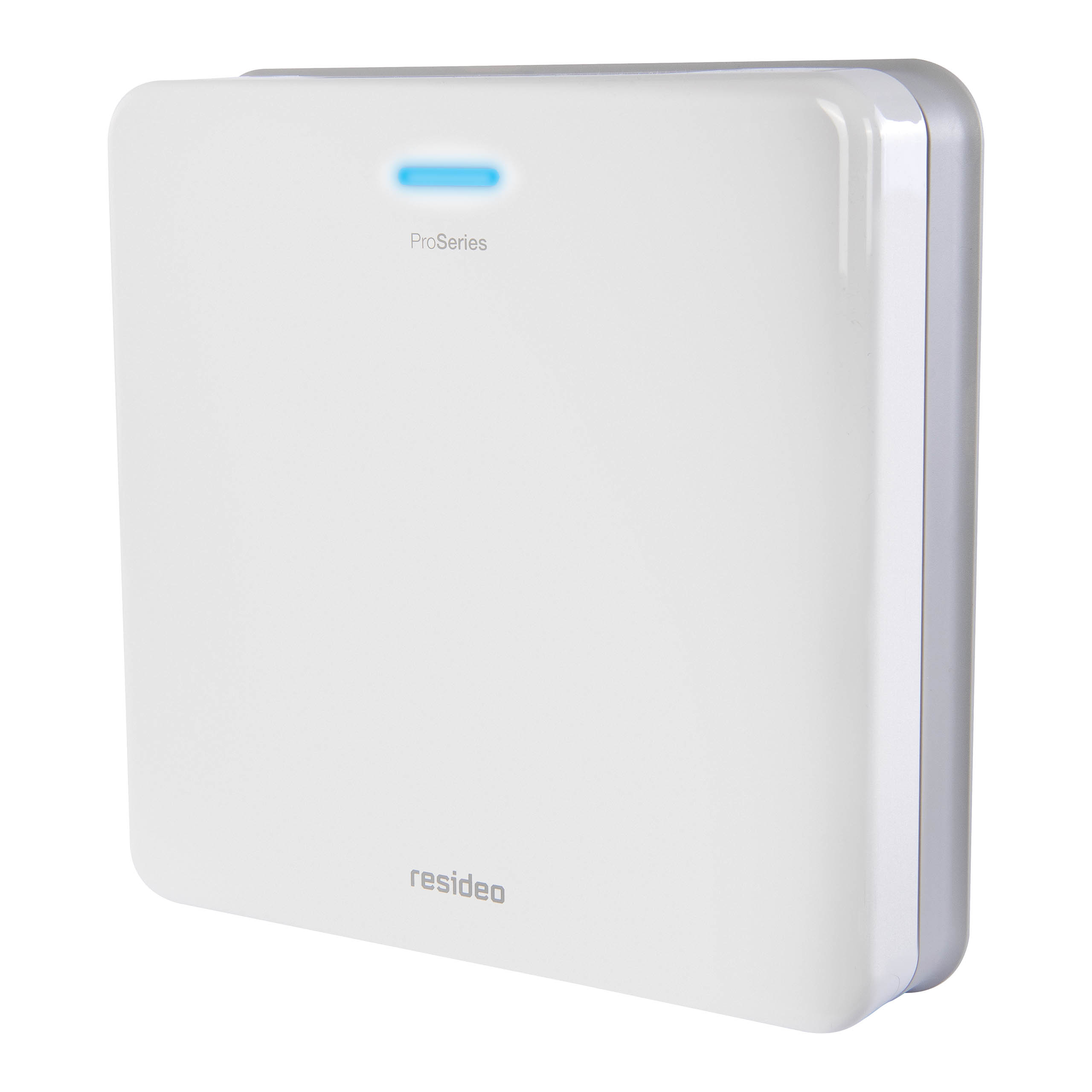
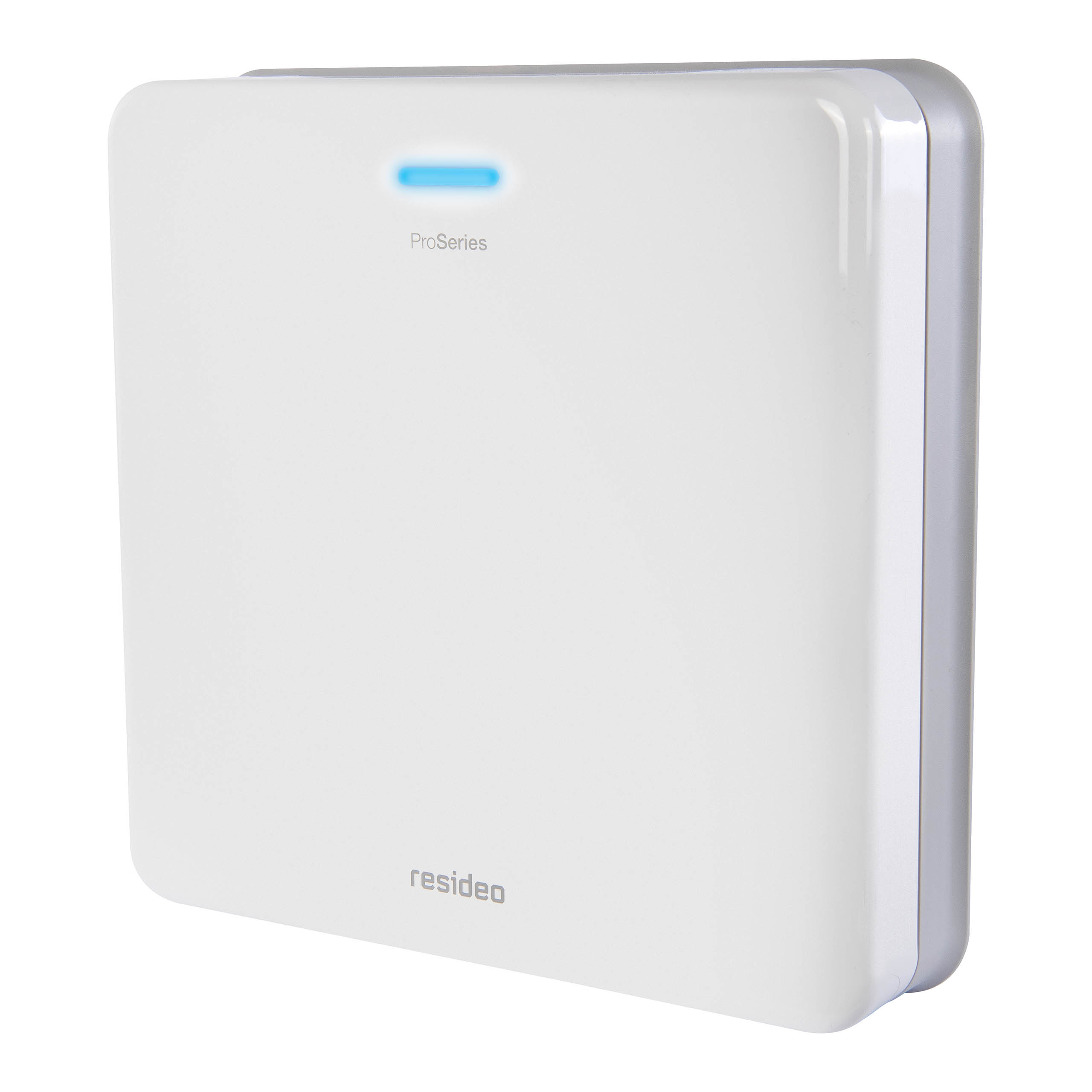
Short Description | PROHP-EU ProSeries Hidden Panel |
|---|
Long Description | The ProSeries Hidden Panel is a professional security system with wireless sensors, Z-Wave™ devices, LTE communicator, multiple partitions, wireless keypads, Wi-Fi, Bluetooth, backup battery, siren.
The Hidden Panel integrates with the next generation of Resideo Total Connect app, which delivers a faster, more fluid interaction on mobile devices.
For installation and service efficiency, radios and batteries are end-user replaceable, and the AlarmNet 360™ cloud-based business management tool enables easy remote programming, transmits over-the-air software and firmware updates, performs remote diagnostics, and monitors and provides analytics on system usage and activity. |
|---|
Brand | Resideo |
|---|
Product Identifier | PROHP-EU |
|---|
Product Line | Security System |
|---|
OEM Version | HW: 1 FW: 6.06:02.81:02.00 |
|---|
Hardware Platform | ZM5202 |
|---|
Z-Wave Version | 6.81.05 |
|---|
Library Type | CONTROLLER_BRIDGE |
|---|
Device Type | Central Controller |
|---|
Role Type | ROLE_TYPE_CONTROLLER_CENTRAL_STATIC |
|---|
Manufacturer ID | 0x041B |
|---|
Product Type ID | 0x0001 |
|---|
Product ID | 0x0001 |
|---|
User Icon | 0x0500 |
|---|
Installer Icon | 0x0500 |
|---|
Frequency Plans | EU: 869.85MHz, 868.40MHz |
|---|
Categories | All Controllers, Gateway Controller, Security Systems |
|---|
Countries / Regions | European Union |
|---|
Supported Command Classes | Identifier | Name | Key | Version |
|---|
COMMAND_CLASS_NETWORK_MANAGEMENT_INCLUSION | Network Management Inclusion | 0x34 | 1 | COMMAND_CLASS_POWERLEVEL | Powerlevel | 0x73 | 1 | COMMAND_CLASS_NETWORK_MANAGEMENT_INSTALLATION_MAINTENANCE | Network Management Installation and Maintenance | 0x67 | 1 | COMMAND_CLASS_INCLUSION_CONTROLLER | Inclusion Controller | 0x74 | 1 | COMMAND_CLASS_ASSOCIATION_GRP_INFO_V3 | Association Group Information (AGI) V3 | 0x59 | 3 | COMMAND_CLASS_NETWORK_MANAGEMENT_PROXY | Network Management Proxy | 0x52 | 1 | COMMAND_CLASS_APPLICATION_STATUS | Application Status | 0x22 | 1 | COMMAND_CLASS_SECURITY_2 | Security 2 | 0x9F | 1 | COMMAND_CLASS_CRC_16_ENCAP | CRC-16 Encapsulation | 0x56 | 1 | COMMAND_CLASS_SECURITY | Security 0 | 0x98 | 1 | COMMAND_CLASS_TRANSPORT_SERVICE_V2 | Transport Service V2 | 0x55 | 2 | COMMAND_CLASS_VERSION_V2 | Version V2 | 0x86 | 2 | COMMAND_CLASS_DEVICE_RESET_LOCALLY | Device Reset Locally | 0x5A | 1 | COMMAND_CLASS_ZWAVEPLUS_INFO_V2 | Z-Wave Plus Info V2 | 0x5E | 2 | COMMAND_CLASS_ASSOCIATION_V2 | Association V2 | 0x85 | 2 | COMMAND_CLASS_MANUFACTURER_SPECIFIC | Manufacturer Specific | 0x72 | 1 | COMMAND_CLASS_SUPERVISION | Supervision | 0x6C | 1 | COMMAND_CLASS_NETWORK_MANAGEMENT_BASIC | Network Management Basic | 0x4D | 1 |
|
|---|
Controlled Command Classes | Identifier | Name | Key | Version |
|---|
COMMAND_CLASS_THERMOSTAT_FAN_MODE_V4 | Thermostat Fan Mode V4 | 0x44 | 4 | COMMAND_CLASS_BASIC | Basic | 0x20 | 1 | COMMAND_CLASS_MULTI_CHANNEL_ASSOCIATION_V3 | Multi Channel Association V3 | 0x8E | 3 | COMMAND_CLASS_SECURITY_2 | Security 2 | 0x9F | 1 | COMMAND_CLASS_CRC_16_ENCAP | CRC-16 Encapsulation | 0x56 | 1 | COMMAND_CLASS_SECURITY | Security 0 | 0x98 | 1 | COMMAND_CLASS_MULTI_CHANNEL_V4 | Multi Channel V4 | 0x60 | 4 | COMMAND_CLASS_SENSOR_MULTILEVEL_V11 | Multilevel Sensor V11 | 0x31 | 11 | COMMAND_CLASS_SWITCH_BINARY_V2 | Binary Switch V2 | 0x25 | 2 | COMMAND_CLASS_SWITCH_MULTILEVEL_V4 | Multilevel Switch V4 | 0x26 | 4 | COMMAND_CLASS_THERMOSTAT_MODE_V3 | Thermostat Mode V3 | 0x40 | 3 | COMMAND_CLASS_THERMOSTAT_SETPOINT_V3 | Thermostat Setpoint V3 | 0x43 | 3 | COMMAND_CLASS_WAKE_UP_V2 | Wake Up V2 | 0x84 | 2 | COMMAND_CLASS_ASSOCIATION_V2 | Association V2 | 0x85 | 2 | COMMAND_CLASS_DOOR_LOCK_V3 | Door Lock V3 | 0x62 | 3 |
|
|---|
S2 Classes | S2_UNAUTHENTICATED, S2_AUTHENTICATED, S2_ACCESS_CONTROL |
|---|
Documents | Category | Description | File |
|---|
Manual_Primary_Lang | Product Manual | | Installer_Guide | Installation Guide | |
|
|---|
Features | Feature | Values |
|---|
Battery Quantity | | Battery Type | | Communications Connections | Value |
|---|
Ethernet (Wired) | Ethernet (Wireless/WiFi) | Bluetooth | Manufacturer Proprietary |
| Controller Supports Multiple Networks | | Controller Supports Multiple Z-Wave Interfaces | |
|
|---|
Association Groups | Group Number | Maximum Nodes Supported | End Point ID | Group Name | Description |
|---|
1 | 1 | 0 | Lifeline | Z-Wave Plus Lifeline |
|
|---|
Texts | ID | Description | Value |
|---|
8 | Where to find S2 DSK on product | DSK is displayed on the Network Information Page of the Web Portal -> Section D.4 from the User Manual. | 24 | Controller Classic Exclusion | * Navigate to "Z-Wave Devices" management tool from the web portal and Click the “Trash logo” button
* Press the button on the device which you want to exclude.
* Follow onscreen instructions. | 23 | Controller Classic Inclusion | * Navigate to "Z-Wave Devices" management tool from the web portal and Click the “+ logo” button
* Press the button on the device which you want to include.
* Follow onscreen instructions. | 3 | Controller Learn Mode | * Navigate to "Z-Wave Devices" management tool from the web portal and Click the “Student Hat logo” button
* Follow onscreen instructions. | 5 | Factory Reset Procedure | * Navigate to "Z-Wave Devices" management tool from the web portal and Click the “factory” button
* Follow onscreen instructions.
If the Control Panel is the primary controller for your network, resetting it results in the devices in your
network to be orphaned. After the factory reset, it is necessary to exclude and re-include all the devices in the network.
This defaults the Z-Wave Controller in the system which removes all programmed Z-Wave devices, however, the devices do not receive a signal to be excluded. So, when they need to be included, they need to be excluded first. | 10 | Controller Replication | Controller replication (Copy) is achieved through Inclusion and Set Learn Mode. Entering learn mode while in a network will trigger a replication if the primary controller is in add node mode.
* Prepare two mains powered Z-Wave controller.
* Primary controller : Navigate to "Z-Wave Devices" management tool from the web portal and Click the “+ logo” button
* Secondary controller : Navigate to "Z-Wave Devices" management tool from the web portal and Click the “Student Hat logo” button
* Follow onscreen instructions. |
|
|---|
Supports NWI | Yes |
|---|
Supports Explorer Frames | Yes |
|---|
Radio Range Z-Wave (m) | 40 |
|---|