| Product Recognition | |
|---|
| Certification Number | ZC14-25120562 |
|---|
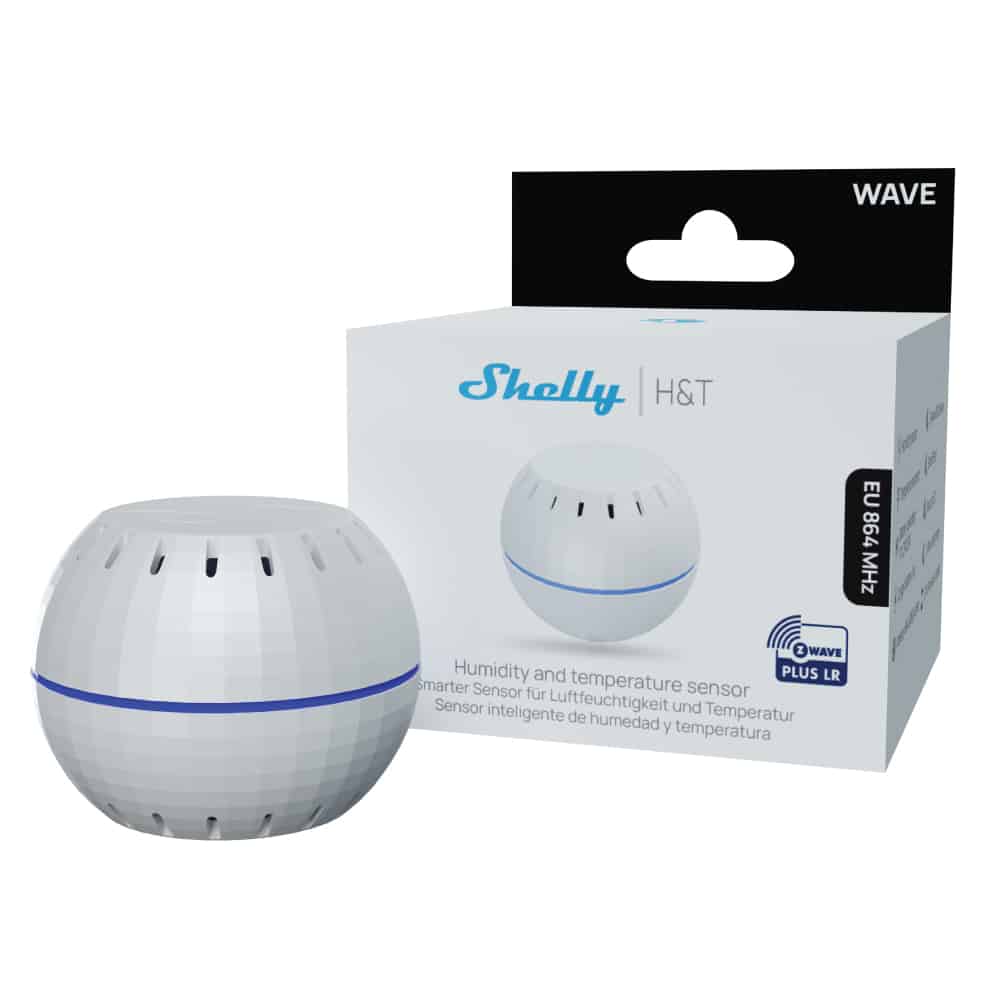
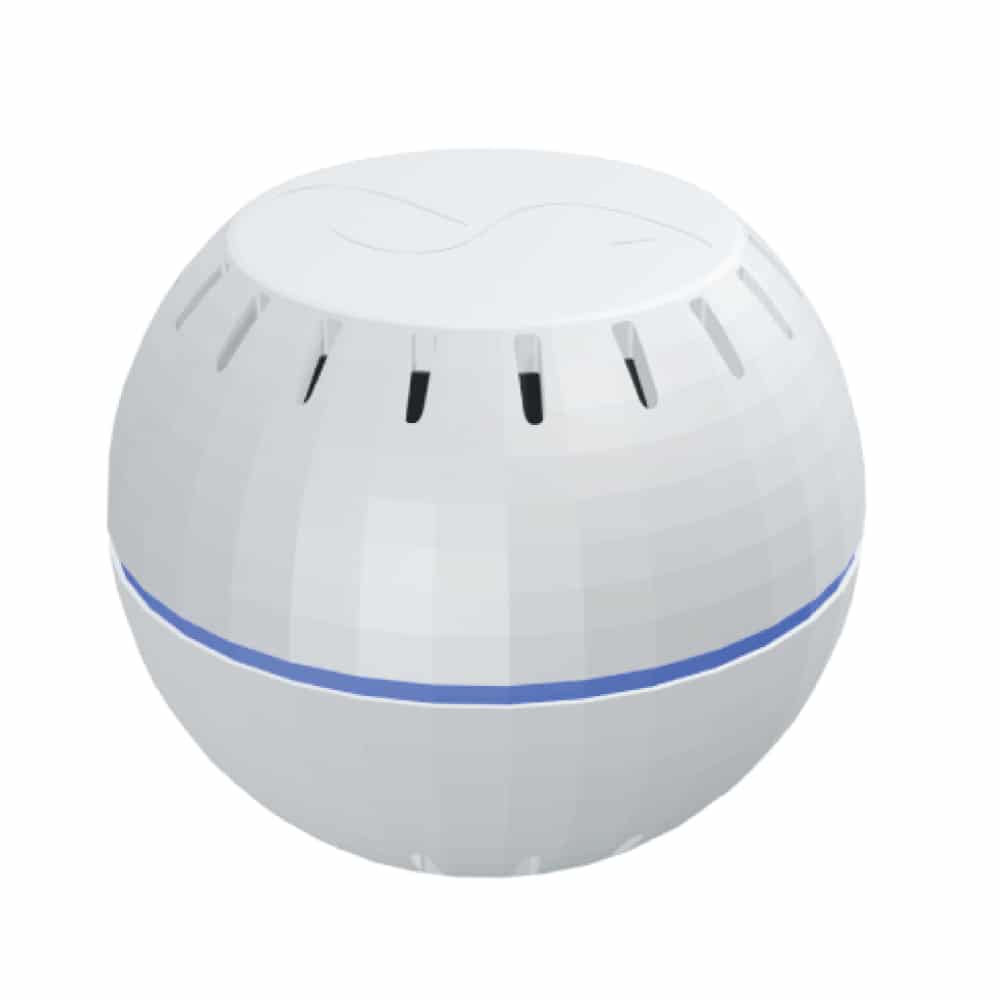
| Name | Shelly Wave H&T LR |
|---|
| Short Description | Battery-powered Z-Wave® Long Range humidity and temperature sensor |
|---|
| Description | The Shelly Wave H&T offers precise temperature and humidity monitoring to help users maintain a healthier and more comfortable home. Using Z-Wave Long Range technology, it connects directly to Z-Wave hub for reliable performance across extended areas. Whether trying to prevent mold, dryness, or ensure optimal indoor conditions, the Shelly Wave H&T delivers accurate data. With long battery life and compact design, it fits into any space for convenient climate control.
Key Features:
Humidity sensor
Temperature sensor
Battery operated ( 1 x CR123A)
Long battery life
Z-Wave frequency band: 864 MHz (ZWLR) & 868.4 MHz (Z-Wave Plus)
Latest technology: Z-Wave 800 Series
Automatic set-up with SmartStart
Security 2 Authenticated for the highest level of security
Over-the-air firmaware updates |
|---|
| Brand | Shelly |
|---|
| Brand Owner | Shelly Group Ltd. |
|---|
| Identifier | QLHT-0U2ZEU |
|---|
| Product Line | Shelly Wave |
|---|
| Product URL | https://www.shelly.com/products/shelly-wave-h-t |
|---|
| OEM Version | HW: 01 FW: 11.09:03.00 |
|---|
| Hardware Platform | ZGM230SA |
|---|
| Z-Wave Version | 7.23.1 |
|---|
| Library Type | END_NODE_ENHANCED_232 |
|---|
| Device Type | Multilevel Sensor DT |
|---|
| Role Type | ROLE_TYPE_END_NODE_SLEEPING_REPORTING |
|---|
| Manufacturer ID | 0x0460 |
|---|
| Product Type ID | 0x0100 |
|---|
| Product ID | 0x0083 |
|---|
| User Icon | 0x0D00 |
|---|
| Installer Icon | 0x0D00 |
|---|
| Radio Range Z-Wave (m) | 75 |
|---|
| Radio Range Z-Wave LR (m) | 700 |
|---|
| Frequency Plans | EU: 869.85MHz, 868.40MHz, EU_LR: 864.00MHz, 866.00MHz |
|---|
| Categories | Sensors |
|---|
| Countries / Regions | Armenia, Bahrain, European Union, Cyprus, Moldova, Egypt, French Guiana, Georgia, Iraq, Jordan, Kazakhstan, Kuwait, Lebanon, Libya, Maldives, Mauritius, Nigeria, Oman, Philippines, Qatar, Saudi Arabia, South Africa, Turkmenistan, United Arab Emirates, ZU, Yemen |
|---|
| Supported Command Classes | | Identifier | Name | Key | Version |
|---|
| COMMAND_CLASS_CONFIGURATION_V4 | Configuration V4 | 0x70 | 4 | | COMMAND_CLASS_SENSOR_MULTILEVEL_V11 | Multilevel Sensor V11 | 0x31 | 11 | | COMMAND_CLASS_ASSOCIATION_V2 | Association V2 | 0x85 | 2 | | COMMAND_CLASS_ASSOCIATION_GRP_INFO_V3 | Association Group Information (AGI) V3 | 0x59 | 3 | | COMMAND_CLASS_BATTERY | Battery | 0x80 | 1 | | COMMAND_CLASS_DEVICE_RESET_LOCALLY | Device Reset Locally | 0x5A | 1 | | COMMAND_CLASS_FIRMWARE_UPDATE_MD_V5 | Firmware Update Meta Data V5 | 0x7A | 5 | | COMMAND_CLASS_INDICATOR_V3 | Indicator V3 | 0x87 | 3 | | COMMAND_CLASS_MANUFACTURER_SPECIFIC_V2 | Manufacturer Specific V2 | 0x72 | 2 | | COMMAND_CLASS_MULTI_CHANNEL_ASSOCIATION_V3 | Multi Channel Association V3 | 0x8E | 3 | | COMMAND_CLASS_VERSION_V3 | Version V3 | 0x86 | 3 | | COMMAND_CLASS_WAKE_UP_V2 | Wake Up V2 | 0x84 | 2 | | COMMAND_CLASS_ZWAVEPLUS_INFO_V2 | Z-Wave Plus Info V2 | 0x5E | 2 | | COMMAND_CLASS_SECURITY_2 | Security 2 | 0x9F | 1 | | COMMAND_CLASS_SUPERVISION | Supervision | 0x6C | 1 | | COMMAND_CLASS_TRANSPORT_SERVICE_V2 | Transport Service V2 | 0x55 | 2 | | COMMAND_CLASS_POWERLEVEL | Powerlevel | 0x73 | 1 |
|
|---|
| S2 Classes | S2_AUTHENTICATED, S2_UNAUTHENTICATED |
|---|
| Documents | |
|---|
| Features | | Feature | Values |
|---|
| Battery Quantity | | | Battery Type | | | Firmware Updatable | | Value |
|---|
| Updatable by Consumer by RF |
|
|
|---|
| Association Groups | | Group Number | Maximum Nodes Supported | End Point ID | Group Name | Profile |
|---|
| 1 | 9 | 0 | Lifeline | 0x0001 |
|
|---|
| Configuration Parameters | | Parameter Number | Name | Description | Format | Size | Min Value | Max Value | Default Value | Flag Advanced | Read-only |
|---|
| 117 | Remote device reboot | Remote device reboot, soft reset | 1 | 1 | 0 | 0 | 0x00 | | | | 120 | Factory reset | Factory reset | 1 | 1 | 0 | 0 | 0x00 | Yes | | | 201 | Serial Number 1 | Serial Number 1 | 1 | 4 | 0 | 0 | 0x7FFFFFFF | Yes | Yes | | 202 | Serial Number 2 | Serial Number 2 | 1 | 4 | 0 | 0 | 0x7FFFFFFF | Yes | Yes | | 203 | Serial Number 3 | Serial Number 3 | 1 | 4 | 0 | 0 | 0x7FFFFFFF | Yes | Yes | | 119 | Power source selection | Parameter defines if device is battery supplied or by external power supply. | 1 | 1 | 0 | 0 | 0x00 | Yes | | | 161 | Temperature threshold | Temperature change in deci °C that triggers a report. | 1 | 1 | 0 | 0 | 0x05 | Yes | | | 162 | Temperature offset | Offset in deci °C to be applied to the measured temperature | 0 | 2 | 0 | 0 | 0x0000 | Yes | | | 163 | Humidity threshold | Humidity change in deci % that triggers a report. | 1 | 1 | 0 | 0 | 0x01 | Yes | | | 164 | Humidity offset | Offset in deci % to be applied to the measured humidity | 0 | 2 | 0 | 0 | 0x0000 | Yes | |
|
|---|
| Texts | | ID | Description | Value |
|---|
| 8 | Where to find S2 DSK on product | Note! When adding the Device to a Z-Wave® network with a gateway supporting Security 2 (S2), the PIN Code of the Z-Wave® Device Specific Key (DSK) is required. You can find it on the label on the side of the Device and a copy is inserted in the packaging, which must not be lost. Do not remove the Z-Wave® DSK label from the Device. As a backup measure, use the label in the packaging. | | 1 | Classic Inclusion | 1. Single press and check if the blue LED blinks once. If so, the Device is not added to a Z-Wave® network.
2. Enable add/remove mode on the gateway.
3. To enter the Setting mode, press the S button (>0,5s) on the Device until the LED turns solid blue.
4. Release and then press and hold (> 2s) the S button on the Device until the blue LED starts blinking in Mode 3. Releasing the S button will start the Learn mode.
5. The blue LED will be blinking in Mode 2 during the adding process.
6. Once the device has been successfully added into a Z-Wave® network, the LED will remain off. To confirm the inclusion of the device, press the S-button again; the green LED will blink once as a signal of successful inclusion.
Note! In Setting mode, the Device has a timeout of 10s before entering again into Normal mode. | | 2 | Classic Exclusion | 1. Single press and check if the green LED blinks once. If so, the Device is added to a Z-Wave® network.
2. Enable add/remove mode on the gateway.
3. To enter the Setting mode, press the S button (>0,5s) on the Device until the LED turns solid blue.
4. Release and then press and hold (> 2s) the S button on the Device until the blue LED starts blinking in Mode 3. Releasing the S button will start the Learn mode.
5. The blue LED will be blinking in Mode 2 during the removing process.
6. The blue LED will be blinking in Mode 1 if the Device is successfully removed from a Z-Wave® network.
Note! In Setting mode, the Device has a timeout of 10s before entering again into Normal mode. | | 5 | Factory Reset Procedure | After Factory reset, all custom parameters and stored values (kWh, associations, routings, etc.) will return to their default state. HOME ID and NODE ID assigned to the Device will be deleted. Use this reset procedure only when the gateway is missing or otherwise inoperable.
Factory reset with the S button
Note! Factory reset with the S button is possible anytime.
1. To enter the Setting mode, press the S button (>0,5s) on the Device until the LED turns solid blue.
2. Press the S button until the LED turns solid red.
3. Press and hold (> 2s) S button on the Device until the red LED starts blinking in Mode 3. Releasing the S button will start the factory reset.
4. During factory reset, the LED will shortly turn solid green.
5. The blue LED will be blinking in Mode 1 if the Factory reset is successful. | | 4 | Wake-Up Procedure | When the Device wakes up, it sends a Wake up notification to the gateway, letting it know it is awake and ready to receive commands.
The Device will wake up when:
• Pressing the S button
• When the Device is powered on
• By the set wake up interval |
|
|---|
| Supported Multilevel Sensors | | Multilevel Sensor Type |
|---|
| Air temperature | | Humidity |
|
|---|
| Supports NWI | Yes |
|---|
| Supports Explorer Frames | Yes |
|---|
| Supports SmartStart | Yes |
|---|